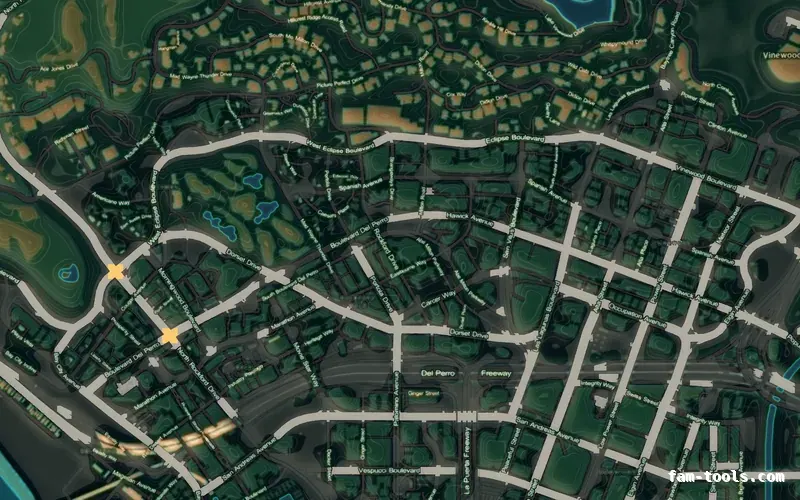
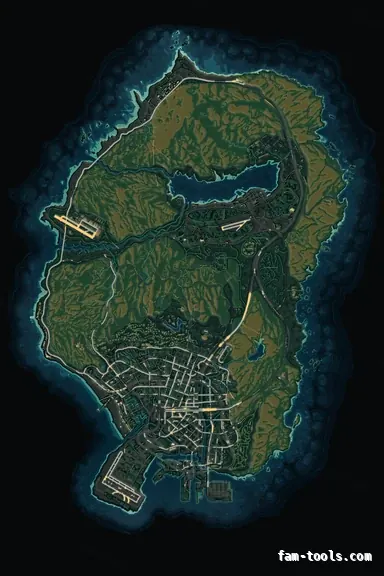
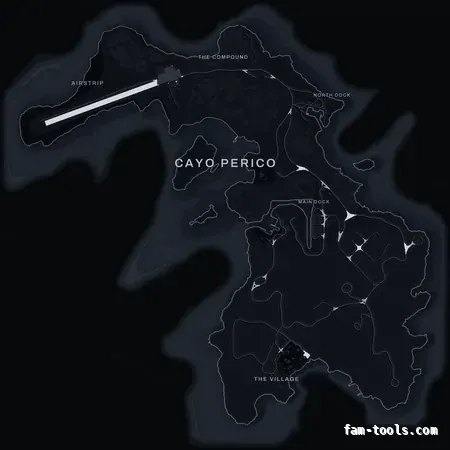
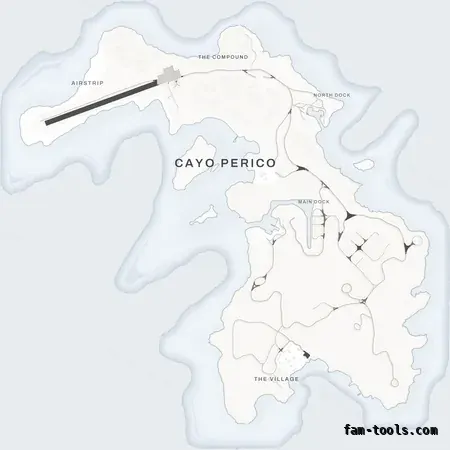
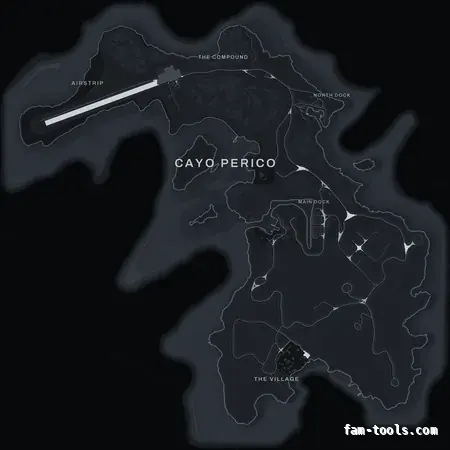
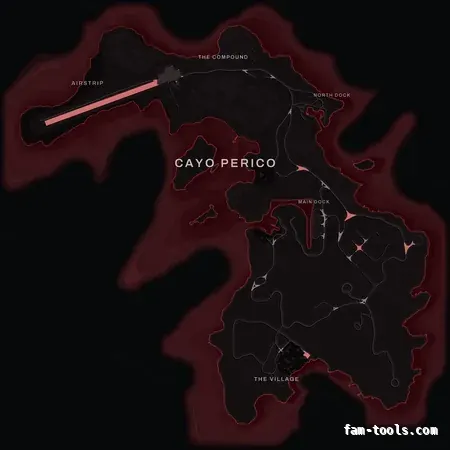
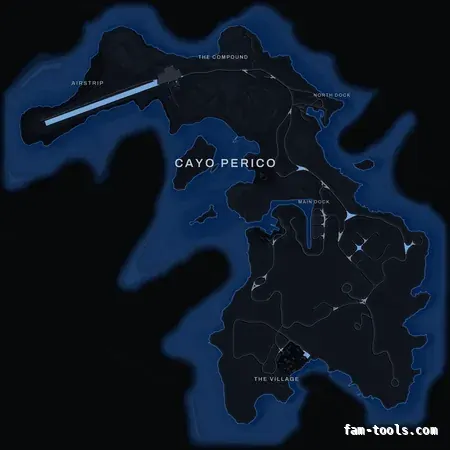
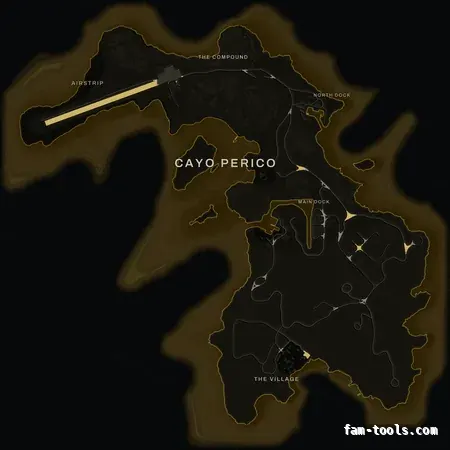
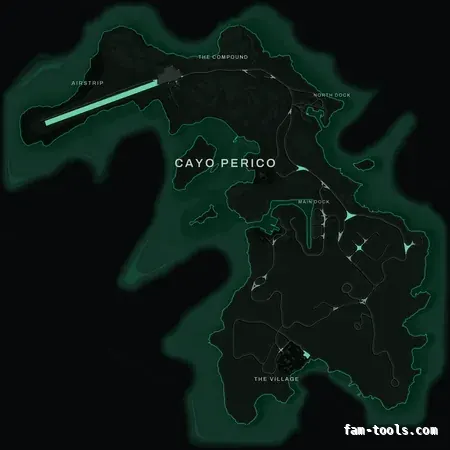
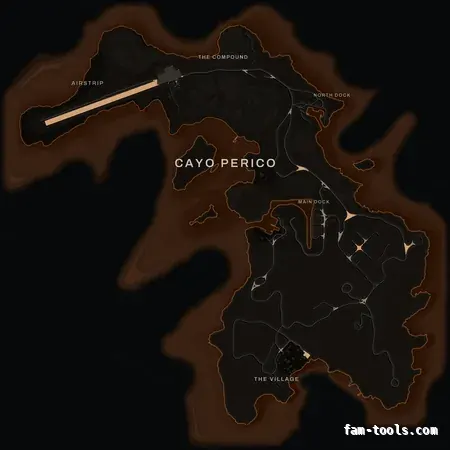
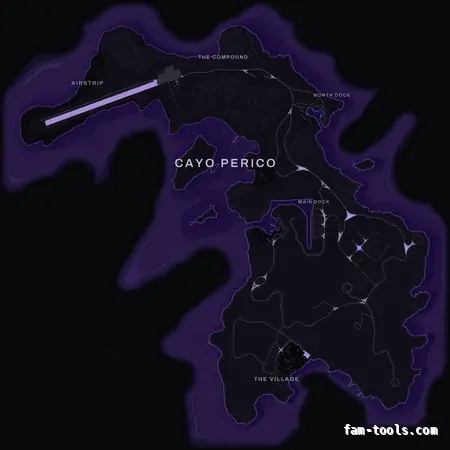
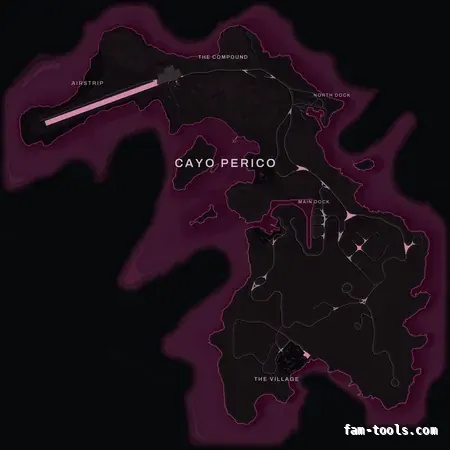
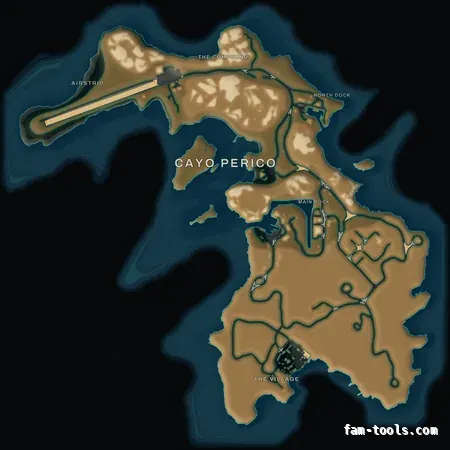
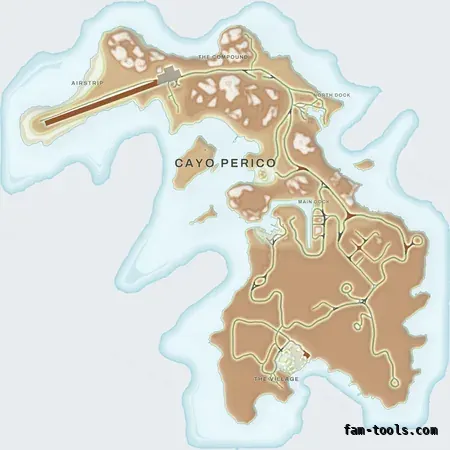
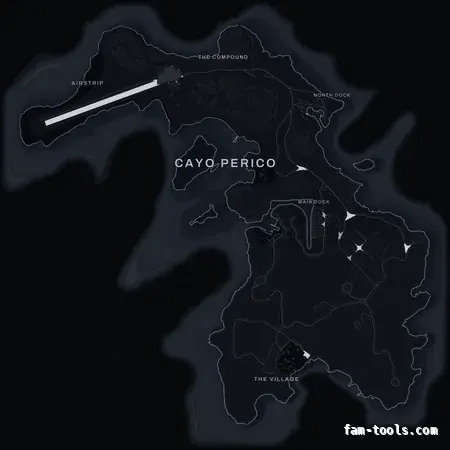
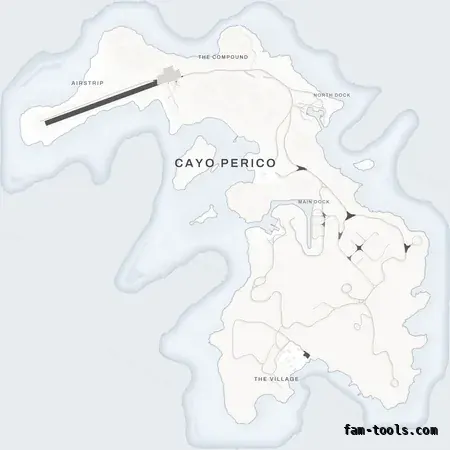
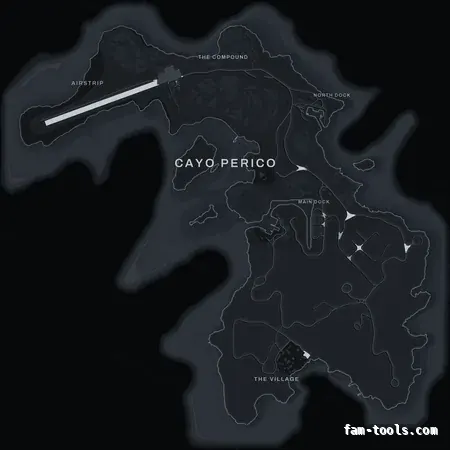
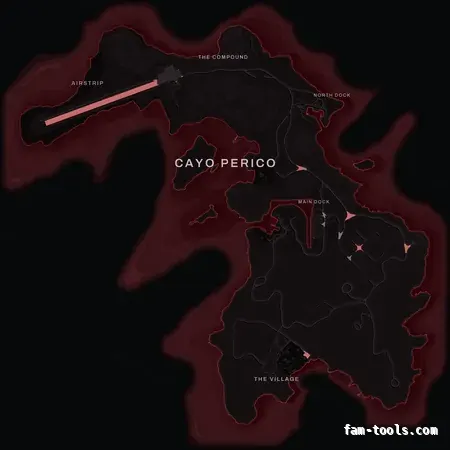
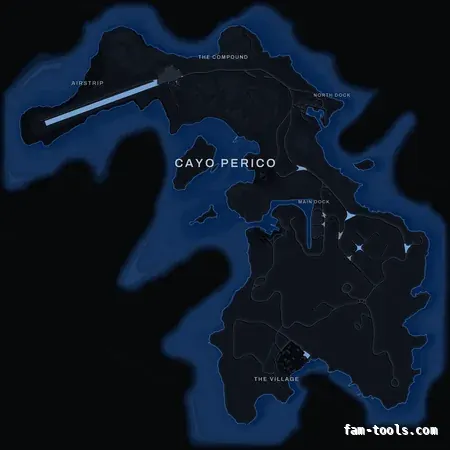
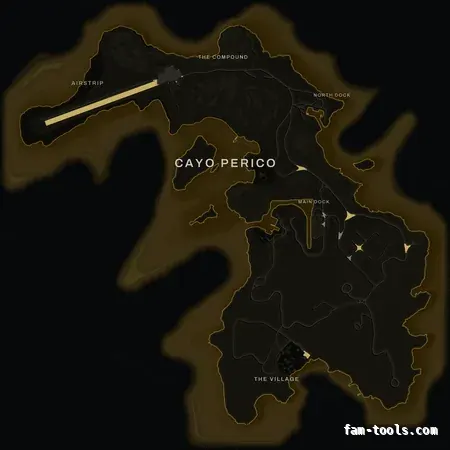
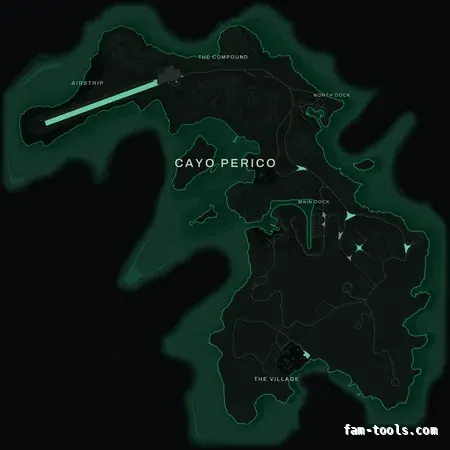
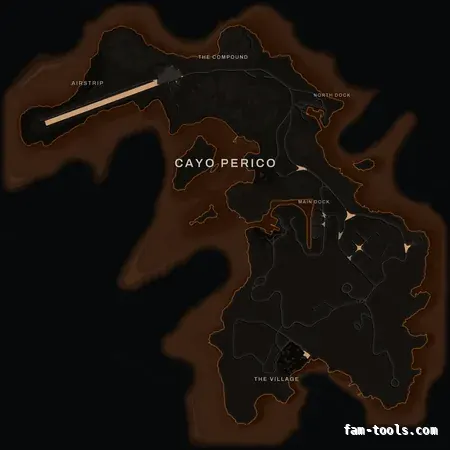
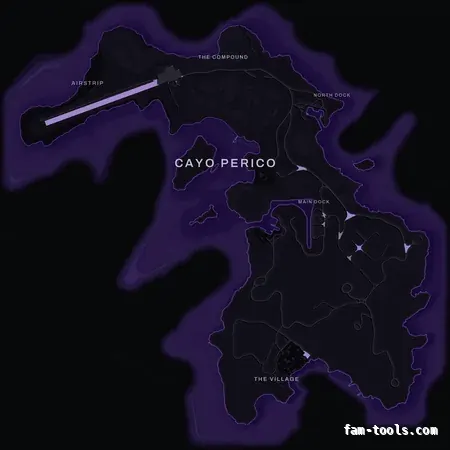
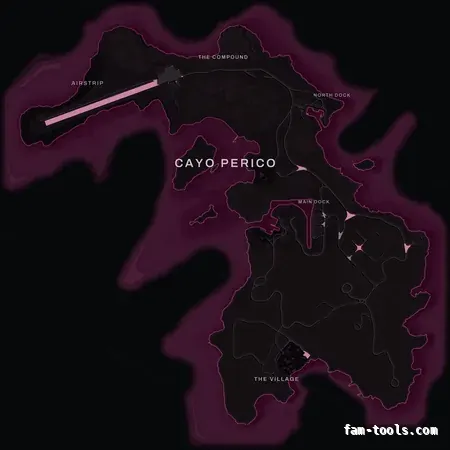
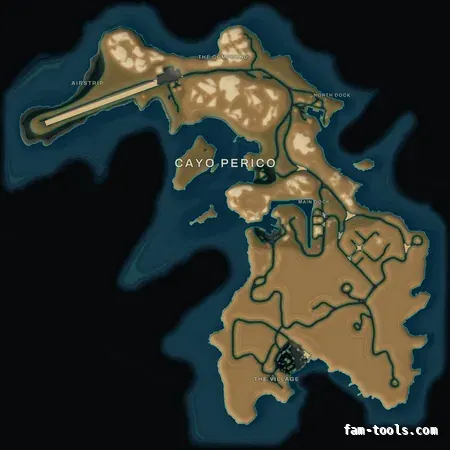
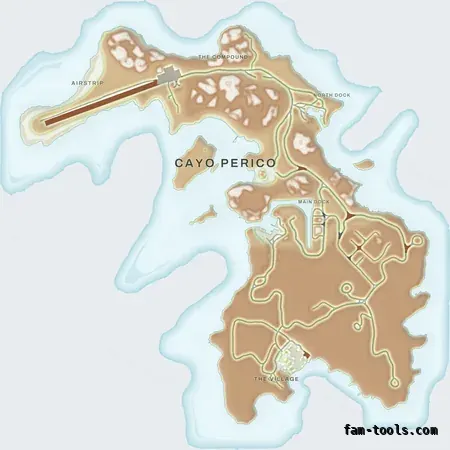
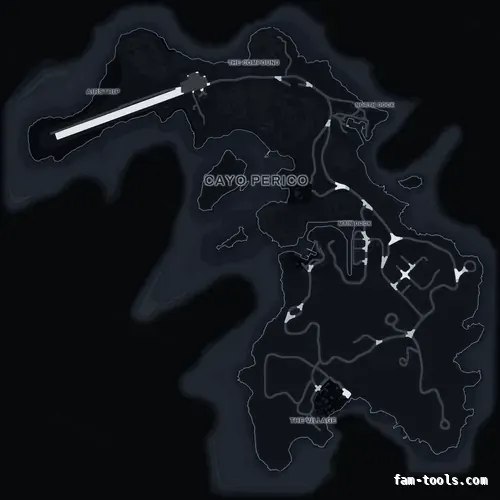
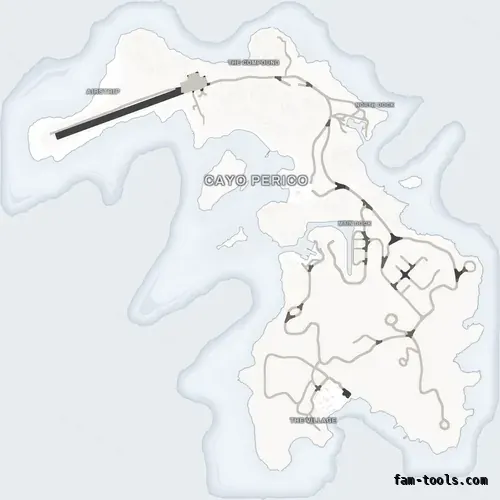
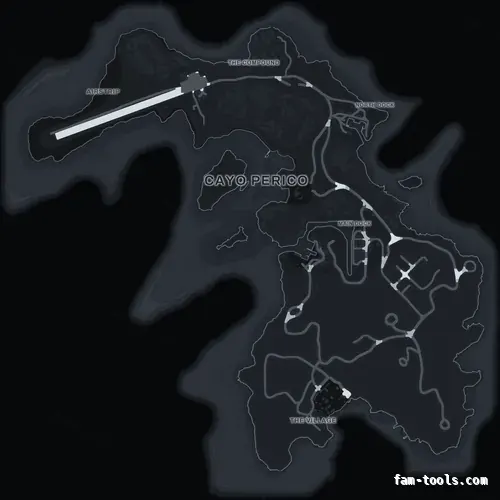
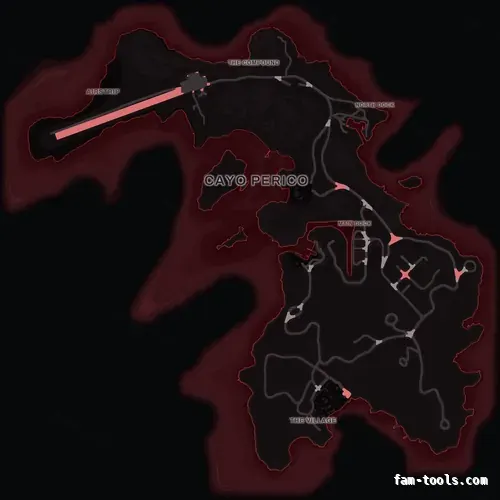
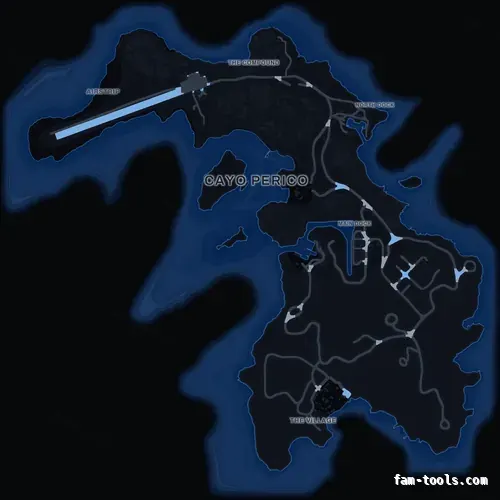
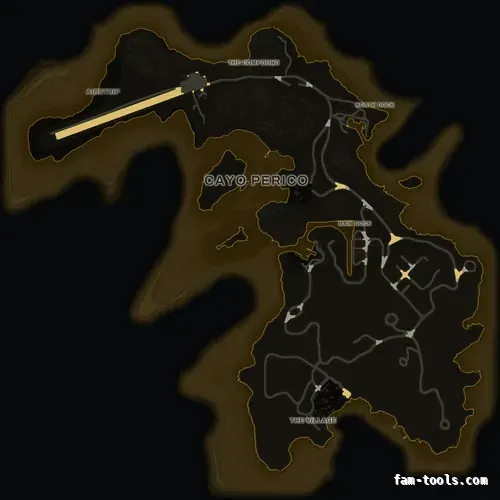
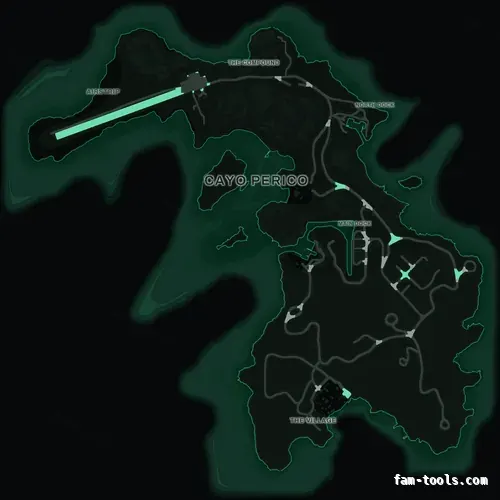
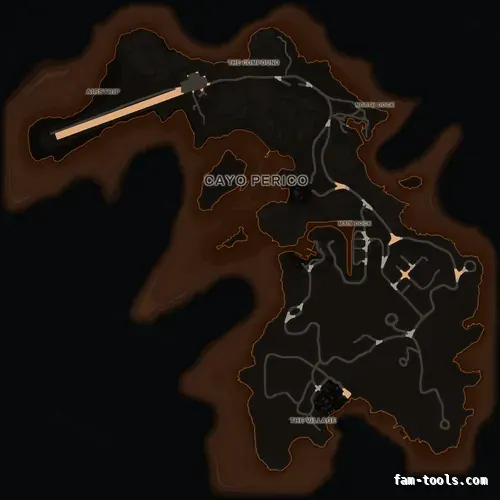
Built forA Cayo Perico minimap that matches the map you already run
GTA 5 does not draw Cayo Perico from the same textures as the mainland. The island has its own Scaleform file, streamed separately, and nothing in a Los Santos minimap replacement touches it. That is why a server running a custom dark or coloured minimap still shows the stock Rockstar island the moment a player lands on the airstrip — the radar changes colour mid-flight, and it looks like a bug. This page is about the fix: the same island, redrawn by the same renderer, in the exact palette of the map you are already buying, for one dollar.
Why the island stays stock when you replace the minimap
The Los Santos and Blaine County radar comes from a 2 × 3 grid of texture dictionaries — the six minimap tiles, the sea tiles and a LOD sheet. Cayo Perico is not in that grid. When the Cayo Perico heist shipped, Rockstar added the island as a separate Scaleform asset, a single .gfx file holding three bitmaps: the ocean with its bathymetric shelf, and two states of the island itself. The game swaps to it when the player crosses onto the island, and it is completely independent of everything a normal minimap resource overrides.
The practical consequence is simple and very visible: a server can have a beautifully branded dark minimap on the mainland and the original grey-green Rockstar island offshore. Any server running the heist, an island job, a smuggling script or a Cayo-based custom map has players moving between the two several times a session.
- Los Santos: six .ytd tiles, 6144 × 9216 — what a normal minimap resource replaces
- Cayo Perico: one .gfx Scaleform file, three embedded bitmaps — untouched by it
- The switch happens automatically in game; neither map knows about the other
- Replacing one and not the other is what makes the radar change style mid-flight
How the matching island is made
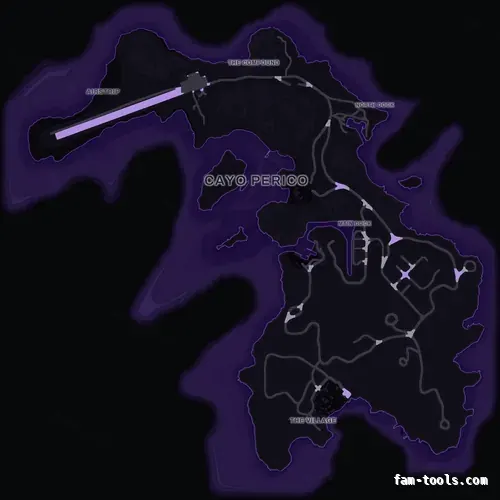
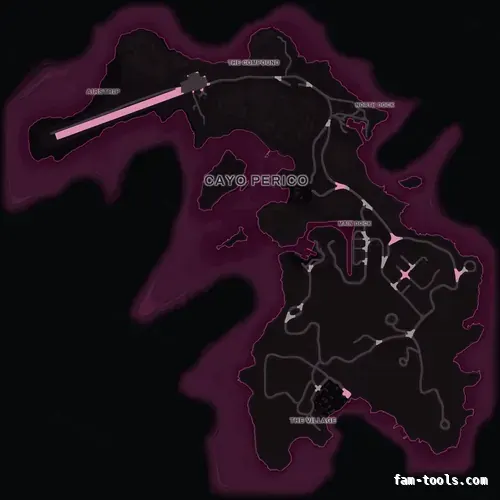
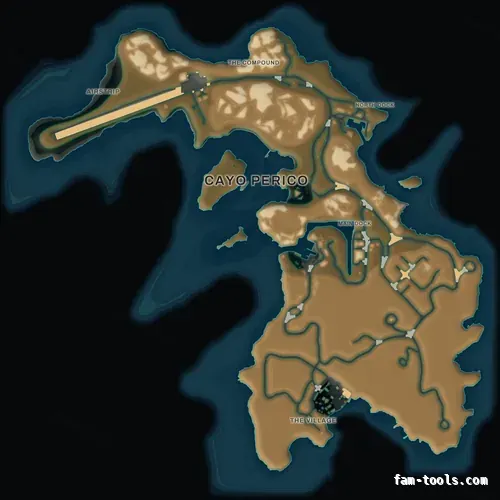
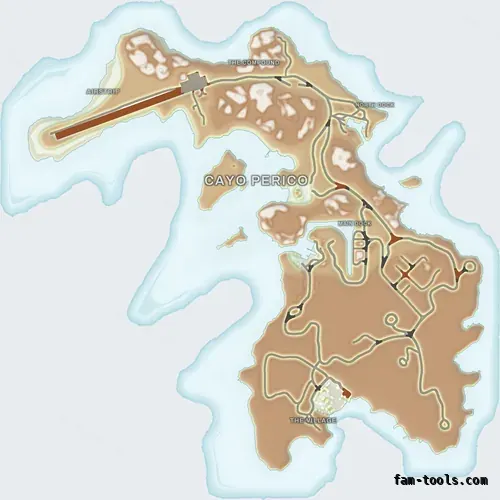
The island is not recoloured with a filter. It goes through the same renderer as the main map: the source bitmaps are decoded, the land mask, relief, road hierarchy, coastline and bathymetry are extracted as separate channels, and then the exact same palette that produced your Los Santos map colours them. Same water gradient, same coast glow, same road hierarchy, same label treatment. That is why the two sit together instead of merely being the same hue.
Two things are tuned specifically for the island, because the source is drawn differently from the mainland sheet. The airstrip is the only road wide enough to read as a trunk route, so it carries the palette accent the way a freeway does on the mainland, while the concrete apron beside it is treated as pavement rather than road. And the district names — Airstrip, The Compound, North Dock, Main Dock, The Village — are set in the same grotesque, letter-spaced and haloed exactly like the zone names baked into the main map, because the stock island carries no lettering at all.
- 12 palettes × 3 base map styles = 36 island maps, one for every minimap in the shop
- Bathymetric contour rings in the theme accent, matching the main map’s depth lines
- District lettering in the palette’s own label colour, with the same halo
- One .gfx file, no extra VRAM cost, no script and no dependency
What it costs and how it ships
The island is an add-on, not a separate product: one dollar per minimap, ticked on the product page, in the cart, or when you check out. It arrives as a second folder in the same zip — pityus_minimap_cayo_<palette> — that you drop into resources next to the main map and ensure on its own line. Nothing about the main minimap changes, and you can add the island to a later order without rebuying the map.
If you brand a map in the studio, the island comes with you: switch to the Cayo Perico surface and place your logo, your server name or your own labels on it exactly as you would on Los Santos. Elements are charged at the same rate as on the main map, and the finished island is rendered at full resolution into the Scaleform file after payment — the same file the game loads, not a preview.
- $1 per minimap, on top of the $8 map — never a subscription
- Delivered in the same archive, as its own resource folder
- Open source like everything else here: no escrow, editable bitmaps
- Editable in the studio, on its own canvas, with your own logo and text
It can switch the island on for you as well
Replacing the island artwork and making the island exist are two different jobs, and most servers need both. So the add-on carries the client script alongside the texture: it requests the 319 island IPLs, draws the radar through the h4_fake_islandx interior — the mechanism that makes the game show this artwork at all — and enables the island world content, its scenario peds, its ambient zones and its water while a player is within two kilometres of it, then puts all of that back as they leave.
It is a single script.lua with nothing to configure, and it runs as soon as the resource starts, because a server that buys an island map almost always wants the island. If yours already loads Cayo Perico from its own resource, remove the client_script line from fxmanifest.lua and the folder goes back to being pure artwork — the map still works.
- Requests the 319 island IPLs that build the world, with the compound gate closed
- Draws the island radar every frame, which is what shows this map
- Island hopper, path nodes, scenario peds and ambient zones within 2 km
- Calm water around the island instead of open-ocean swell
- No config file to get wrong: drop in, ensure, done
Installing the island map
It installs exactly like the main map. Drop the folder into your resources directory, add one ensure line to server.cfg, restart. Load order does not matter and the two resources do not interact — one provides the mainland textures, the other provides the island Scaleform file. If you ever want the stock island back, remove the folder; nothing else has to change.
Because it is a texture asset rather than a script, it is safe on every framework. QBCore, QBox, ESX, vRP and fully standalone servers all treat it the same way: art streamed to the client, drawn underneath the HUD.
Do I need the Cayo Perico add-on if I already bought a minimap?
Only if your players actually go to the island. The main map is complete on its own and the mainland looks identical either way. If your server runs the heist, an island job or any Cayo-based script, the add-on is what stops the radar changing style when the plane lands.
Does it change anything about the main minimap?
No. It is a separate resource containing a single Scaleform file. The main map’s textures, geometry and zoom data are untouched, and removing the island folder leaves your minimap exactly as it was.
Can I buy the island on its own?
It is priced as an add-on to a minimap, because its whole point is matching one. It is a dollar on top of the map, and the pairing is what makes it worth having.
Will it cost performance?
No. It replaces one file with one file of the same dimensions and the same pixel format. The island uses exactly as much memory as the stock version, and there is no script running.
Can I put my server logo on the island as well?
Yes. In the studio, turning the add-on on adds a Cayo Perico canvas next to the Los Santos one. Anything you can place on the main map — text, logos, brush strokes, zones — you can place on the island, and it is baked into the island file at full resolution after payment.
Which palettes look best on Cayo Perico?
The two topographic palettes gain the most, because the island is almost entirely terrain and the hypsometric ramp has something to show. Among the flat palettes the dark ones read cleanest at radar size; the light palettes turn the island into a paper chart, which suits servers with a bright HUD.
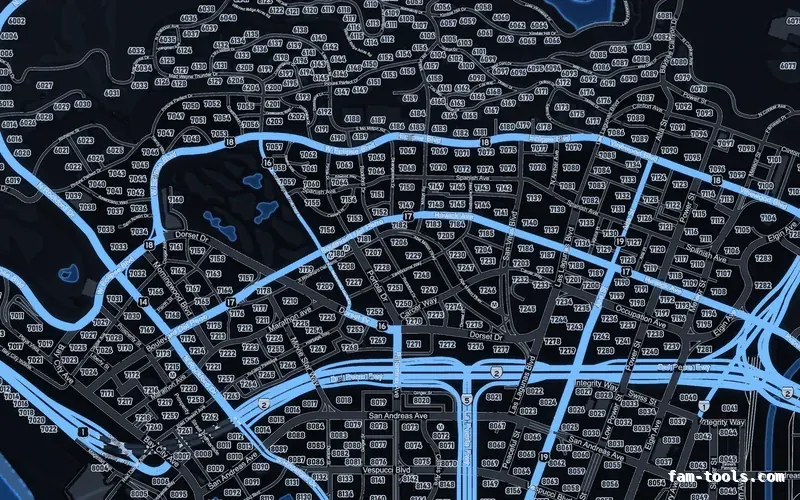
 Postal codes — Black