 Google style — Black
BlackOBSIDIAN
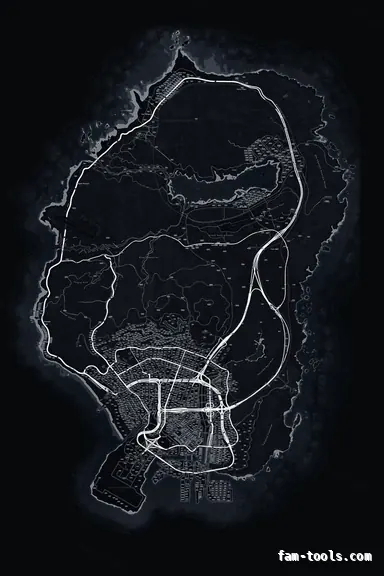
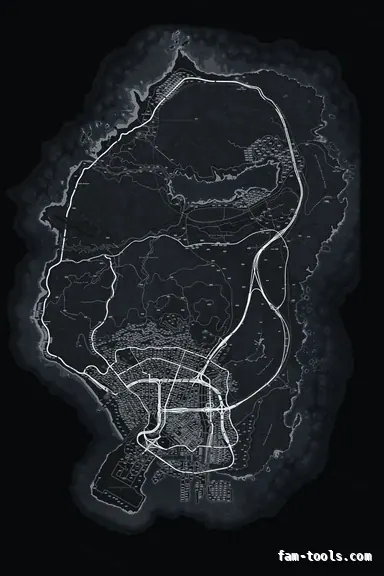
OBSIDIAN palette on the google style base map.
6144 × 9216 px · 78 files · google style$8.00+ $1 / elementView the Black google style minimap
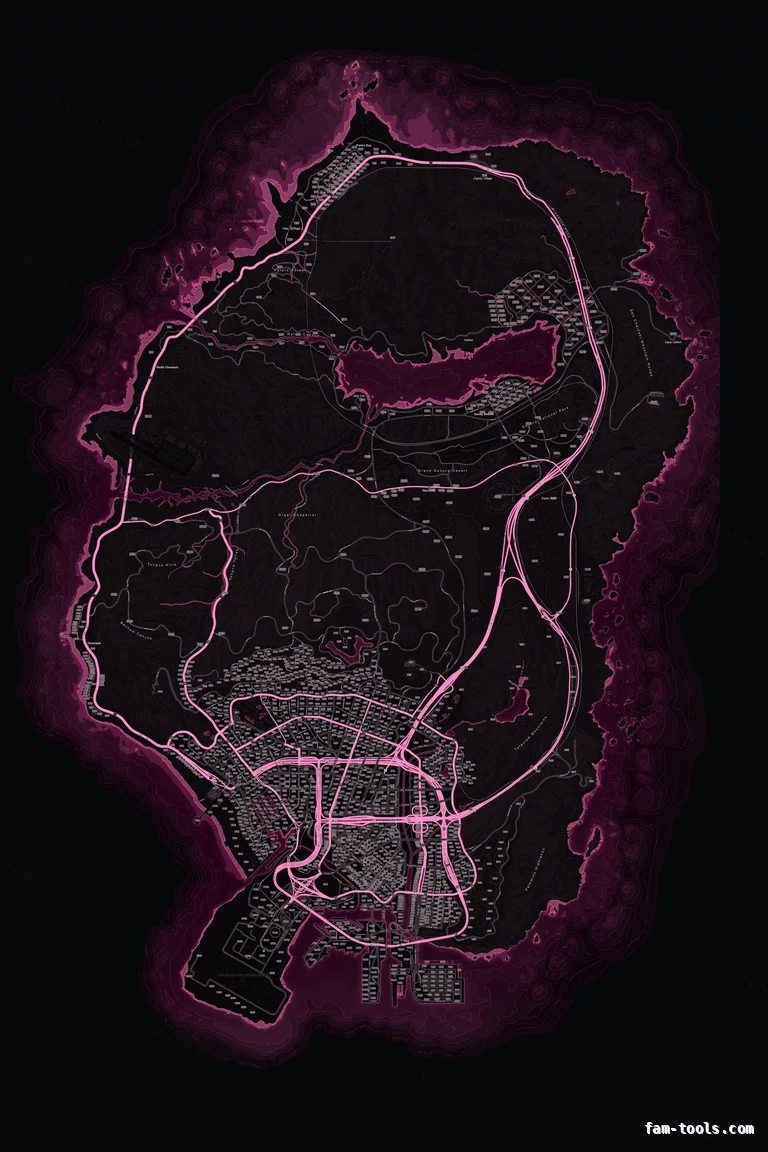 The whole island1 / 7
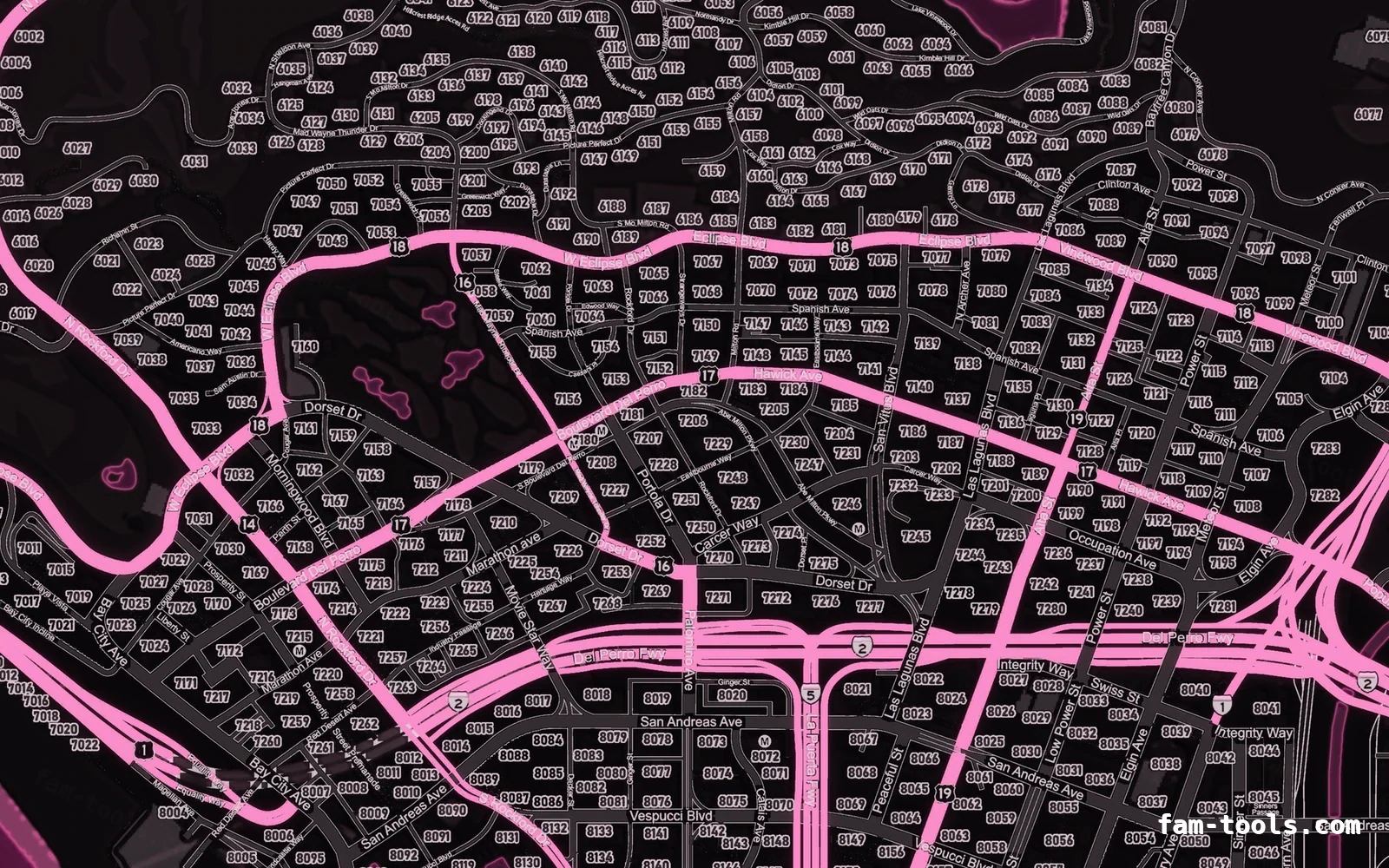
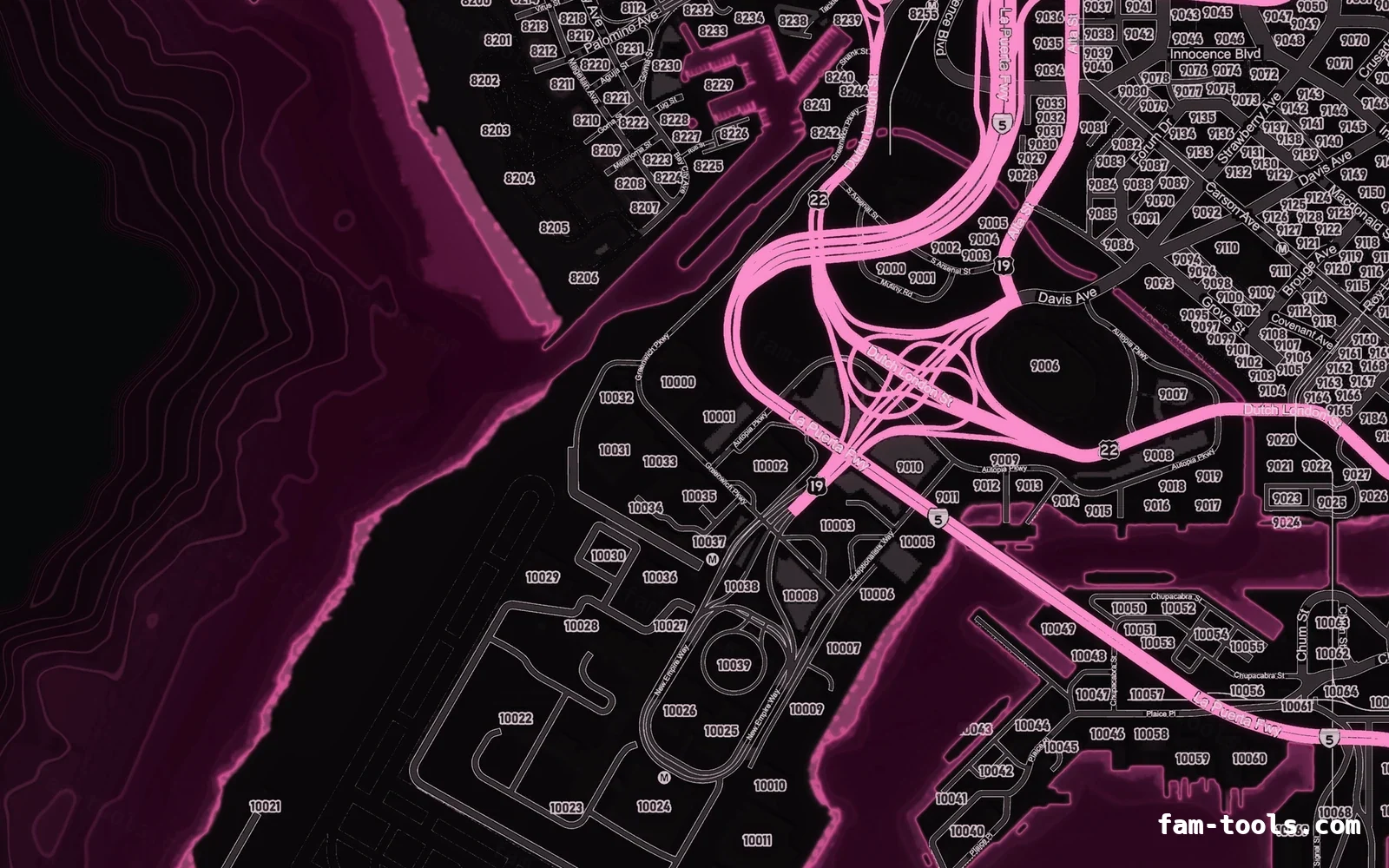
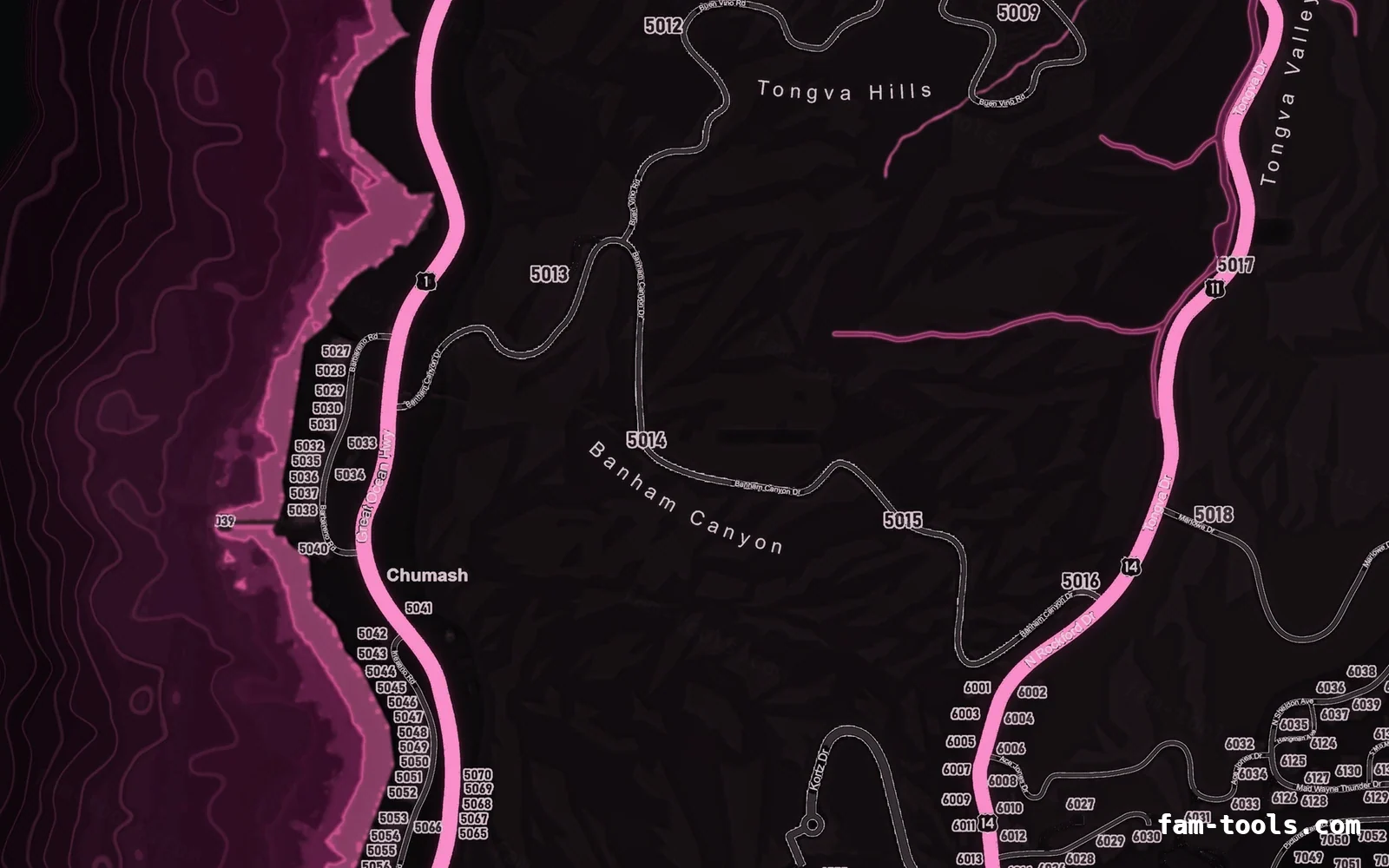
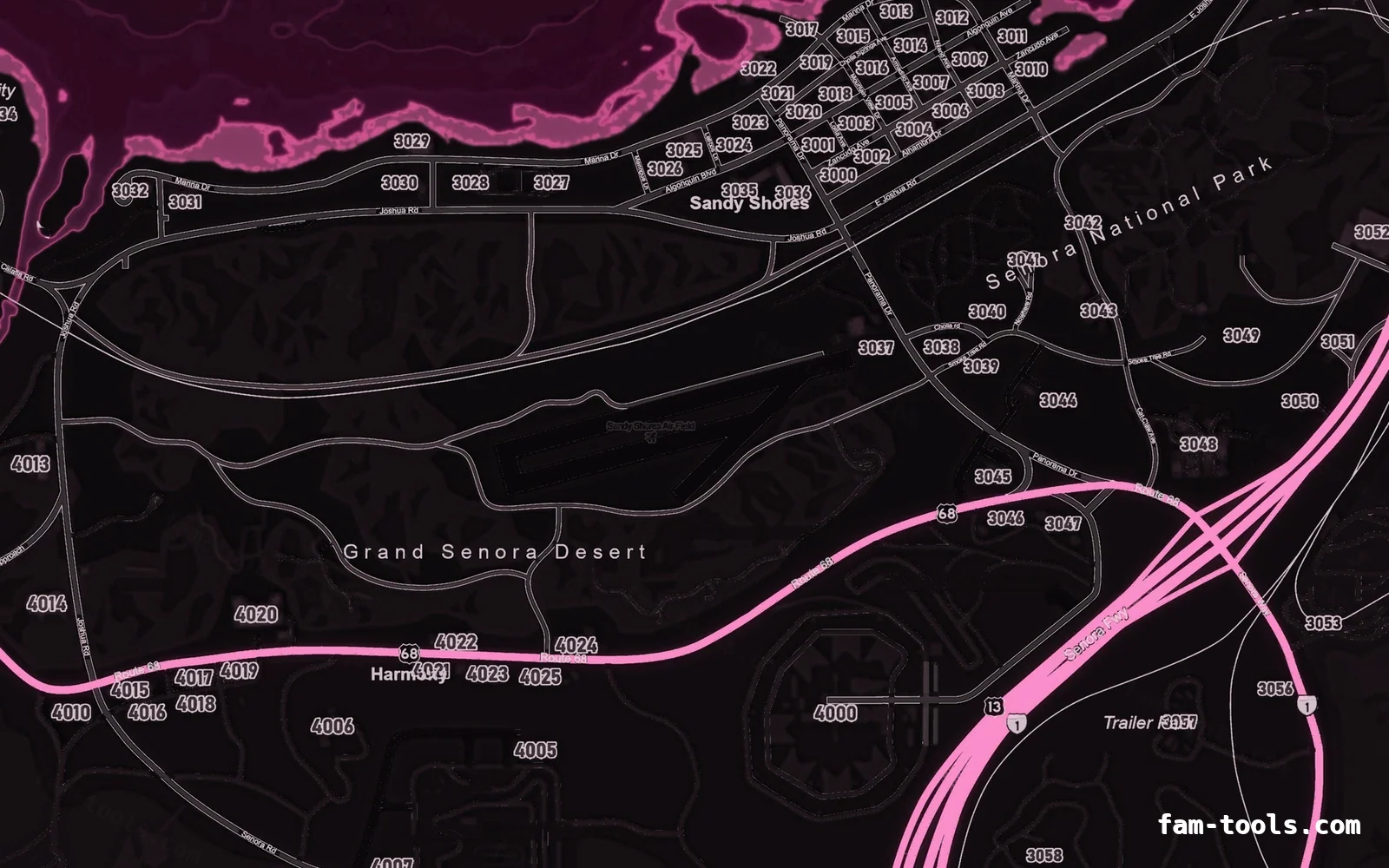
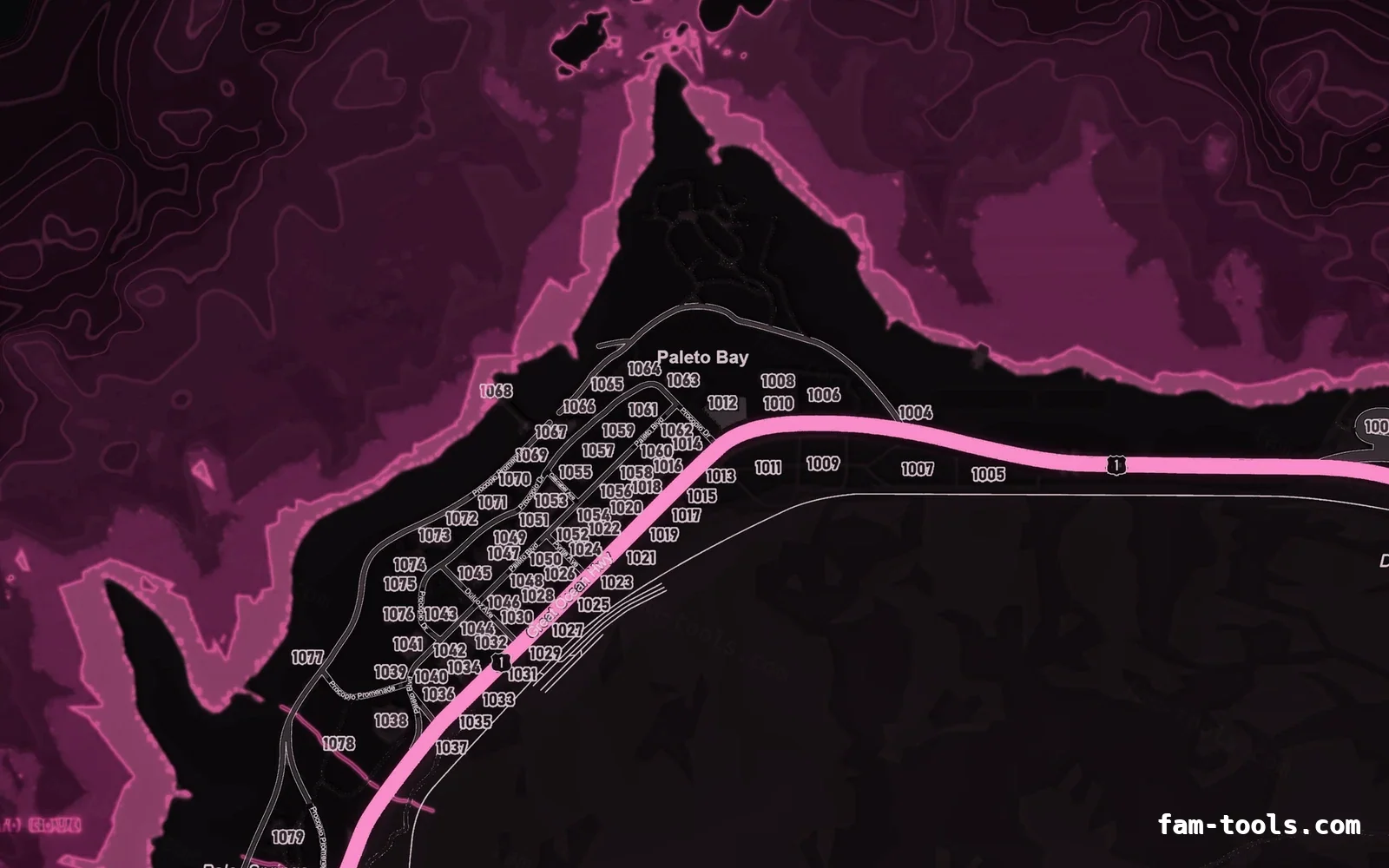
Magenta neon on black — the boldest identity in the set and an instant fit for redzone and Fortnite-style servers. A Google-Maps-style street map as the source: road classes, water, parks and beaches are segmented from its own colours, then re-lit with the elevation relief of the base map — the densest, most detailed style in the shop.
Drift, tuner, streetwear and pride servers, and communities that want the minimap itself to be recognisable in a clip.
A Google-Maps-style colour street map is used as the source. Road classes, water, parks, beaches and built-up blocks are segmented out of its own colours, then re-lit with the elevation data of the base map so it gets the same hillshade, bathymetric depth and glowing coastline as the other two builds.
The same pink palette is also built on postal codes and no postals, so you can switch base map without changing the look of your server.
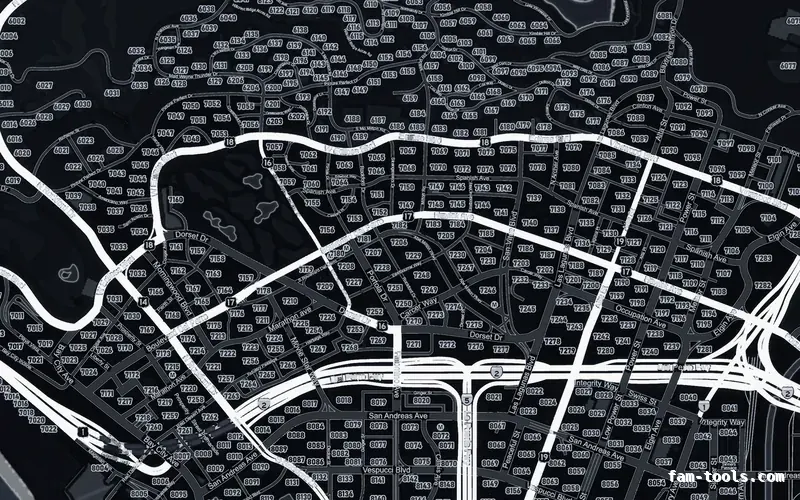
The full street layer gives the pink map real navigational depth, which helps streetwear and community servers that host events at named locations.
It is the most saturated and detailed combination in the shop. It looks spectacular on a stream and can be a lot during long sessions.
Freeways in #FF88C3, coastline in #FF6FB5, deep water in #070305 and labels in #E4D0DC. Every layer value, and the same palette on all three base maps side by side, is on the Pink MAGENTA palette page.
The pink build is rendered from a 12288 × 18432 master and resampled to the 6144 × 9216 texture the game streams, with water depth, coastline, relief, three road tiers and labels coloured as separate layers. How the game cuts that texture into radar tiles is covered in the guide to FiveM map tiles and radar textures.
One folder named pityus_minimap_pink_google, 78 stream files, roughly 113 MB of VRAM in game — identical to the stock GTA V map, so there is no performance cost to switching.
| File | What it does |
|---|---|
fxmanifest.lua | Resource manifest, game "gta5", fx_version "cerulean". |
client.lua | Sets the radar zoom levels so the new texture resolution is sampled correctly. |
stream/minimap_sea_0_0.ytd … 2_1.ytd | Six DXT5 sea texture dictionaries covering the ocean. |
stream/minimap_0_0.ytd … 2_1.ytd | Six DXT5 land texture dictionaries covering the island. |
stream/minimap_lod.ytd | The low-detail texture used when the pause map is fully zoomed out. |
stream/*.ydd (65 files) | The geometry the game draws the minimap onto, unchanged from vanilla. |
pityus_minimap_pink_google/ | Everything above lives in this one folder. Nothing is written anywhere else. |
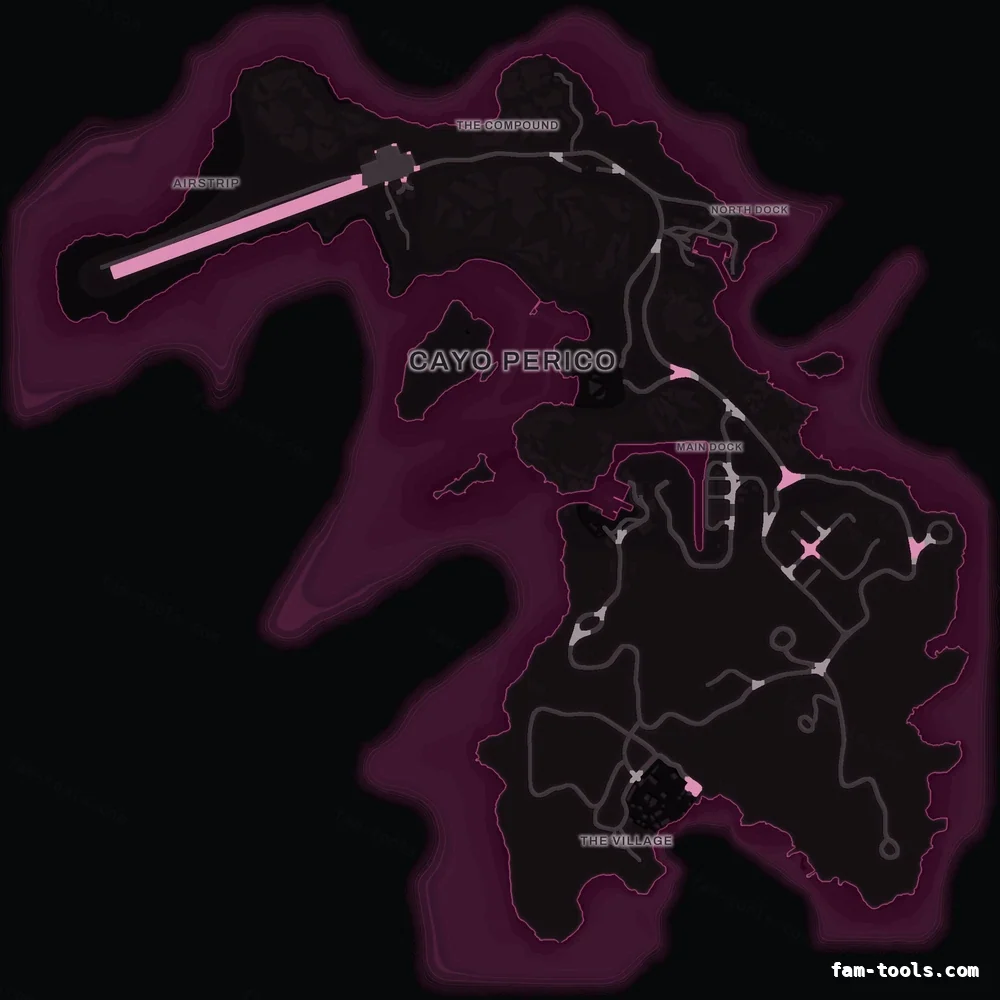
Cayo Perico uses its own texture, so a new Los Santos minimap leaves the island on the stock art. The pink add-on renders the island in the same MAGENTA palette and ships as a second folder, pityus_minimap_cayo_pink_google, with a ready-to-run island loader in script.lua. The Cayo Perico minimap guide explains how the island radar is loaded.
resources/
└─ [standalone]/
   └─ pityus_minimap_pink_google/

server.cfg:  ensure pityus_minimap_pink_google
pityus_minimap_pink_google into your resources folder and keep the folder name.ensure pityus_minimap_pink_google to server.cfg, above your HUD resources.The full installation guide covers txAdmin and replacing an existing map, and minimap not showing lists the usual causes in order.
The resource only replaces textures and radar zoom data, so it has no framework dependency: it runs unchanged on QBCore, QBox, ESX Legacy, vRP and standalone servers. MLOs and map add-ons are untouched, which is covered in minimaps for servers with MLOs; if you are editing the world itself, see interiors and IPLs, removing map props and map editing in CodeWalker.
Open this map in the studio to add a logo or server name before you download, or read how the minimap editor works.
Most people arrive at this page after deciding one of three things. They want a custom FiveM-compatible minimap instead of the stock one and are picking a colour; they already know the colour and are choosing between a map with postal codes baked in and one with street names only; or they are comparing this against the Google-style street map, which segments its roads from a real street map rather than the game's own art.
The rest is usually practical. The pink palette on all three base maps is worth a look before you commit, the readability question for streamers comes up constantly, and if your server runs the island, the Cayo Perico map is the matching add-on for $1.00. If the map is already installed and not appearing, the causes are known and in order.
Bought this map? Sign in to review it. Only buyers can, one each.
Really vibes with the quality, fits our FiveM server perfectly.
Google style — BlackOBSIDIAN palette on the google style base map.
6144 × 9216 px · 78 files · google style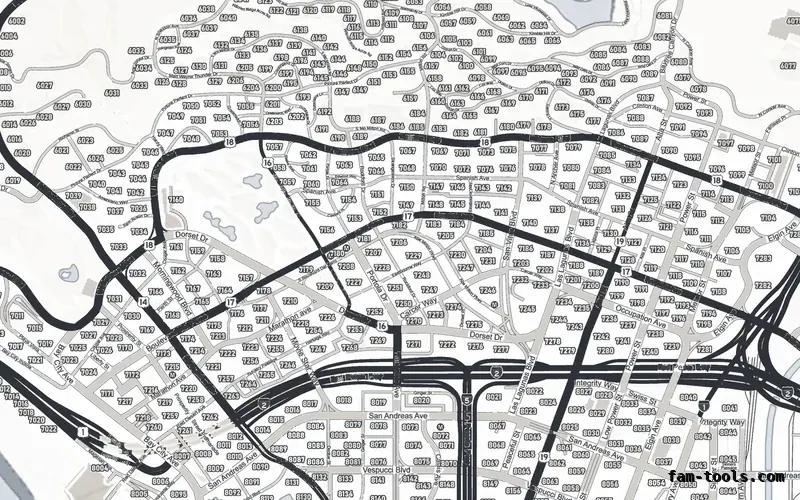
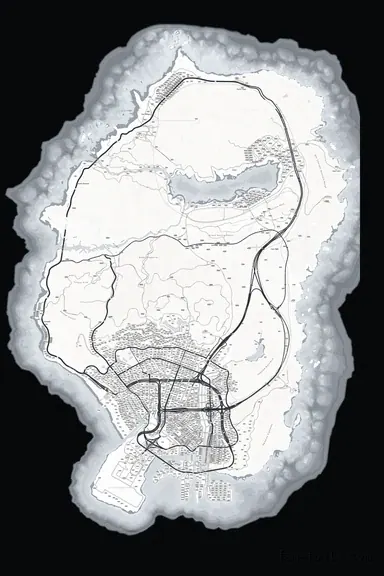 Google style — White
ALABASTER palette on the google style base map.
6144 × 9216 px · 78 files · google style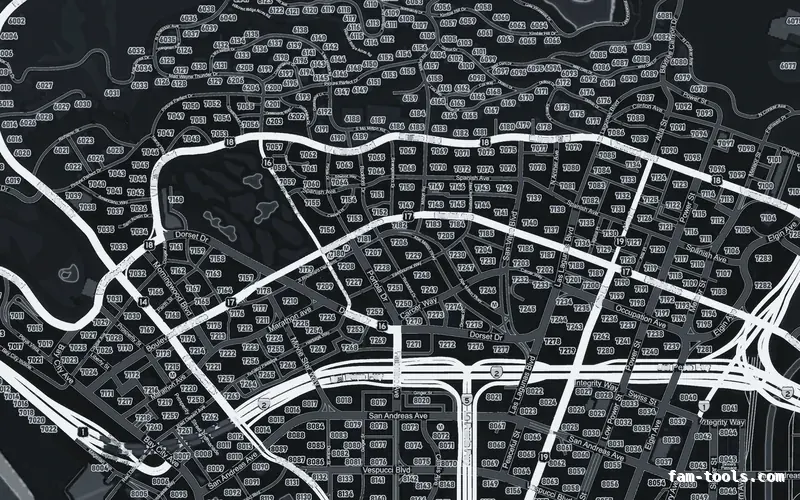
 Google style — Gray
GRAPHITE palette on the google style base map.
6144 × 9216 px · 78 files · google style