 Postal codes — Black
BlackOBSIDIAN
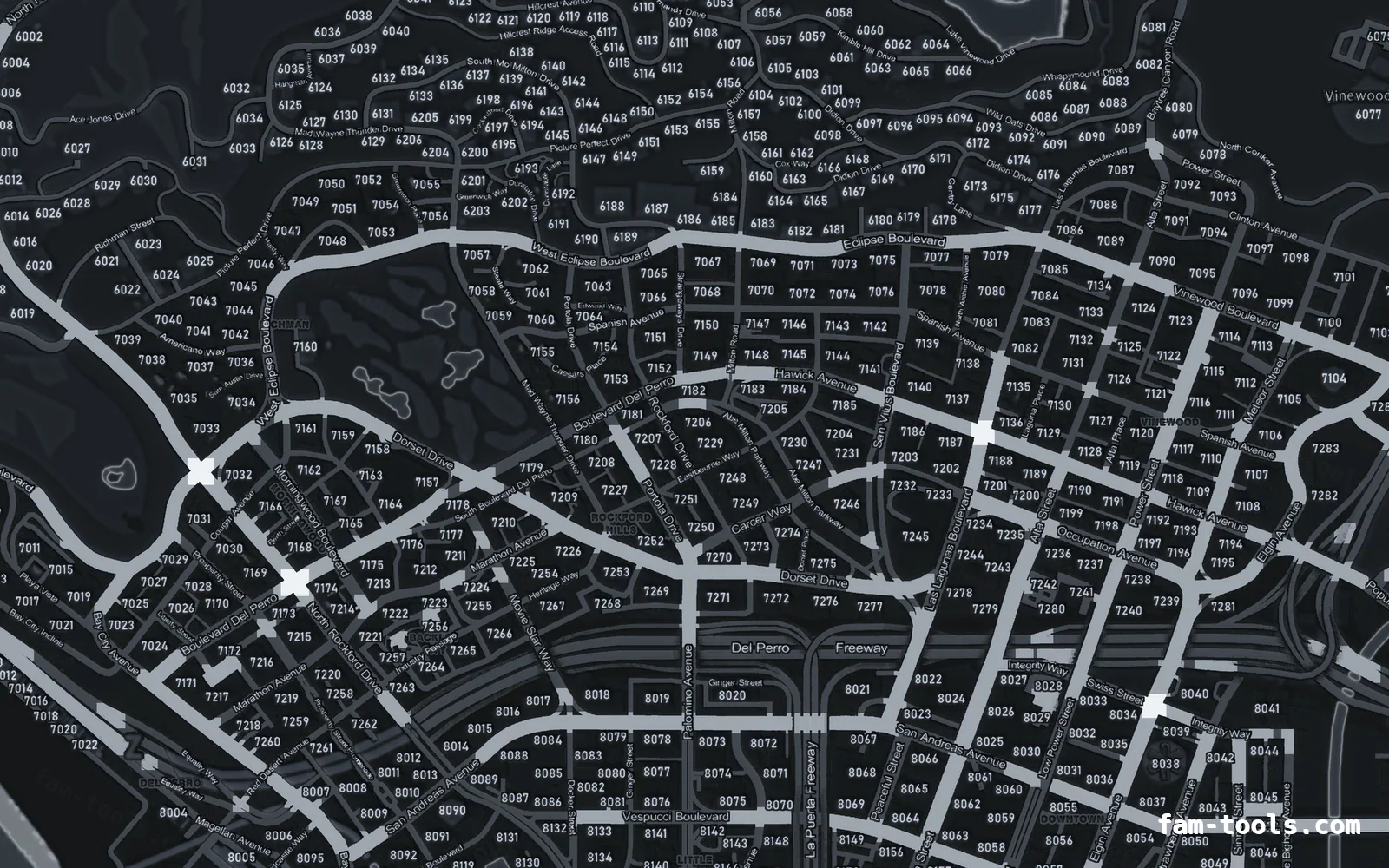
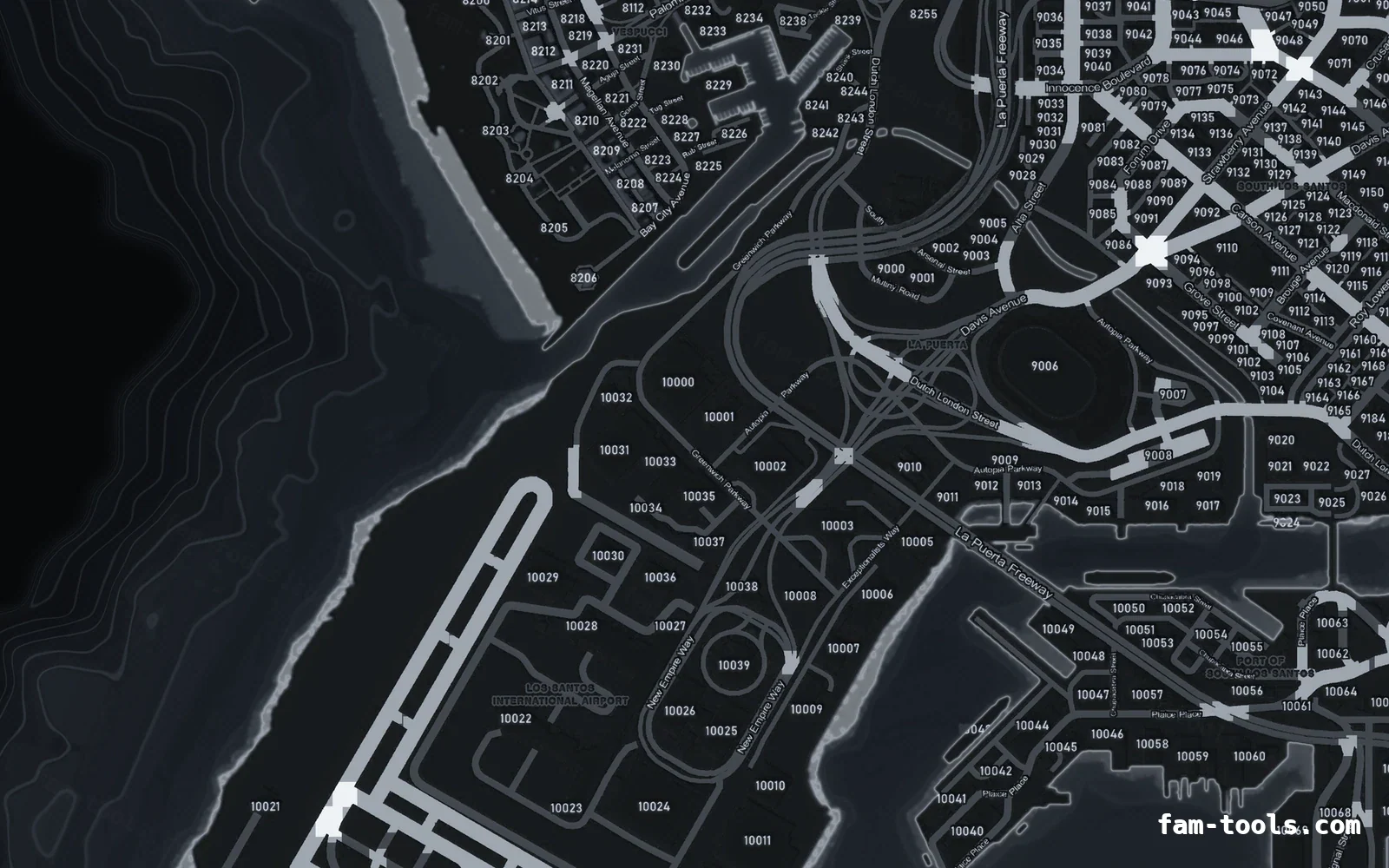
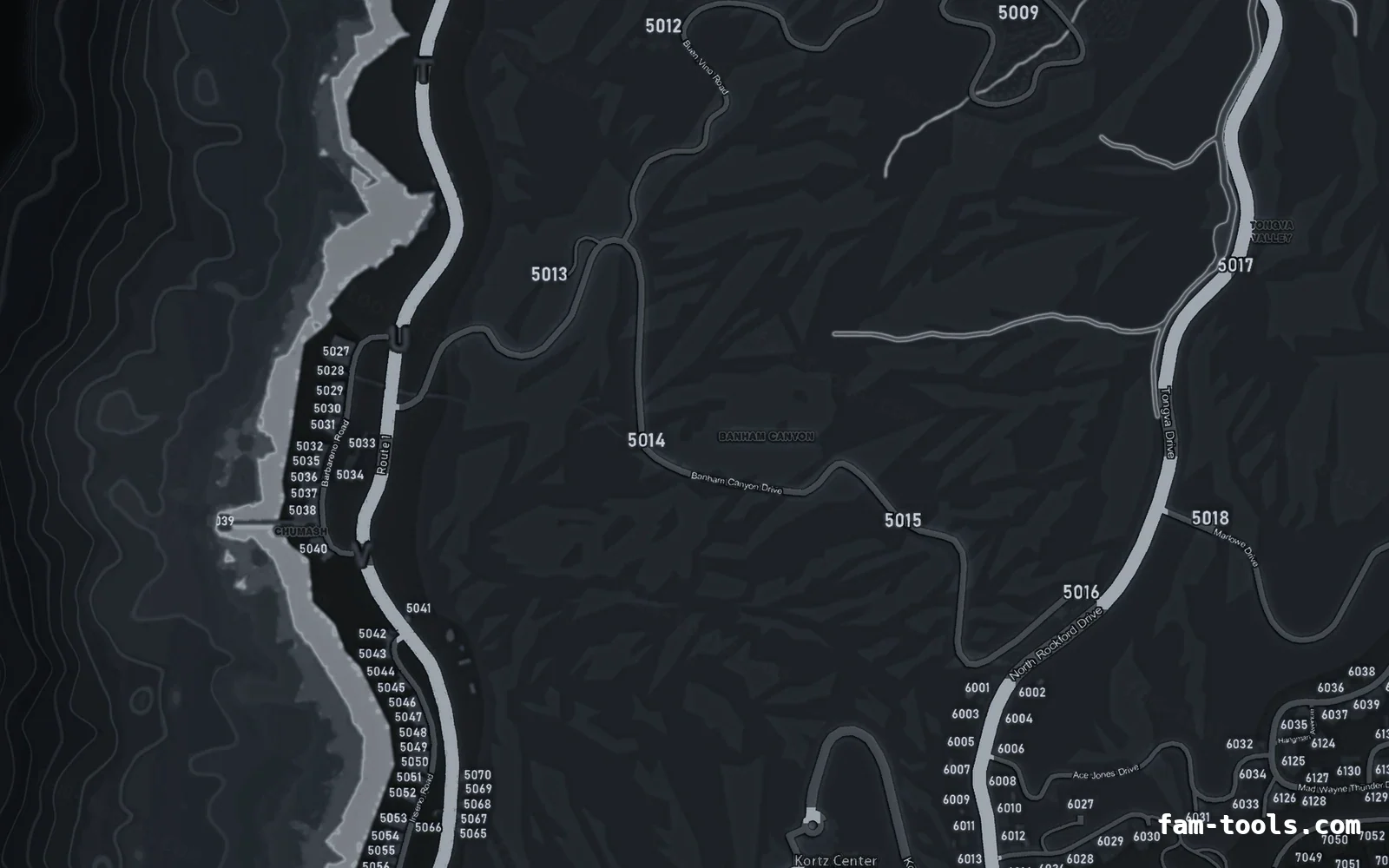
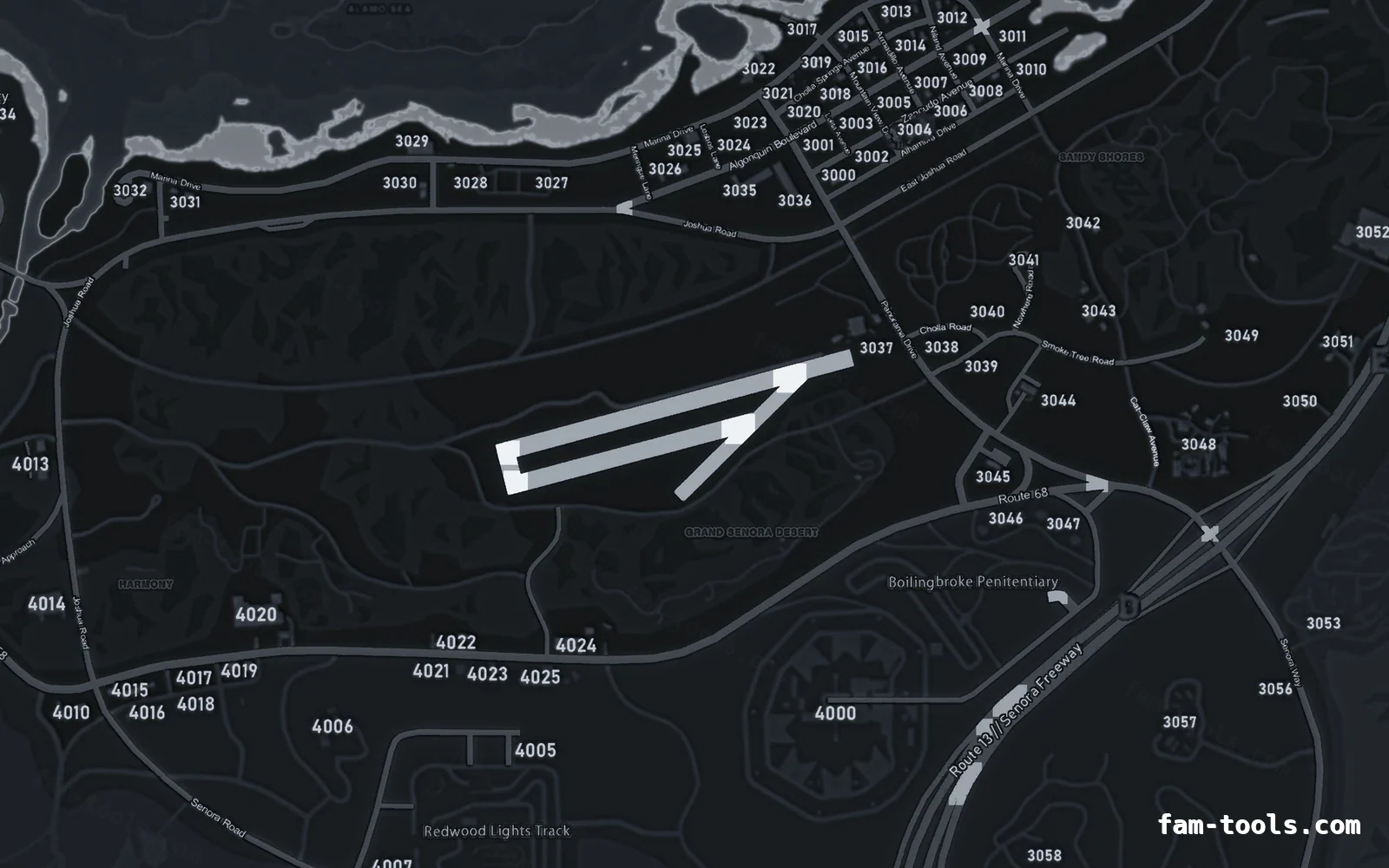
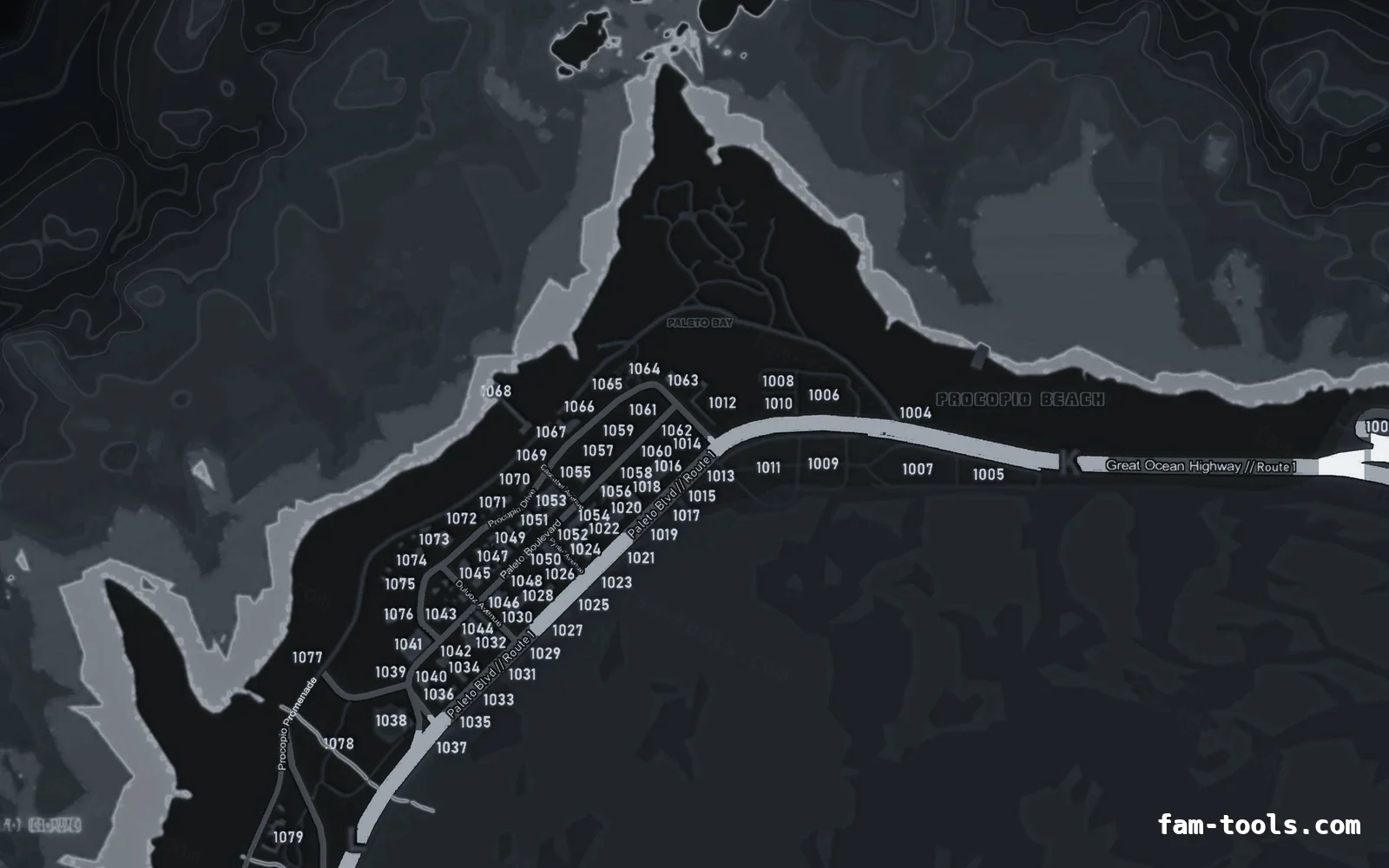
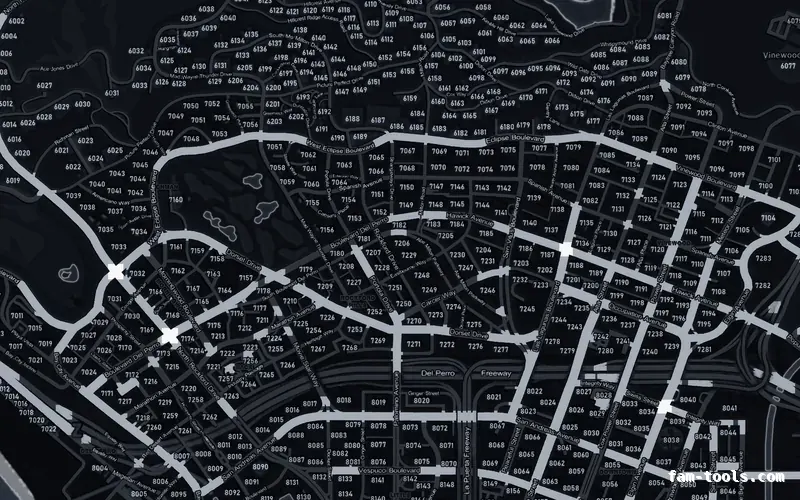
OBSIDIAN palette on the with postal codes base map.
6144 × 9216 px · 78 files · with postal codes$8.00+ $1 / elementView the Black postal codes minimap
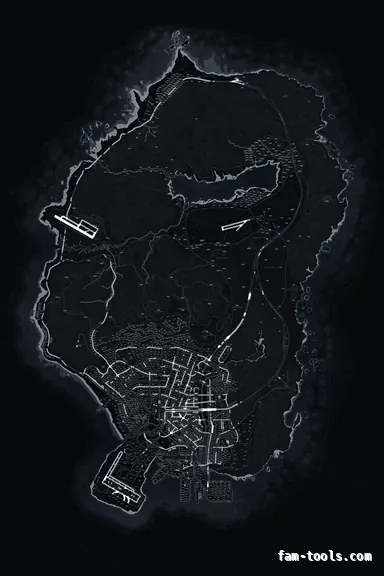
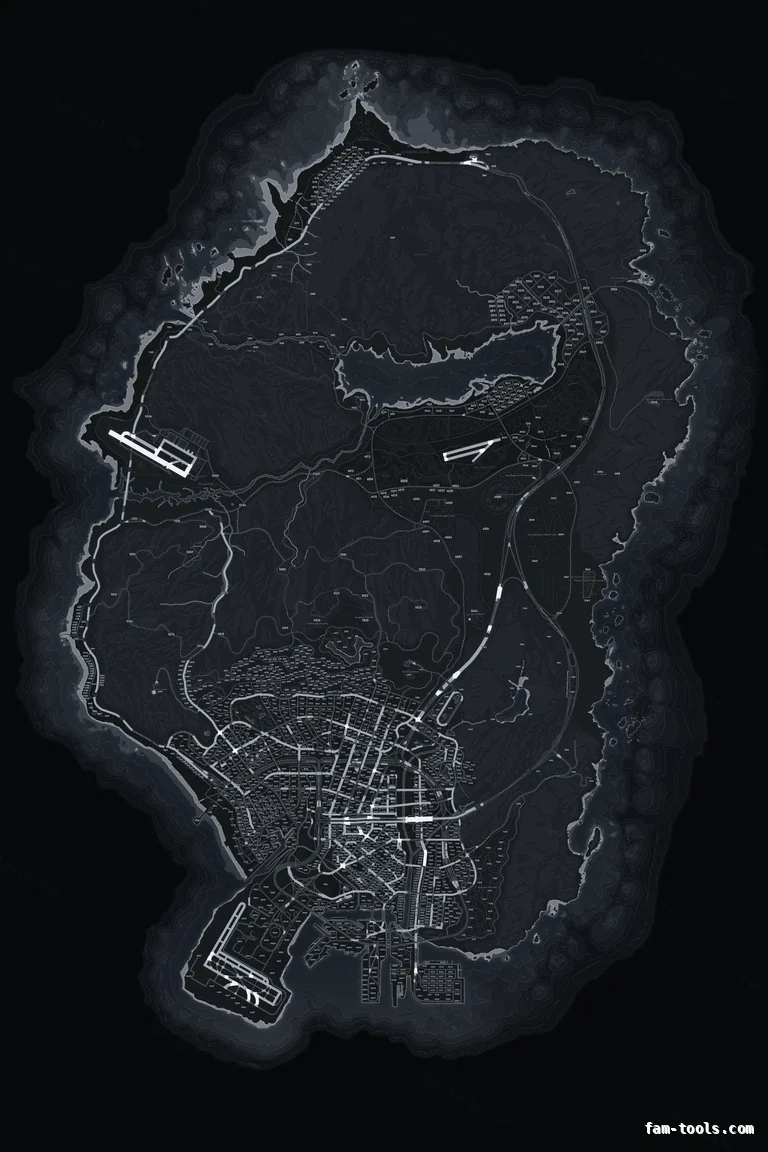 The whole island1 / 7
A neutral graphite base that sits under any server identity without fighting it. The default pick for whitelisted roleplay servers. The base map keeps the full postal grid burned into the texture, so every player reads the same number off the minimap that they call in on the radio, with no extra resource running on the server.
Graphite is the neutral. A mid-dark, desaturated base that carries a server identity without arguing with it — no hue of its own to clash with your logo, your blips or your notification colours.
The trade-off: The numbers are fixed. If you renumber your postals or run a custom postal set, you need a re-render rather than a config change — which we do for free, but it is not instant. The same gray palette is also built on no postals and google style, so you can switch base map without changing the look of your server.
Graphite keeps enough mid-tone for the terrain to stay visible, and the postal numbers sit just above it in brightness. The result is a map that shows hills, roads and postals at the same time without any one of them shouting.
This is the conservative default for whitelisted roleplay with police and EMS departments: neutral enough for any HUD, and complete enough that nobody has to install a separate postal resource.
Freeways in #F4F7FB, coastline in #D5DCE5, deep water in #0D1013 and labels in #D2D8E1. Every layer value, and the same palette on all three base maps side by side, is on the Gray GRAPHITE palette page.
The gray build is rendered from a 12288 × 18432 master and resampled to the 6144 × 9216 texture the game streams, with water depth, coastline, relief, three road tiers and labels coloured as separate layers. How the game cuts that texture into radar tiles is covered in the guide to FiveM map tiles and radar textures.
One folder named pityus_minimap_gray, 78 stream files, roughly 113 MB of VRAM in game — identical to the stock GTA V map, so there is no performance cost to switching.
| File | What it does |
|---|---|
fxmanifest.lua | Resource manifest, game "gta5", fx_version "cerulean". |
client.lua | Sets the radar zoom levels so the new texture resolution is sampled correctly. |
stream/minimap_sea_0_0.ytd … 2_1.ytd | Six DXT5 sea texture dictionaries covering the ocean. |
stream/minimap_0_0.ytd … 2_1.ytd | Six DXT5 land texture dictionaries covering the island. |
stream/minimap_lod.ytd | The low-detail texture used when the pause map is fully zoomed out. |
stream/*.ydd (65 files) | The geometry the game draws the minimap onto, unchanged from vanilla. |
pityus_minimap_gray/ | Everything above lives in this one folder. Nothing is written anywhere else. |
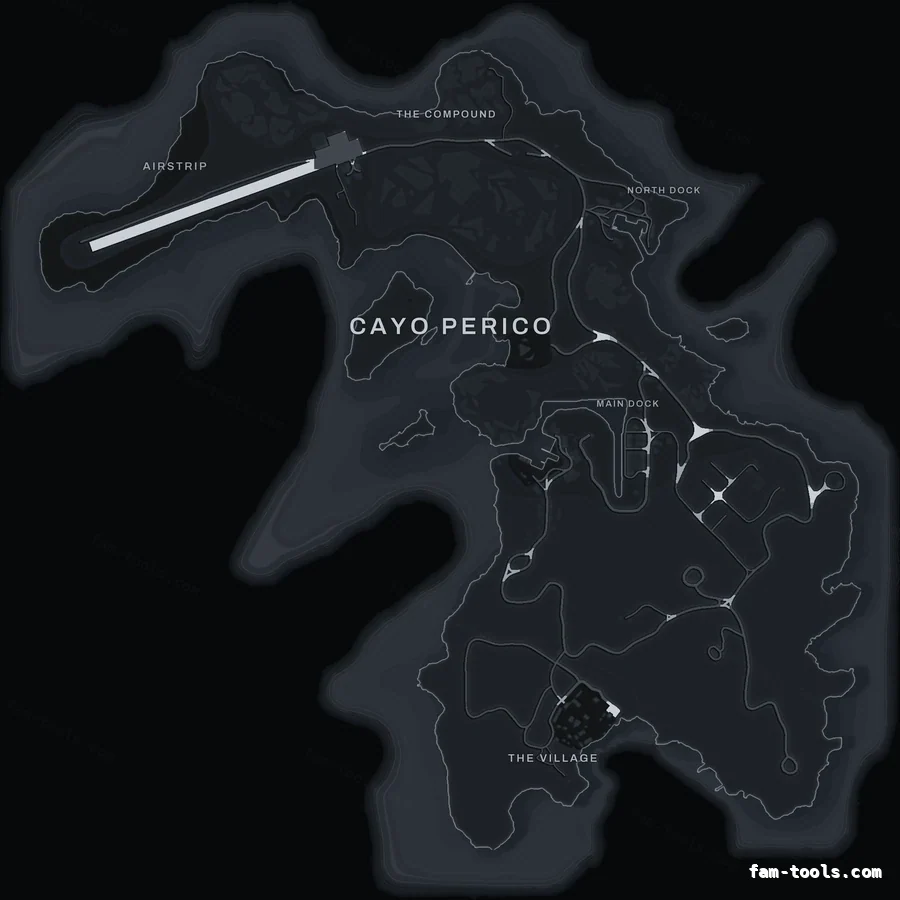
Cayo Perico uses its own texture, so a new Los Santos minimap leaves the island on the stock art. The gray add-on renders the island in the same GRAPHITE palette and ships as a second folder, pityus_minimap_cayo_gray, with a ready-to-run island loader in script.lua. The Cayo Perico minimap guide explains how the island radar is loaded.
resources/
└─ [standalone]/
   └─ pityus_minimap_gray/

server.cfg:  ensure pityus_minimap_gray
pityus_minimap_gray into your resources folder and keep the folder name.ensure pityus_minimap_gray to server.cfg, above your HUD resources.The full installation guide covers txAdmin and replacing an existing map, and minimap not showing lists the usual causes in order.
The resource only replaces textures and radar zoom data, so it has no framework dependency: it runs unchanged on QBCore, QBox, ESX Legacy, vRP and standalone servers. MLOs and map add-ons are untouched, which is covered in minimaps for servers with MLOs; if you are editing the world itself, see interiors and IPLs, removing map props and map editing in CodeWalker.
Open this map in the studio to add a logo or server name before you download, or read how the minimap editor works.
Most people arrive at this page after deciding one of three things. They want a custom FiveM-compatible minimap instead of the stock one and are picking a colour; they already know the colour and are choosing between a map with postal codes baked in and one with street names only; or they are comparing this against the Google-style street map, which segments its roads from a real street map rather than the game's own art.
The rest is usually practical. The gray palette on all three base maps is worth a look before you commit, the readability question for streamers comes up constantly, and if your server runs the island, the Cayo Perico map is the matching add-on for $1.00. If the map is already installed and not appearing, the causes are known and in order.
Bought this map? Sign in to review it. Only buyers can, one each.

Looks good ingame, runs smooth on our setup.

Quality stuff, installation went smooth.
Postal codes — BlackOBSIDIAN palette on the with postal codes base map.
6144 × 9216 px · 78 files · with postal codes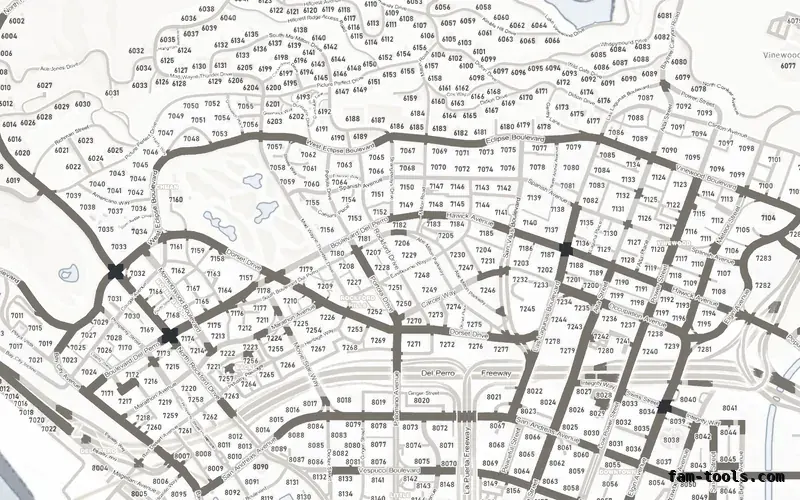
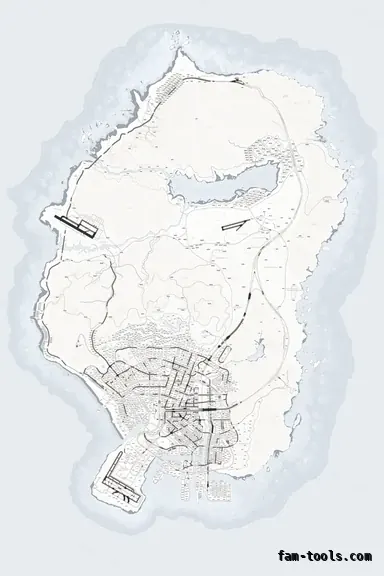 Postal codes — White
ALABASTER palette on the with postal codes base map.
6144 × 9216 px · 78 files · with postal codes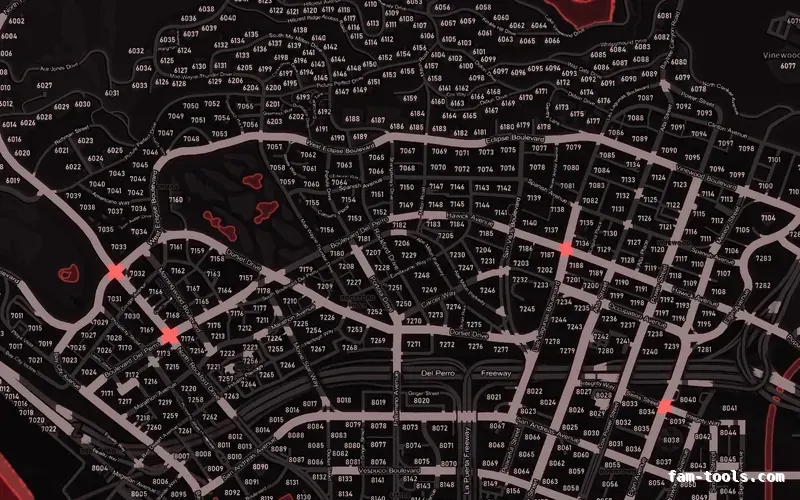
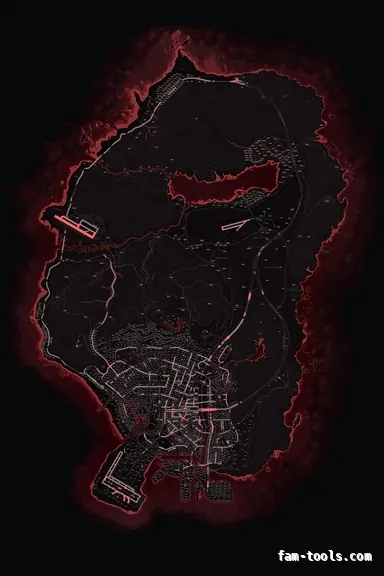 Postal codes — Red
CRIMSON palette on the with postal codes base map.
6144 × 9216 px · 78 files · with postal codes