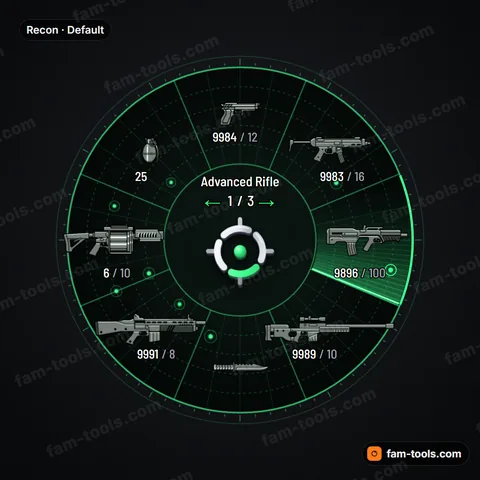
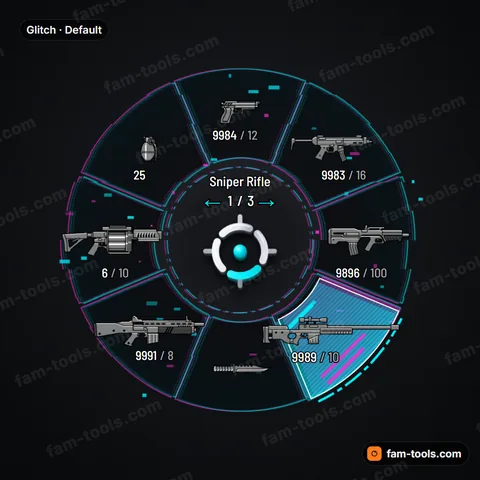
Board Weapon Wheel for FiveM
A real-looking printed circuit board: solder mask, copper traces, gold pads, vias and silkscreen lines. Built for hacker, cyber and tech RP servers.
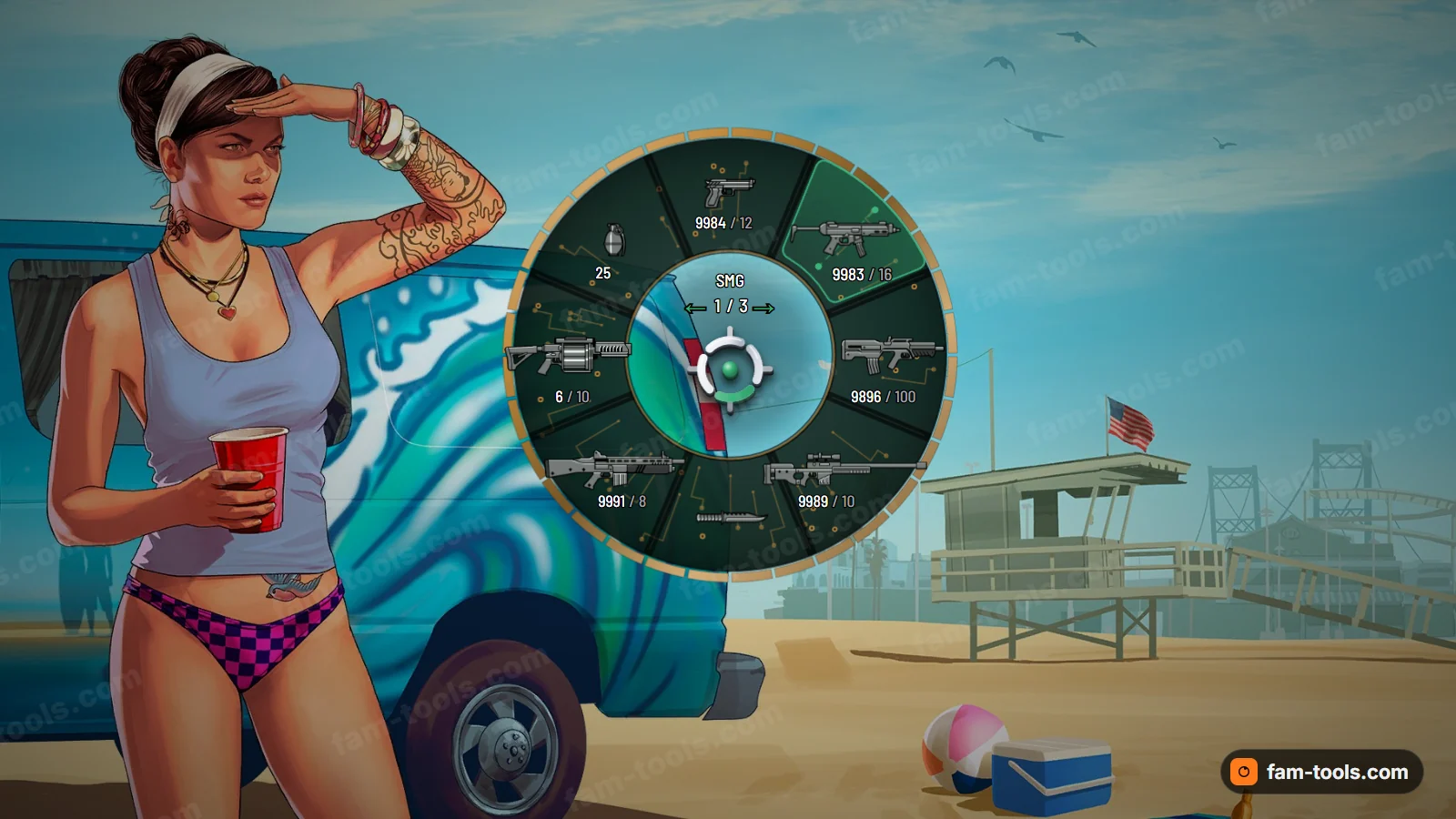
Board · Printed circuit board with copper traces, gold pads and solder mask
$15one-off, or $16 with your own logo in the centre
- 5 ready palettes — Solder green, Matte black, Blue mask, Red mask, Purple mask.
- 7 colours, 7 shape controls and 5 effects you can change before you pay.
- Streams as pityus_weaponwheel. The game’s own HUD element, rebuilt — no NUI page and no framework dependency.
- Built from your settings right after payment, and downloadable again from your account at any time.
Opens the studio with Board loaded. Try it live, then check out.
What you are paying for
Only our own work: our wheel artwork and designs, the wheel studio, packaging and support. GTA V, FiveM and all Take-Two / Rockstar Games names, map data and game assets are not for sale here and remain the property of Take-Two Interactive. Requires your own copy of GTA V and FiveM. Trademark & IP notice
GALLERY
Board in every palette
8 renders: the wheel at HUD size, an in-game capture, a close-up and each of the 5 palettes.
Board · default colours Board · in-game capture Board · close-up Board · Solder green Board · Matte black Board · Blue mask Board · Red mask Board · Purple mask
About the Board design
Board turns the weapon wheel into a printed circuit board. The base is solder mask, the colored coating you see on real PCBs, with copper traces routed between the slots and around the rim. Small vias dot the board, gold fingers line the edge like a card connector, and white silkscreen lines mark out the slots the way component outlines are printed on a board. A routing pattern fills the empty space with more traces. The selected slot lights up in the signal color, as if current is flowing to that part of the circuit. The weapon name and attachment sit in the middle above the 3D center mark. It looks technical and specific, and the classic green board is instantly recognizable.
Matching it to the rest of your HUD
Board pairs naturally with cyber and hacker minimaps. Solder green matches a dark map with green lines for a classic terminal look. Matte black is the most versatile and sits next to almost any dark minimap. Blue mask suits navy tech maps, Red mask pairs with red-accented hacker themes, and Purple mask fits synth or cyberpunk maps in violet. Match the signal color to your map's route color, and the traces on the wheel will read like a continuation of the roads on the map.
Details
- The base is solder mask in the palette color.
- Copper traces route between slots and around the rim.
- Vias, gold fingers and silkscreen lines add real PCB detail.
- A routing pattern fills open space with extra traces.
- The selected slot lights up in the signal color.
Five palettes: Solder green, Matte black, Blue mask, Red mask and Purple mask.
THE DOWNLOAD
What you receive
One zip, 4 files, built from the exact settings you leave the studio with.
- pityus_weaponwheel/stream/hud.gfx
- The wheel itself: the game HUD scaleform, rebuilt with your artwork and colours baked in.
- pityus_weaponwheel/stream/hud.ytd
- The texture dictionary the scaleform pulls its bitmaps from, at the same format and mip count as the stock file.
- pityus_weaponwheel/fxmanifest.lua
- A plain cerulean manifest. No framework dependency, no exports, nothing to configure.
- pityus_weaponwheel/README.txt
- The three install lines and your licence reference.
- pityus_weaponwheel/client.lua
- Only present if you pick the 3D tilt selection motion: a single thread that pushes the tilt settings into HUD component 19.
- pityus_weaponwheel/wheel.json
- The tilt numbers that thread reads, so you can nudge them later without a rebuild.
Installing it
- Copy the pityus_weaponwheel folder into your server's resources directory. Anywhere in resources works. It is a streaming resource, so load order against your framework does not matter.
- Add ensure pityus_weaponwheel to server.cfg. Put it with your other streaming resources. Nothing else in the config has to change.
- Restart the server. The new wheel is served from that moment on.
- Each player restarts the game client once. The game caches HUD scaleforms for the length of a session, so a reconnect is not enough: the client has to be closed and opened again.
Step by step, with screenshots, in the setup guides.
QUESTIONS
Board weapon wheel FAQ
Is Board too busy for a detailed minimap?
It can be, so the studio lets you reduce copper traces, vias, silkscreen lines, the routing pattern and gold fingers individually. With the routing pattern off, Board becomes a cleaner board with a few traces, which sits better next to a detailed map.
Which Board palette works for a hacker server?
Solder green is the classic choice and matches green terminal-style maps. Matte black is more discreet and pairs with almost any dark minimap. Pick the one whose signal color matches the route or road color your players already follow.
Can my logo look like a chip on the board?
With the $16 option your logo is baked into the center. Setting a flat finish, a low 3D effect and moderate opacity makes it read like a printed marking on the board rather than a separate badge.