FIVEM · loadingscreen
FiveM loading screen resource
A video loop costs every joining player a download and still stutters. A live scene costs nothing and runs at their refresh rate.
- 1920×1080
- target size
- 1920×1080
- still rendered at
- Yes
- animated
- 124
- designs with this render
The loading screen in a pack is not an image and not a video. It is a self-contained FiveM resource: a folder with an fxmanifest.lua, an index.html, a stylesheet, the scene runtime, the display fonts and a README. You copy it into resources, add ensure yourserver_loading to server.cfg and restart. There is nothing to configure and no framework dependency.
The manifest is minimal and worth understanding, because people break loading screens by guessing at it. It declares fx_version 'cerulean' and game 'gta5', then loadscreen 'index.html' to tell the client which page to render during load, and loadscreen_cursor 'yes' so a player can click a link on it. Everything the page needs has to be listed in the files block, including the fonts, or the client silently serves nothing and you get a black screen. That is the single most common cause of a loading screen that works locally and not on the server.
Because the scene is a live page rather than a video, it renders at whatever resolution and refresh rate the client is running. There is no 1080p video being upscaled to 1440p, no fixed frame rate, and no multi-megabyte download before anything appears. The page scales itself by reading window.innerWidth against the 1920x1080 authoring size and setting a CSS scale factor, so the composition is identical on an ultrawide and on a laptop.
The progress bar, if you enable it, is wired to FiveM's real loading events rather than a fake timer. The page listens for the loadProgress message and reads loadFraction from it, and it maps the client's phase events to readable status lines: startInitFunction, startDataFileEntries, performMapLoadFunction, startInitFunctionOrder, initFunctionInvoking and endInitFunction each become a short message. That means the bar actually tracks the load, which is the difference between a loading screen that reassures a player and one that makes them think the server has hung.
Music is left off by default and switched on by dropping an MP3 next to app.js, setting one variable at the bottom of that file and adding the filename to the files block. It is off by default on purpose: autoplay with sound is the fastest way to make a first-time player alt-tab, and plenty of servers would rather not.
Where it goes
resources/<yourserver>_loading, enabled with one ensure line in server.cfg
- Target size1920×1080
- Still render1920×1080
- Animated render1920×1080
- Encoded asMP4 30fps, 6.0s
- Encoded asdrop-in resource folder
- Transparencyopaque
- PlatformFiveM
Limits to respect
- Ships as a resource folder, not a media file
- fxmanifest declares loadscreen 'index.html' and loadscreen_cursor 'yes'
- Also includes a 30fps 1920x1080 MP4 of the same scene for store pages and trailers
This format across 124 designs
Every example below is the same slot, laid out at 1920×1080 by a different design.
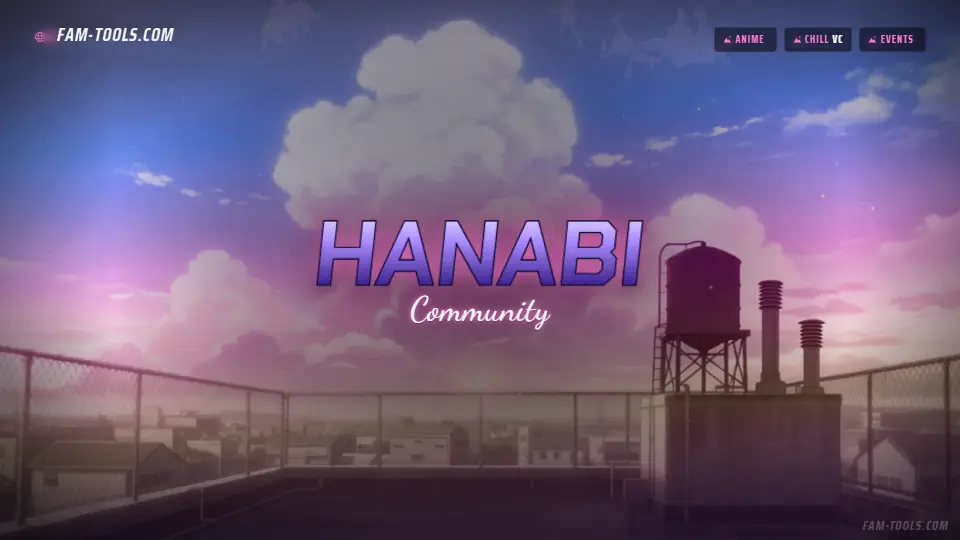
Anime Rooftop Anime1920×1080 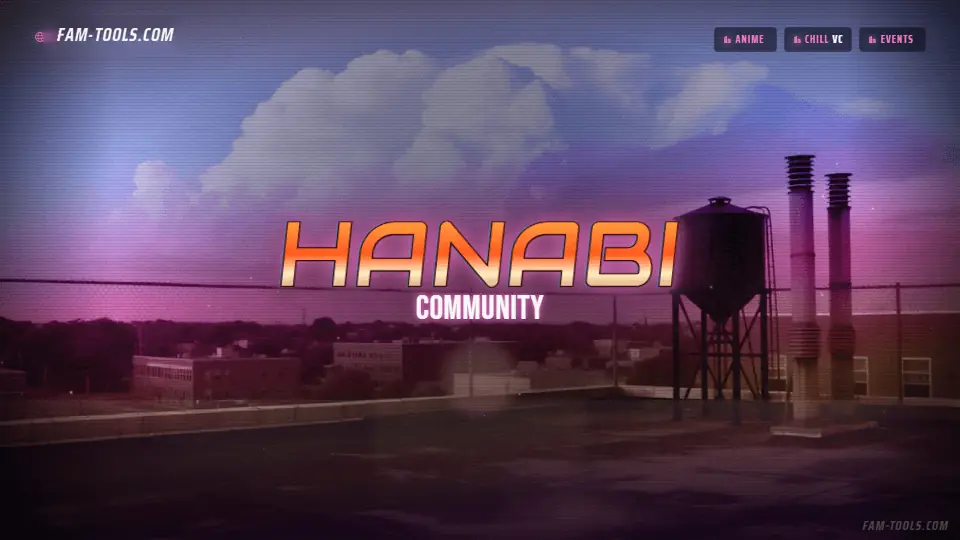
Anime Rooftop Grunge1920×1080 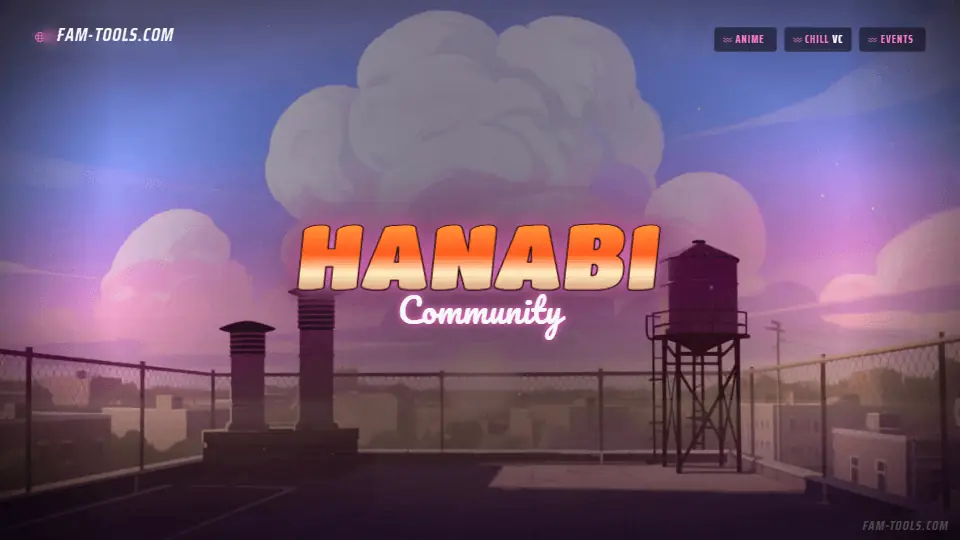
Anime Rooftop Painted1920×1080 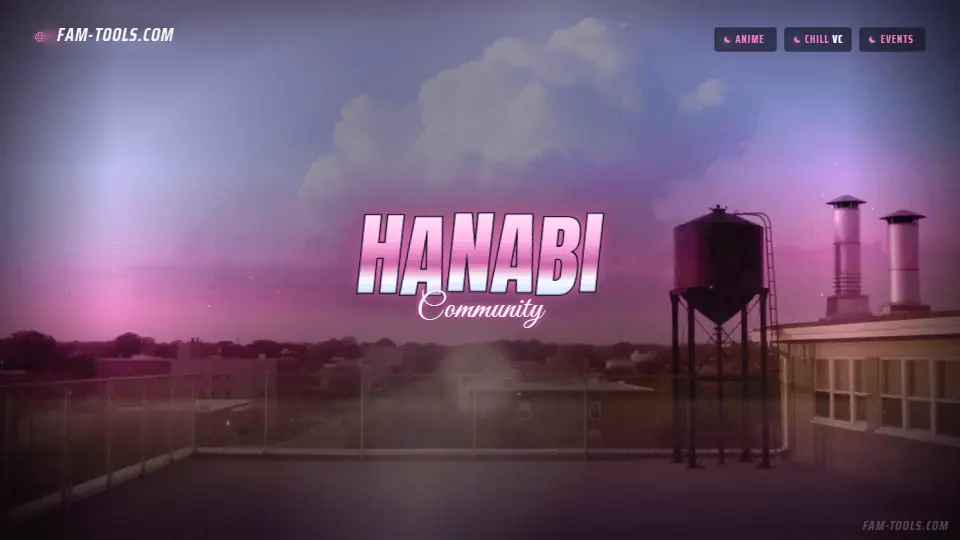
Anime Rooftop Photoreal1920×1080
What goes wrong
The four failures that cost people the most time on this slot.
- Forgetting to list the fonts in the files block, which gives a black screen on the live server but not locally
- Using set instead of ensure, or naming the resource folder differently from the manifest name
- Shipping a 40MB video loop and adding it to every player's first join
- Enabling autoplay music with the volume high
Questions about this size
4 answers.
How do I install a FiveM loading screen?
Copy the resource folder into your server's resources directory and add ensure yourserver_loading to server.cfg. The manifest already declares loadscreen 'index.html', so nothing else is needed.
Why is my loading screen a black screen on the server but fine locally?
Almost always a missing entry in the files block of fxmanifest.lua. Anything the page loads, including every font file, has to be listed there or the client cannot fetch it.
Is the progress bar real?
Yes. The page listens for FiveM's loadProgress message and reads loadFraction, and maps the client's phase events to the status line, so it tracks the actual load rather than a timer.
Can I add background music?
Yes. Drop an MP3 next to app.js, set the MUSIC variable at the bottom of that file and add the filename to the files block in the manifest. It is off by default.
Formats that go with it
The other slots on the same journey.
FiveM connecting banner, 1920x320
This is the one graphic every single player who joins your server sees, full width, while they have nothing else to look at.
FiveM in-game watermark, 768x288
Every clip your players post is free advertising, but only if your name is in the corner of it.
Discord invite splash, 1920x1080
This is the only Discord graphic a non-member sees, and it is the last thing between an invite link and a join.
Pick the artwork, not the size. 124 designs in the catalogue carry a preview of this exact format.
FAM Tools is an independent studio. We are not affiliated with, endorsed or sponsored by Take-Two Interactive, Rockstar Games, Cfx.re or the FiveM project, and we neither own nor license any Grand Theft Auto asset. Every graphic shown on this page was drawn and rendered here. Platform names are used only to describe which slot a file is sized for.