DISCORD · discord_invite_splash
Discord invite splash, 1920x1080
This is the only Discord graphic a non-member sees, and it is the last thing between an invite link and a join.
- 1920×1080
- target size
- 1920×1080
- still rendered at
- Yes
- animated
- 5
- designs with this render
The invite splash is the full-bleed background behind the invite card when somebody follows a link to your server. Every other Discord asset you own is seen by people who already joined. This one is seen by people deciding whether to, which makes it the only Discord graphic with a conversion job rather than a retention job.
It unlocks at boost Level 1 and is set under Server Settings, Invites. Discord displays it at 1920x1080 behind a centred card that carries your icon, your name, your member counts and the Accept Invite button. That card sits dead centre and is opaque, so the middle of the image is hidden. The 1920x1080 in a pack composes around that: the scene carries the frame, the lockup sits above the card area and the invite ribbon sits below, so nothing important is behind the overlay.
Discord shows the splash as a still, so there is no animated version for Discord itself. The pack still renders a 30fps MP4 of the same scene at 1920x1080, because that file is genuinely useful elsewhere: as the hero video on a server landing page, as a background on a Tebex store, or as the opening shot of a recruitment video.
Worth knowing: the splash only shows on invite links that have not been customised into a vanity URL, and some clients show a compressed version. Keep the composition legible rather than detailed and it survives both.
Where it goes
Server Settings, Invites, Invite Background
- Target size1920×1080
- Still render1920×1080
- Animated render1920×1080
- Encoded asMP4 30fps, 5.0s
- Transparencyopaque
- PlatformDiscord
Limits to respect
- Unlocks at boost Level 1
- Shown as a still; Discord does not animate the splash
- A 30fps MP4 of the same scene ships alongside for store and landing pages
This format across 5 designs
Every example below is the same slot, laid out at 1920×1080 by a different design.
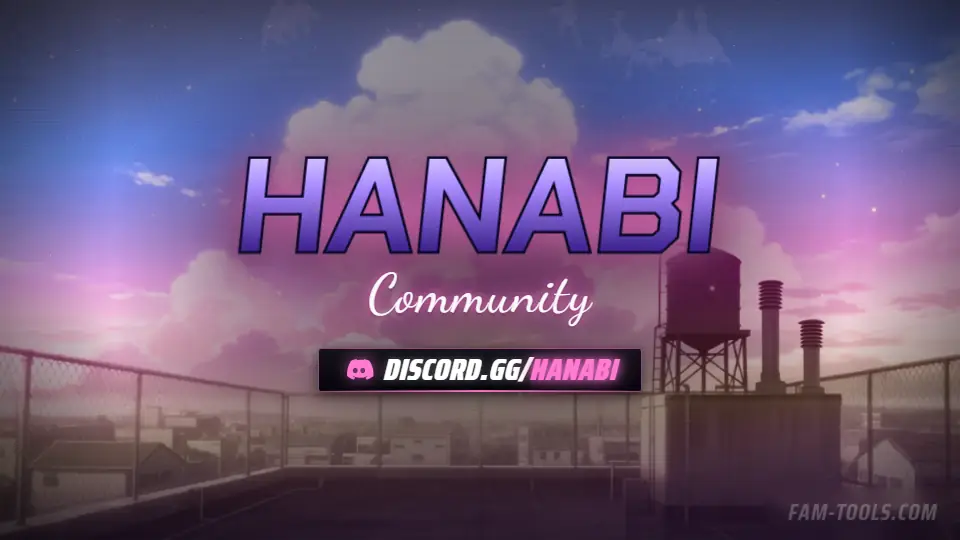
Anime Rooftop Anime1920×1080 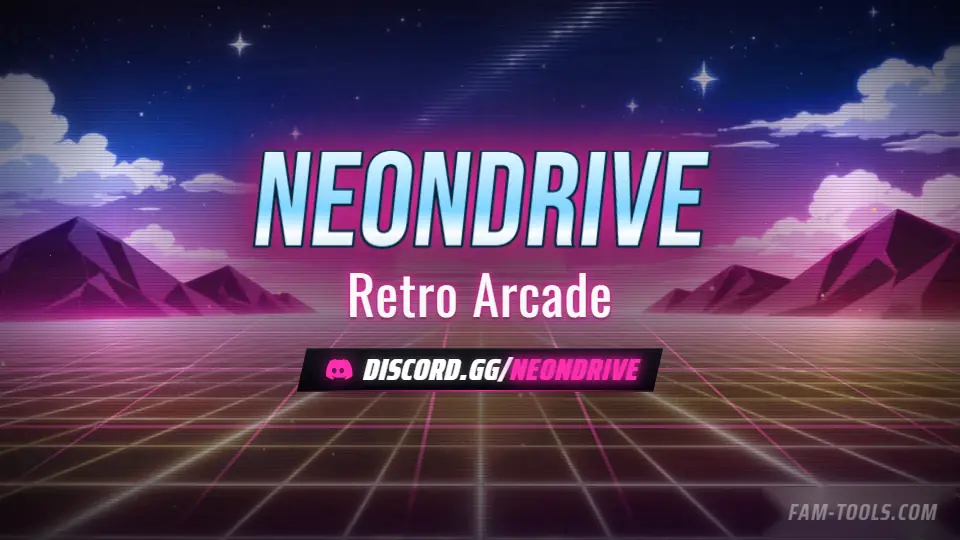
Arcade Grid Anime1920×1080 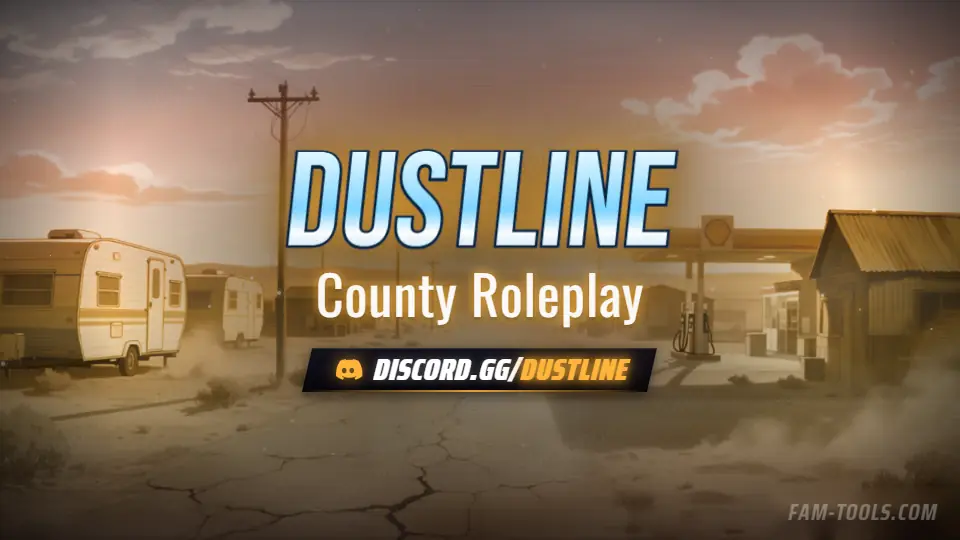
Desert Trailer Anime1920×1080 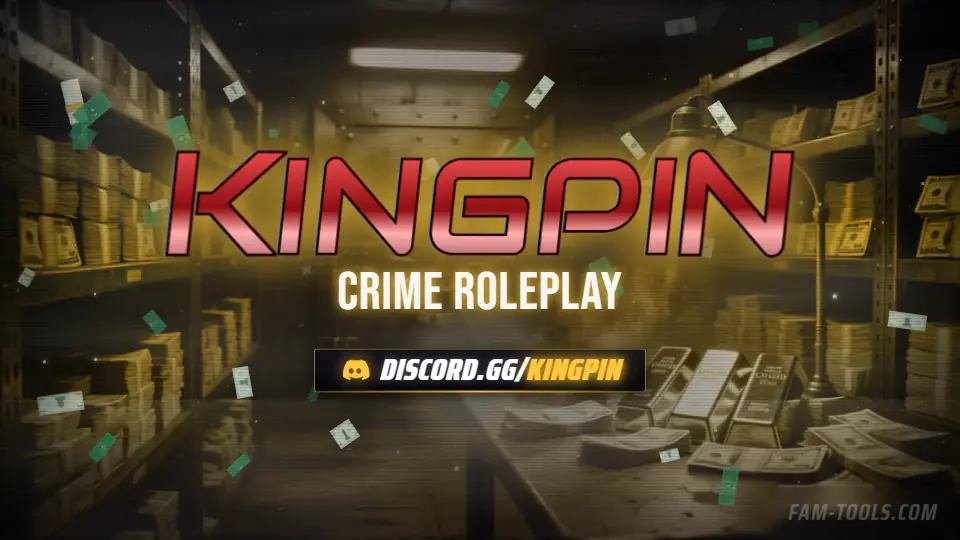
Money Vault Grunge1920×1080
What goes wrong
The four failures that cost people the most time on this slot.
- Putting the server name dead centre, where the invite card covers it
- Expecting the splash to animate, which Discord does not support
- Confusing it with the server banner, a different slot at a different tier
- Using a dark, low-contrast scene that disappears behind the card's shadow
Questions about this size
3 answers.
What boost level is the Discord invite splash?
Level 1, the first tier. It is set under Server Settings, Invites, and is the background behind the invite card a non-member sees.
Can the invite splash be animated?
No. Discord shows it as a still image. The MP4 that ships with it is for landing pages, store headers and video intros.
What size is the invite splash?
1920x1080. The invite card sits centred and opaque on top of it, so keep the lockup above or below the middle third.
Formats that go with it
The other slots on the same journey.
Discord server banner, 960x540
The server banner slot does not exist until boost Level 2, which is why half the people who buy one cannot upload it.
FiveM loading screen resource
A video loop costs every joining player a download and still stutters. A live scene costs nothing and runs at their refresh rate.
Store banner, 1920x500
A store page that looks nothing like the server it belongs to makes a paying player hesitate at exactly the wrong moment.
Pick the artwork, not the size. 5 designs in the catalogue carry a preview of this exact format.
FAM Tools is an independent studio. We are not affiliated with, endorsed or sponsored by Take-Two Interactive, Rockstar Games, Cfx.re or the FiveM project, and we neither own nor license any Grand Theft Auto asset. Every graphic shown on this page was drawn and rendered here. Platform names are used only to describe which slot a file is sized for.