DISCORD · discord_banner
Discord server banner, 960x540
The server banner slot does not exist until boost Level 2, which is why half the people who buy one cannot upload it.
- 960×540
- target size
- 1920×1080
- still rendered at
- Yes
- animated
- 124
- designs with this render
The server banner is the image across the top of the channel sidebar, above your channel list. It is the first thing a member sees when they switch to your server, every time they switch to it, which makes it the highest-frequency graphic in a Discord community.
It is uploaded under Server Settings, Overview, in the Server Banner block, and the slot only appears once the server reaches boost Level 2. That is two tiers up, which catches a lot of people out. Level 1 gives you an animated server icon and the invite splash; the banner comes later. Until then the still PNG in the pack is useful anyway, as a pinned image in a welcome channel or as the header of your rules embed.
Discord stores the banner at 960x540 and displays it at roughly a third of that width, cropping height on narrow windows. The practical effect is that fine detail is wasted and anything near the top or bottom edge is at risk. The layout keeps the lockup in the middle band and treats the outer rows as scene, which is why it still reads when Discord shows it at 320 pixels wide.
File size is the hard wall. Discord refuses an image over 10MB outright, and a 960x540 animation at a full colour palette gets there quickly. The animated banner is encoded at 16fps over 2.8 seconds with a 160-colour palette and lands around 7MB. That is a deliberate budget: fewer frames and a tighter palette on a scene that moves slowly looks far better than more frames at a resolution Discord is going to downscale anyway.
Where it goes
Server Settings, Overview, Server Banner
- Target size960×540
- Still render1920×1080
- Animated render960×540
- Encoded asGIF 16fps, 2.8s · under 7.8MB
- Transparencyopaque
- PlatformDiscord
Limits to respect
- Slot unlocks at boost Level 2
- Discord rejects images over 10MB; the animated file is built under 7.8MB
- Displayed much smaller than 960x540 and cropped at the top on narrow windows
This format across 124 designs
Every example below is the same slot, laid out at 960×540 by a different design.
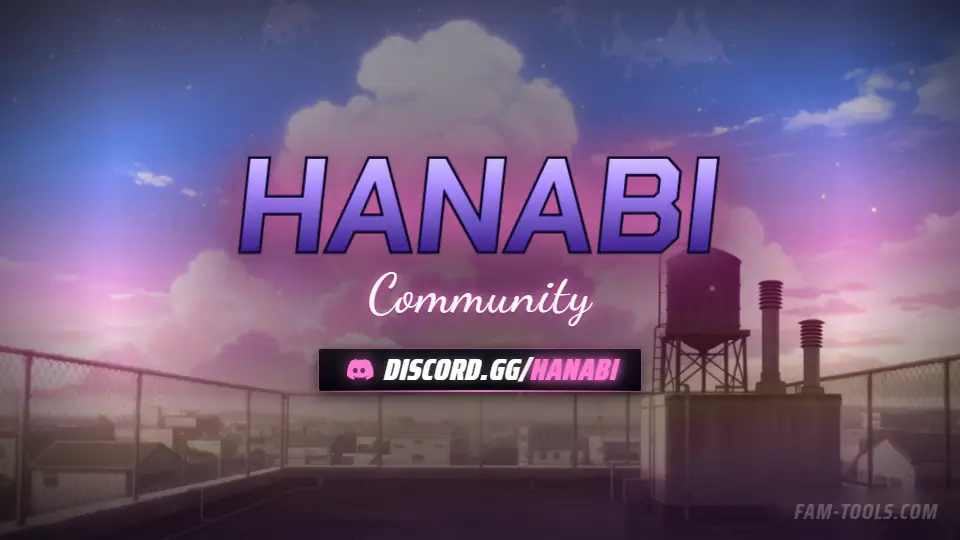
Anime Rooftop Anime960×540 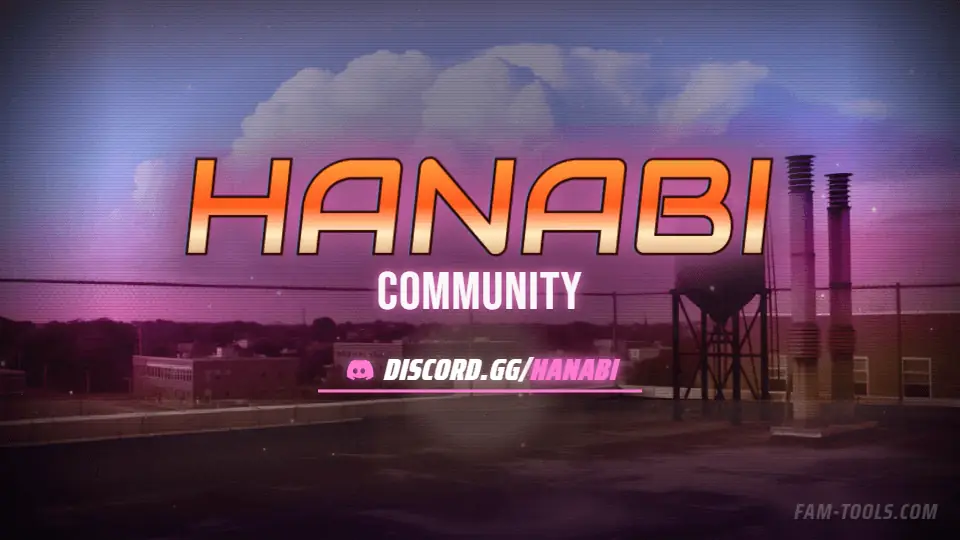
Anime Rooftop Grunge960×540 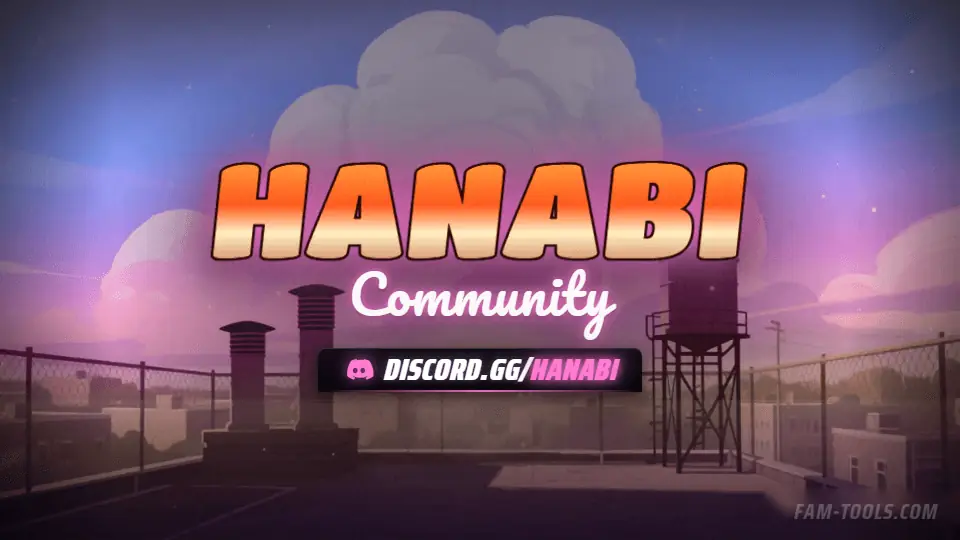
Anime Rooftop Painted960×540 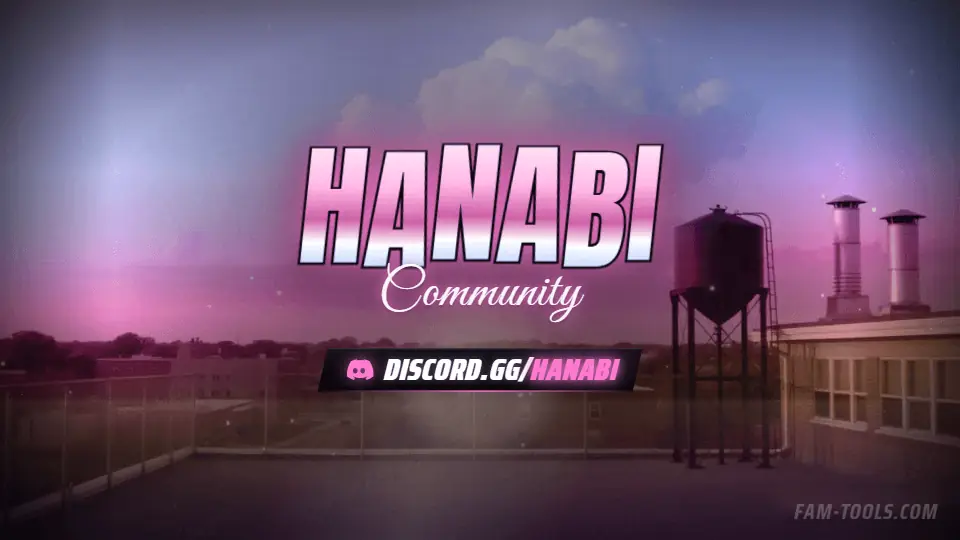
Anime Rooftop Photoreal960×540
What goes wrong
The four failures that cost people the most time on this slot.
- Buying an animated banner before the server is at boost Level 2
- Uploading a file over 10MB and assuming the upload failed for another reason
- Putting text in the top rows, which the sidebar crops
- Confusing the server banner with the invite splash, which is a different slot
Questions about this size
3 answers.
What boost level do I need for a Discord server banner?
Level 2. The slot does not appear in Server Settings until the server reaches it. An animated server icon and the invite splash unlock earlier, at Level 1.
What size is a Discord server banner?
960x540 is what Discord stores. It displays far smaller and crops the top and bottom on narrow windows, so keep the important part in the middle band.
Why is my animated banner rejected?
Discord caps images at 10MB. A long, high-colour GIF at 960x540 passes that easily. The animated banner in a pack is built to about 7MB on purpose.
Formats that go with it
The other slots on the same journey.
Discord server icon, 512x512
Discord shows your server icon at 48 pixels in the sidebar. Everything you put in the corners is cropped off by the circle anyway.
Discord invite splash, 1920x1080
This is the only Discord graphic a non-member sees, and it is the last thing between an invite link and a join.
Discord profile banner, 680x240
Your profile banner is not your server's banner. It is 680x240, it lives in User Settings, and animating it needs Nitro rather than boosts.
Pick the artwork, not the size. 124 designs in the catalogue carry a preview of this exact format.
FAM Tools is an independent studio. We are not affiliated with, endorsed or sponsored by Take-Two Interactive, Rockstar Games, Cfx.re or the FiveM project, and we neither own nor license any Grand Theft Auto asset. Every graphic shown on this page was drawn and rendered here. Platform names are used only to describe which slot a file is sized for.