DISCORD · discord_profile_banner
Discord profile banner, 680x240
Your profile banner is not your server's banner. It is 680x240, it lives in User Settings, and animating it needs Nitro rather than boosts.
- 680×240
- target size
- 1360×480
- still rendered at
- Yes
- animated
- 5
- designs with this render
The profile banner is the strip across the top of the card that pops up when somebody clicks your name. It belongs to you, not to a server, and it is set under User Settings, Profiles. People confuse it with the server banner constantly, which is understandable given they are both called banners and neither is where you would look for it.
Discord stores it at 680x240 and renders the card narrow, with your avatar overlapping the lower left corner as a circle. That overlap is the whole layout constraint: the bottom left quarter is effectively unusable. The 680x240 in a pack pushes the lockup to the right of centre and keeps the invite on the upper right, so the avatar lands on background.
Animation requires Nitro. Not boosts, not a server tier, Nitro on the account whose profile it is. This is the single most common mix-up in Discord branding, because the server banner rules are about boost levels and the profile banner rules are about subscriptions. If you do not have Nitro, the still PNG is the one you upload and it looks exactly like the first frame of the animation.
For a server owner this format is worth more than it looks. Your profile card is what people see when they click your name in a ticket, in an announcement or in a support thread, and a card that carries the same branding as the server quietly signals that you are the person who runs it.
Where it goes
User Settings, Profiles, Banner
- Target size680×240
- Still render1360×480
- Animated render1360×480
- Encoded asGIF 18fps, 3.2s · under 9.5MB
- Transparencyopaque
- PlatformDiscord
Limits to respect
- Animated version requires Nitro on your own account
- The avatar overlaps the lower left of the card
- Built under 9.5MB at 18fps over 3.2 seconds
This format across 5 designs
Every example below is the same slot, laid out at 680×240 by a different design.
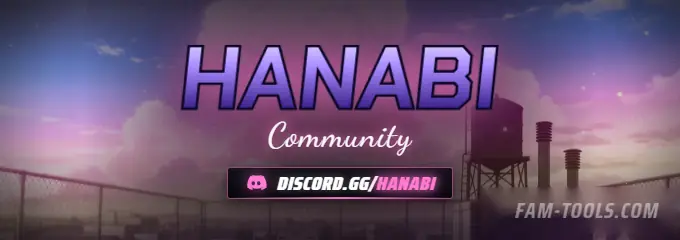
Anime Rooftop Anime680×240 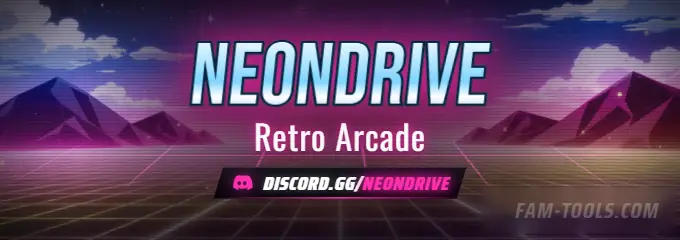
Arcade Grid Anime680×240 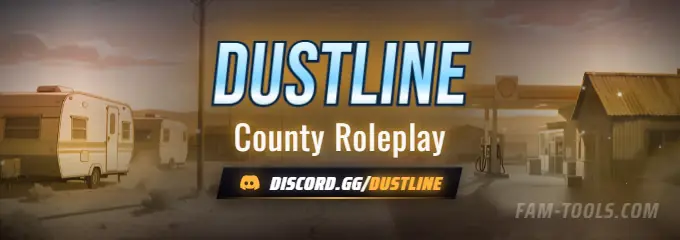
Desert Trailer Anime680×240 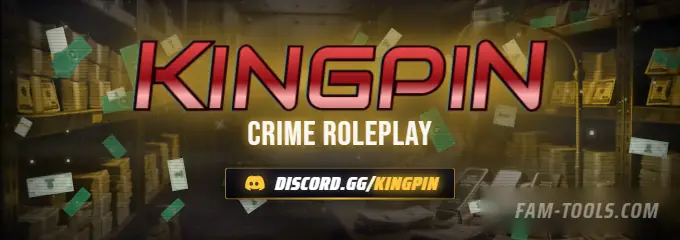
Money Vault Grunge680×240
What goes wrong
The four failures that cost people the most time on this slot.
- Looking for it in Server Settings, where it is not
- Buying an animated banner without Nitro on the account
- Centring the lockup, so the avatar covers part of it
- Using the 960x540 server banner here, which crops badly at 17:6
Questions about this size
3 answers.
What size is a Discord profile banner?
680x240, set under User Settings, Profiles. Keep the lower left clear, because your avatar overlaps that corner as a circle on the profile card.
Do I need Nitro for an animated profile banner?
Yes. The animated personal banner is a Nitro feature on your own account. Server boost levels do not unlock it.
Is this the same as the server banner?
No. The server banner is 960x540 under Server Settings and needs boost Level 2. The profile banner is 680x240 under User Settings and needs Nitro.
Formats that go with it
The other slots on the same journey.
Discord profile picture, 300x300
Discord renders your avatar at 40 pixels next to a message. Design for 40 and scale up; do not design for 300 and hope.
Discord server banner, 960x540
The server banner slot does not exist until boost Level 2, which is why half the people who buy one cannot upload it.
Forum signature, 650x250
A signature is read while somebody is reading something else. That changes what belongs in it.
Pick the artwork, not the size. 5 designs in the catalogue carry a preview of this exact format.
FAM Tools is an independent studio. We are not affiliated with, endorsed or sponsored by Take-Two Interactive, Rockstar Games, Cfx.re or the FiveM project, and we neither own nor license any Grand Theft Auto asset. Every graphic shown on this page was drawn and rendered here. Platform names are used only to describe which slot a file is sized for.