Why your logo reads backwards on the other side of the gun
Many FiveM weapon models mirror both receiver sides onto one patch of texture, so a decal reads backwards on one side. What you can fix, and what you cannot.
You put a logo on a rifle, look at it in game, walk around the character, and the logo is reversed. Nothing is broken. The model is doing what it was built to do, and there is a limit to what any editing can change.
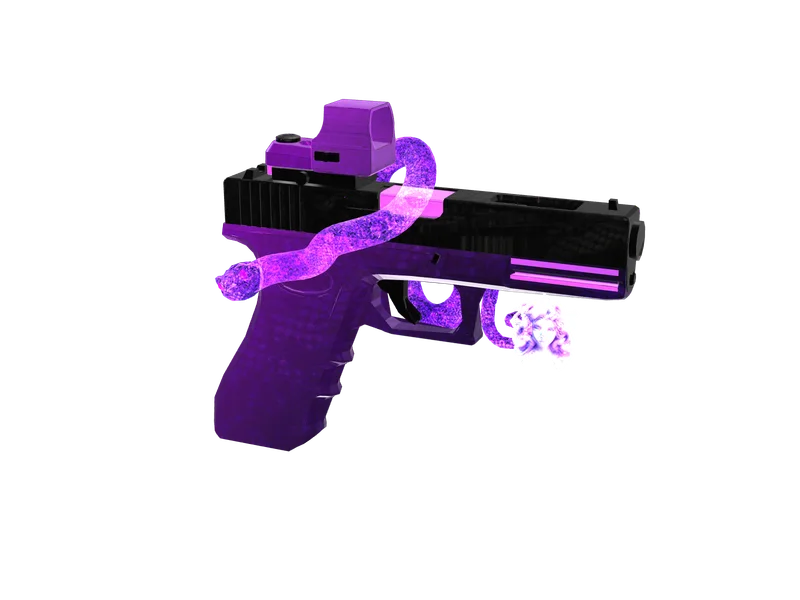
#What mirrored UVs actually are
A texture is a flat image, and UV mapping is the instruction that says which part of that image covers which triangle. To save memory, most weapon models map the left and right side of the receiver onto the same patch of texture. One image, drawn twice, flipped.
That is invisible for camo, scratches, wood grain or a metal finish — flip them and nobody can tell. It is very visible for anything with a readable direction: text, a logo, a number, an arrow.
#Why it cannot simply be fixed
A single area of texture cannot display two different images. If both sides of the receiver read from the same pixels, then whatever is there appears on both, and one of them is mirrored. No amount of image editing changes that, because the problem is in the model rather than the texture.
- Editing the texture harder does not help — both sides read the same pixels
- Flipping the artwork just moves the problem to the other side
- Re-UV-mapping the model would fix it, and means editing the mesh in Blender or CodeWalker
#The three practical answers
- Find a surface that only one side uses. Many models mirror the receiver but keep the stock, magazine or handguard unique. A logo there reads correctly from every angle.
- Use artwork with no direction. A crest, a symmetrical emblem or a camo tile survives mirroring because there is nothing to read backwards.
- Accept the mirror. On a PvP server where the weapon is seen in motion, a reversed emblem on the far side is a detail almost nobody registers.
The placement pass on this site detects mirrored UVs and prefers a one-sided area when the model has one, which is the first answer applied automatically. Where the model gives it no choice, the weapon's page says so before you buy.
Questions
Can I fix it by editing the model?
Do all weapons mirror?
Does this affect camo?
Ready to pick a map?
Twelve themes on three base map styles, $8 each, instant download.
Relevant to what you just read
The tool for this
Put your own artwork on 538 weapon models From $5, built in the browser, exported as a drop-in resource.