What a .ytd file is, and how to edit one safely
A .ytd is the GTA 5 texture dictionary. What it holds, how DXT compression and mipmaps work, and the rules that keep an edited one loading in FiveM.
A .ytd is an archive of textures, not a single image. Every weapon, vehicle and prop in GTA references its textures by dictionary name plus texture name, which is why editing one is less like opening a PNG and more like editing a zip whose filenames other files depend on.
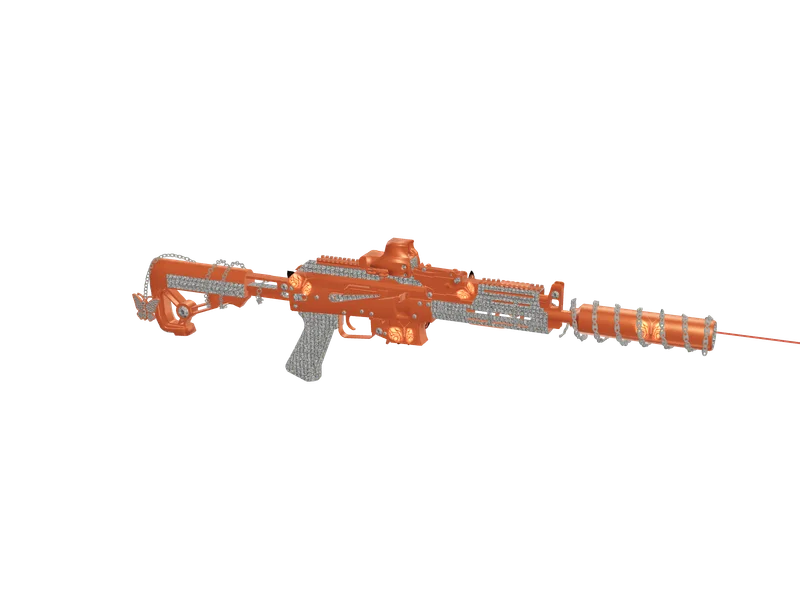
#What is inside
- One or more textures, each with its own name - the name the model looks for.
- A compression format per texture, usually DXT1 for opaque surfaces and DXT5 where transparency matters.
- Mipmaps: progressively smaller copies used at distance. Without them, a weapon shimmers unpleasantly when the player moves.
The names are the important part. A model does not ask for 'the third texture' - it asks for a texture called something specific. Rename it and the model stops finding it.
#The rules that keep it working
- Keep every texture name exactly as it was. This is the rule that breaks most edits.
- Keep dimensions to powers of two - 512, 1024, 2048. Anything else may load and still not draw.
- Keep the same compression the texture already used. Replacing a DXT1 with an uncompressed image inflates the file and can push the dictionary past streaming limits.
- Regenerate mipmaps after editing. A dictionary without them looks fine up close and terrible at range.
- Do not add textures the model never asked for. They cost memory and are never drawn.
#Tools
- CodeWalker - opens .ytd files, shows each texture with its format and dimensions, and can import replacements. The usual choice for FiveM work.
- OpenIV - older, aimed at single-player modding, but reliable for inspecting a dictionary.
- Any image editor for the textures themselves, as long as you export back in the original format with mipmaps.
#The workflow that avoids surprises
- Copy the .ytd somewhere else before touching it. There is no undo once it is written.
- Open it and note every texture's name, dimensions and format. Write them down; you will need them.
- Export the texture you want to change, edit it, and save it at the same dimensions.
- Import it back over the original entry rather than adding a new one, so the name is preserved.
- Regenerate mipmaps, save, and test in game before replacing the live file.
If that sounds like a lot of care for one logo, it is - which is why our studio does the whole loop for you: it reads the real dictionary, paints your artwork onto the correct texture, and writes it back in its original format with its mip levels rebuilt, leaving the names untouched.
Questions
Can I open a .ytd with Photoshop?
What happens if I skip mipmaps?
Why is my edited .ytd suddenly enormous?
Ready to pick a map?
Twelve themes on three base map styles, $8 each, instant download.
Relevant to what you just read
Look it up while you work
The reference tables this guide leans on, free and without an account.
- All 21,631 object model namesEvery model CreateObject accepts, with its hash and a flag for the LOD and proxy names that spawn invisible.
- All 921 vehicle spawn namesEvery vanilla model with a picture, its display name, its class and the hash CreateVehicle takes.
- The map modding glossary38 terms — file formats, radar parts, framework words — each with a one-line answer first.