Design tips for FiveM-compatible weapon skins
Use high-contrast artwork, keep logos large and simple, place them on visible flat panels (slide, receiver, stock) rather than across seams, avoid small text, pick colours that work with the weapon’s tint system, and always check the result on the 3D model in first and third person. Keep textures at sensible sizes and build a consistent style for your gang or server.
A skin that looks great as a flat image can disappear on a gun: logos too small to read, colours lost against black polymer, text broken across seams. A few habits — contrast, size, placement and testing on the model — make skins that read clearly in a firefight and in a screenshot.
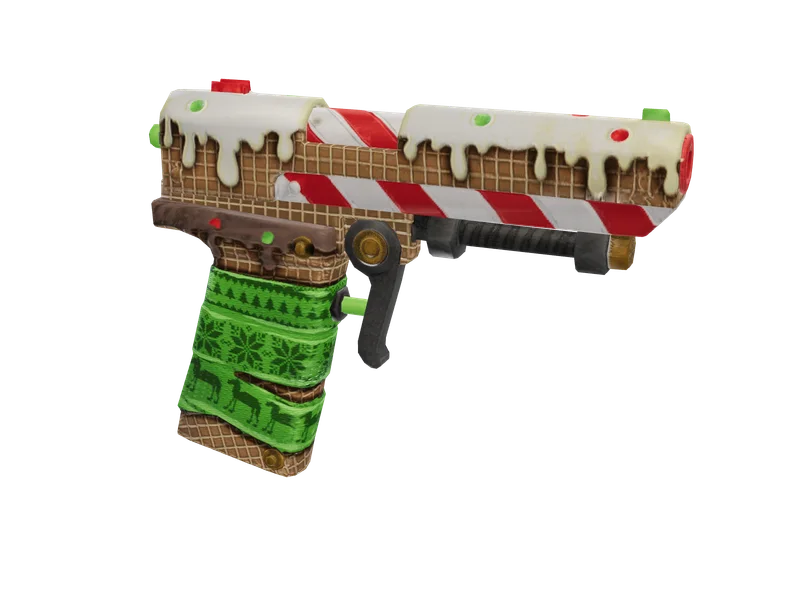
#Artwork that survives the gun
- High-contrast images: bright on dark, or dark with a light outline.
- Simple shapes read at a distance; detailed illustrations turn to noise.
- PNG with transparency for logos, so the metal shows around them.
- Resolution of the source matters less than its clarity.
#Placement
| Good spots | Avoid |
|---|---|
| Pistol slide sides | Across UV seams (the image splits) |
| Rifle receiver and magazine | Tiny parts (trigger, screws) |
| Stock and handguard panels | Areas hidden by attachments |
Our studio analyses each weapon’s 3D model and places artwork on its visible panels automatically — see making a weapon skin.
#Materials and tints
The specular map decides what shines: artwork painted over a matte area stays matte. Weapons on _tnt shaders recolour parts with tints, so test your skin with the tints players will use — see normal and specular maps and weapon tints.
#Testing
- Preview on the 3D model from every side.
- Check in first person — the view players see most.
- Check in daylight and at night.
- Look at it from a few metres away: is the logo still recognisable?
#A consistent style
Gang and server skins work best as a family: the same colours and logo placement across pistols, SMGs and rifles. Keep file sizes sensible — see texture resolution — and export as a replacement for the vanilla weapon so installation is trivial.
Questions
How do I make a good FiveM-compatible weapon skin?
Why is my logo hard to see in game?
Where should logos go on a pistol?
Do skins work with weapon tints?
Ready to pick a map?
Twelve themes on three base map styles, $8 each, instant download.
Relevant to what you just read
The tool for this
Put your own artwork on 538 weapon models From $5, built in the browser, exported as a drop-in resource.
Look it up while you work
The reference tables this guide leans on, free and without an account.
- The 100 blip colour indexesEvery index SetBlipColour accepts, with the hex value the radar actually draws.