CodeWalker and Photoshop, or a browser — two ways to skin a weapon
The manual route with CodeWalker and an image editor against doing it in a browser. What each costs in time, and when the manual one is still right.
Both routes end with a weapon carrying your logo. They differ in how many places there are to get it wrong.
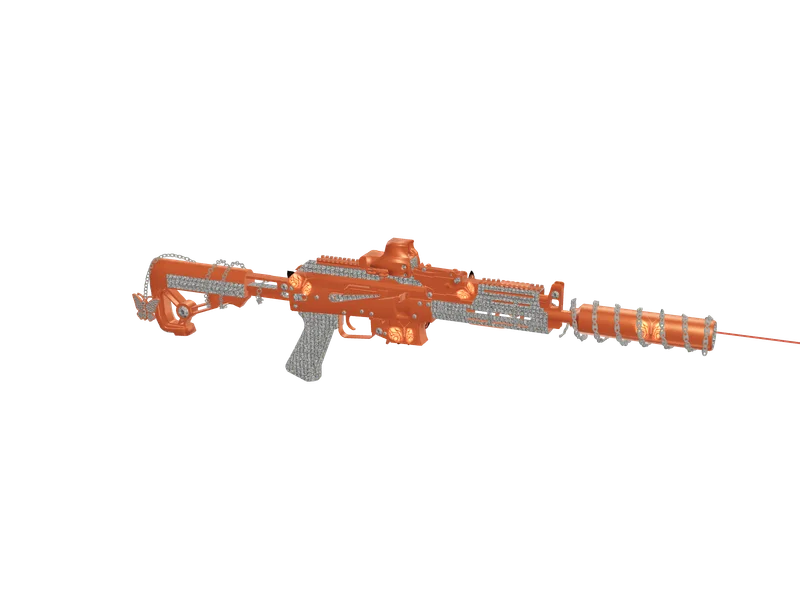
#The manual route, honestly described
- Open the .ytd and export its textures. A weapon usually has between four and a dozen.
- Work out which one is the visible body. Names are rarely helpful, so you find out by editing one and looking.
- Open it in an image editor and place the logo somewhere that looks right in a flat 2D view.
- Save it back in the compression format the original used, with the same mip levels.
- Re-import into the .ytd, rebuild the resource, restart the server, and look at it in game.
- Discover the logo sits on the underside of the magazine, and start again.
The step that costs the most time is the third. A texture is a flat sheet with no obvious relationship to the shape it wraps; a rectangle that looks like the side of the receiver is often the inside of the handguard.
#What the browser route changes
The difference is not the editing, it is the placement. The mesh is loaded, the triangles facing the flat side of the weapon are found, and those are rasterised back into UV space to produce a mask of the area a player actually sees. The artwork then goes on the largest calm rectangle inside that mask matching its aspect ratio.
So the answer to which texture, and where on it, is computed from the model rather than guessed from a thumbnail. The compression format and the mip chain survive because the file is written back into its original dictionary rather than rebuilt from scratch.
#When the manual route is still the right one
- You are changing the mesh, not the texture — a new rail, a longer barrel, a fixed UV map
- You want to hand-paint the whole weapon rather than place artwork on it
- You are building the weapon from scratch and need control of every material
- You are learning how the format works, which is worth doing once
For putting a crew logo, an emblem or a camo tile onto an existing model, the manual route is a long way round to the same place.
Questions
Do I still need CodeWalker?
Is the output different?
Can I preview before paying?
Ready to pick a map?
Twelve themes on three base map styles, $8 each, instant download.
Relevant to what you just read
The tool for this
Put your own artwork on 538 weapon models From $5, built in the browser, exported as a drop-in resource.
Look it up while you work
The reference tables this guide leans on, free and without an account.
- The map modding glossary38 terms — file formats, radar parts, framework words — each with a one-line answer first.