What .ydr and .ytd files actually are
A .ydr is the shape and a .ytd is the paint. Knowing which is which tells you what can be edited safely and what needs a modelling tool.
Almost every question about editing a FiveM weapon comes down to not knowing which of these two files holds the thing you want to change.
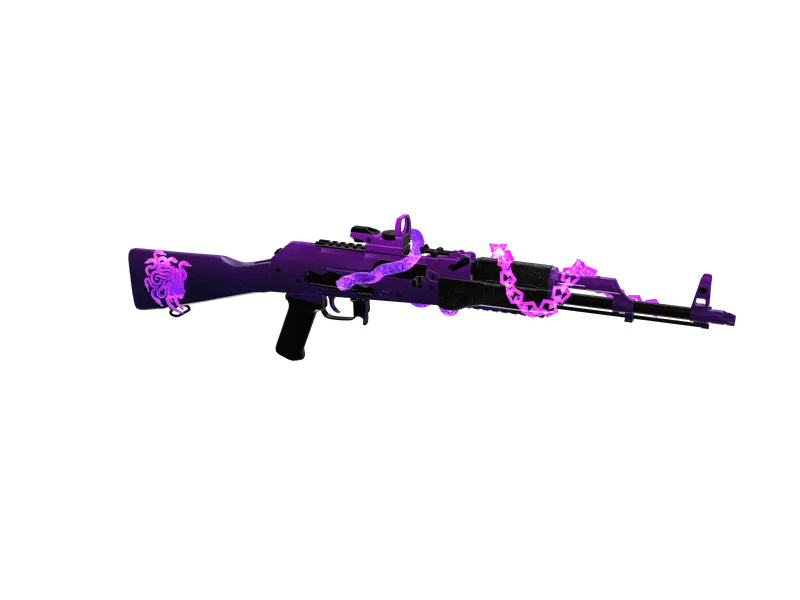
#The .ydr is the shape
A .ydr is a drawable: one object, its geometry, its materials and its shader assignments. It holds where every triangle sits, which way each one faces, and which texture name each surface expects to find. What it does not hold is the textures themselves — only their names.
That is why changing a .ydr means changing the shape of the weapon. Making a barrel longer, adding a rail, fixing a UV map — all of it is model work, and it needs Blender with Sollumz or CodeWalker.
#The .ytd is the paint
A .ytd is a texture dictionary: a container holding many compressed images under one name. Each entry has a name, dimensions, a compression format and a mip chain. When the game draws a surface, it looks up the texture name the .ydr asked for inside the .ytd that was streamed with it.
This is the file you edit to change how a weapon looks without changing what it is. Camo, a logo, a different metal finish, a new colour — all of it lives here, and none of it requires touching the mesh.
#The other two files you will meet
A .ycd is a clip dictionary — animation. Weapons with moving parts ship one alongside the .ydr, and it is what makes a bolt travel or a drum spin. It is rarer, and a weapon without one simply does not animate.
- .ydr — the mesh, its materials, and which textures it asks for
- .ytd — the textures themselves, compressed, with mip chains
- .ycd — animation clips, only on weapons that move
- weapons.meta — how the weapon behaves: damage, range, recoil
#What this means for editing
If you want to rebrand a weapon, you are editing a .ytd and nothing else. The mesh is untouched, the shape is unchanged, and the risk is limited to getting the compression format and the mip chain right on the way back in.
Getting those wrong is what turns a re-import into a pink weapon or a blurry one. The skinner here reads the mesh to work out where artwork should sit, then writes the edited texture back into the same dictionary in the same format with the mip chain rebuilt to the same number of levels.
Questions
Can I open a .ytd in Photoshop?
Which file do I edit to change a weapon's damage?
Why is my weapon blurry after editing?
Ready to pick a map?
Twelve themes on three base map styles, $8 each, instant download.
Relevant to what you just read
Look it up while you work
The reference tables this guide leans on, free and without an account.
- The map modding glossary38 terms — file formats, radar parts, framework words — each with a one-line answer first.