YOUTUBE · youtube_banner
YouTube channel art, 2560x1440
YouTube crops channel art four ways. Only the centre 1546x423 survives all of them.
- 2560×1440
- target size
- 2560×1440
- still rendered at
- Still only
- animated
- 5
- designs with this render
Channel art is uploaded once at 2560x1440 and then shown as four different rectangles. A television shows the full frame. A desktop browser shows a wide strip. A tablet shows less. A phone shows only the centre 1546x423. Those are not resizes, they are crops out of the same upload, which is why a design that fills the full 2560x1440 can look completely empty on a phone.
The layout rule follows from that: everything that matters goes inside the centre 1546x423, and the area outside it carries scene only. That rectangle is roughly 60% of the width and 29% of the height of the upload, which is a much tighter box than it sounds. The channel art in a pack puts the wordmark, the tagline and the invite inside it, with the backdrop extending to the full frame for anyone watching on a TV.
The pack exports that safe area as its own 1546x423 file cut from the full-resolution render, not resized from it. That gives you an exact preview of the phone crop before you upload anything, which is quicker than uploading, checking on a phone and re-cropping.
YouTube shows channel art as a still on every device, so there is no animated version of this format. If you want motion on a channel, the 1280x720 thumbnails from the same pack and the vertical MP4 for Shorts are where it belongs.
Where it goes
YouTube Studio, Customisation, Branding, Banner image
- Target size2560×1440
- Still render2560×1440
- Motionstill only
- Transparencyopaque
- PlatformYouTube
Limits to respect
- Upload at 2560x1440; YouTube crops per device
- Only the centre 1546x423 is visible on every device
- Still only; YouTube does not animate channel art
Sizes cut from the same render
1 further copies are downscaled from the one 2560×1440 source, so the mark is identical at every size instead of laid out again at each one.
- youtube-safe-area-1546x423.png1546×423
This format across 5 designs
Every example below is the same slot, laid out at 2560×1440 by a different design.
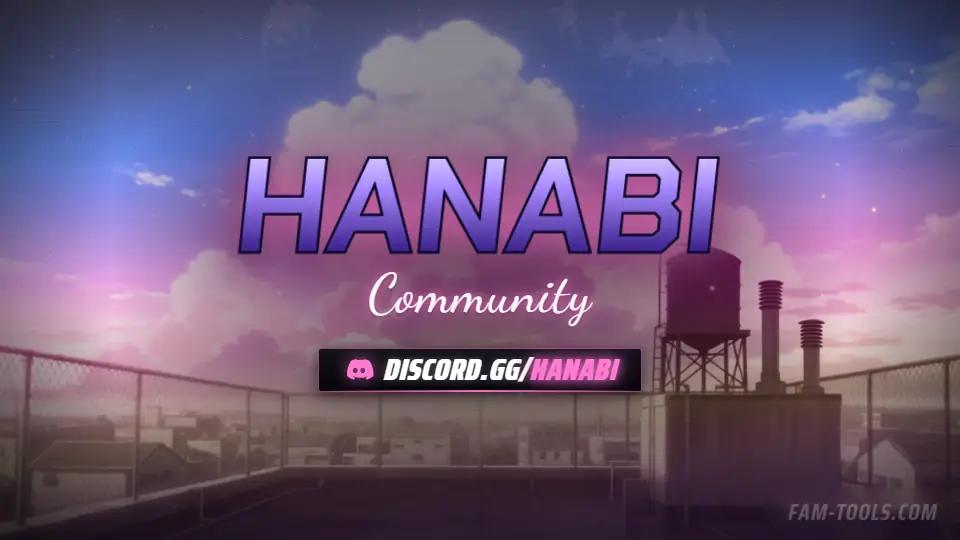
Anime Rooftop Anime2560×1440 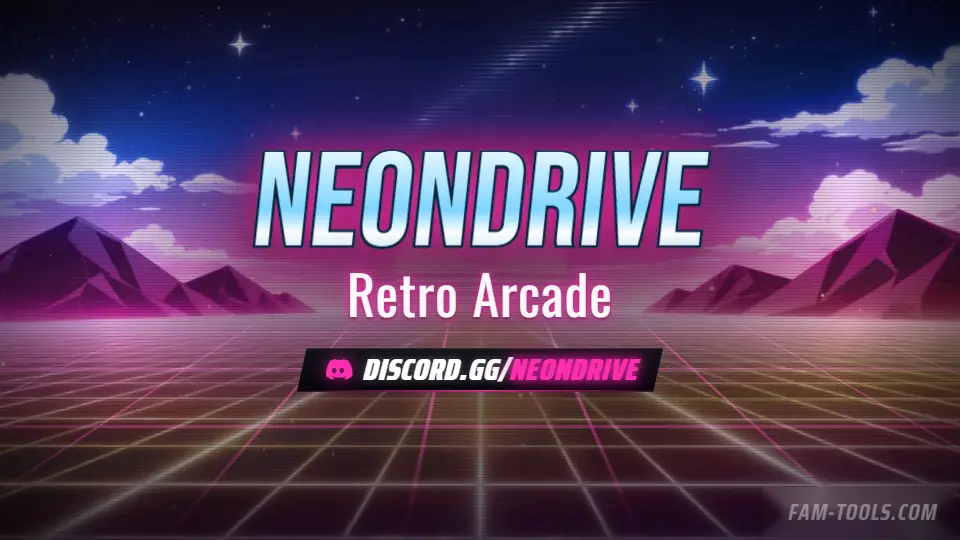
Arcade Grid Anime2560×1440 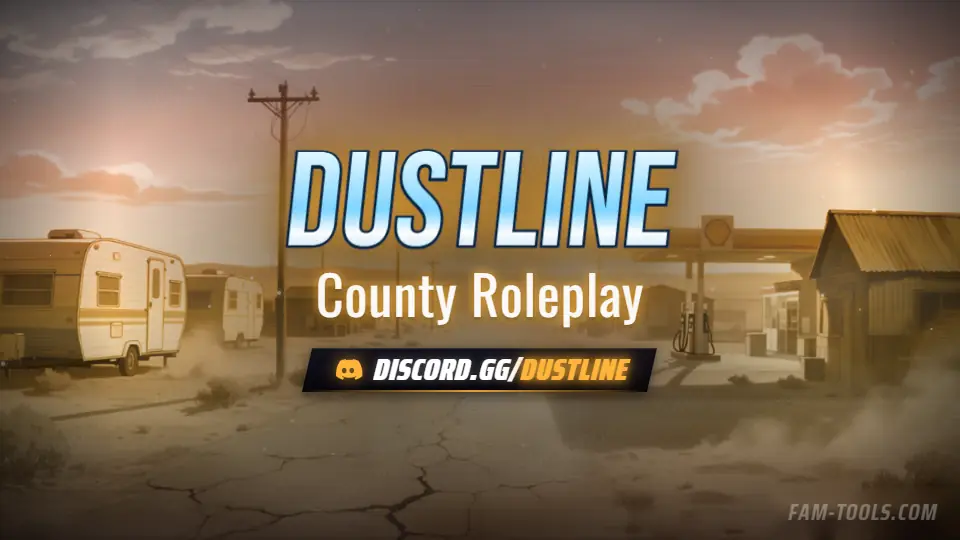
Desert Trailer Anime2560×1440 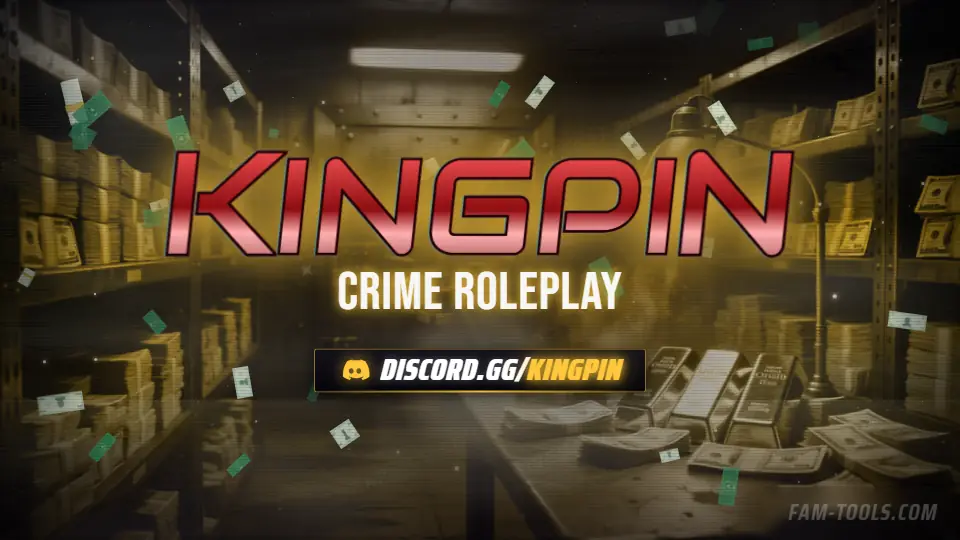
Money Vault Grunge2560×1440
What goes wrong
The four failures that cost people the most time on this slot.
- Designing to the full 2560x1440 and losing the wordmark on mobile
- Resizing the whole banner down to 1546x423 instead of cropping the safe area
- Uploading at a smaller size, which YouTube upscales badly
- Expecting channel art to animate
Questions about this size
3 answers.
What size is YouTube channel art?
2560x1440 for the upload. Only the centre 1546x423 is visible on every device, so that rectangle is where the wordmark and invite belong.
What is the YouTube safe area?
1546x423 in the centre of the upload. A phone shows only that. Every pack exports it as a separate file cut from the full render so you can check the crop first.
Can YouTube channel art be a GIF?
No. YouTube accepts PNG and JPG and shows a still on every device.
Formats that go with it
The other slots on the same journey.
YouTube thumbnail, 1280x720
A thumbnail competes in a grid. Consistency across a series is worth more than detail in any one of them.
Twitch offline screen, 1920x1080
Most of the hours in a week your channel is offline. The offline screen is doing the selling for all of them.
X header, 1500x500
Your own avatar covers the lower left of your header. Every centred wordmark loses to it.
Pick the artwork, not the size. 5 designs in the catalogue carry a preview of this exact format.
FAM Tools is an independent studio. We are not affiliated with, endorsed or sponsored by Take-Two Interactive, Rockstar Games, Cfx.re or the FiveM project, and we neither own nor license any Grand Theft Auto asset. Every graphic shown on this page was drawn and rendered here. Platform names are used only to describe which slot a file is sized for.