TWITCH · twitch_offline
Twitch offline screen, 1920x1080
Most of the hours in a week your channel is offline. The offline screen is doing the selling for all of them.
- 1920×1080
- target size
- 1920×1080
- still rendered at
- Yes
- animated
- 124
- designs with this render
Twitch calls it the Video Player Banner and everyone else calls it the offline screen. It fills the player area at 1920x1080 whenever the channel is not live, which for most streamers is the large majority of the week. Anybody who arrives from a clip, a VOD link or a Discord announcement outside your stream hours sees this and nothing else.
It is set in Creator Dashboard under Settings, Channel. Twitch accepts JPG, PNG and GIF up to 10MB and renders the image as a still in the player, so the GIF option buys you nothing there. What belongs on it is the server name, the schedule or the invite, and enough scene to look like something was made rather than screenshotted.
The format also ships as a 30fps MP4 at 1920x1080, which is the file you actually want for a starting-soon, be-right-back or stream-ending scene in OBS. Add it as a media source, loop it, and put your own text layers on top. Because it is the same scene as your offline screen and your server banners, a viewer who sees the starting-soon card, the stream and then the server list entry sees one identity three times.
One Twitch-specific note: the player area is not always exactly 16:9 on mobile and in embeds, and Twitch letterboxes rather than cropping, so the full composition survives. That makes this the one wide format where you can safely use the whole frame.
Where it goes
Creator Dashboard, Settings, Channel, Video Player Banner
- Target size1920×1080
- Still render1920×1080
- Animated render1920×1080
- Encoded asMP4 30fps, 5.0s
- Transparencyopaque
- PlatformTwitch
Limits to respect
- 1920x1080, JPG, PNG or GIF up to 10MB
- Twitch displays it as a still in the player
- A 30fps 1920x1080 MP4 ships alongside for OBS scenes
This format across 124 designs
Every example below is the same slot, laid out at 1920×1080 by a different design.
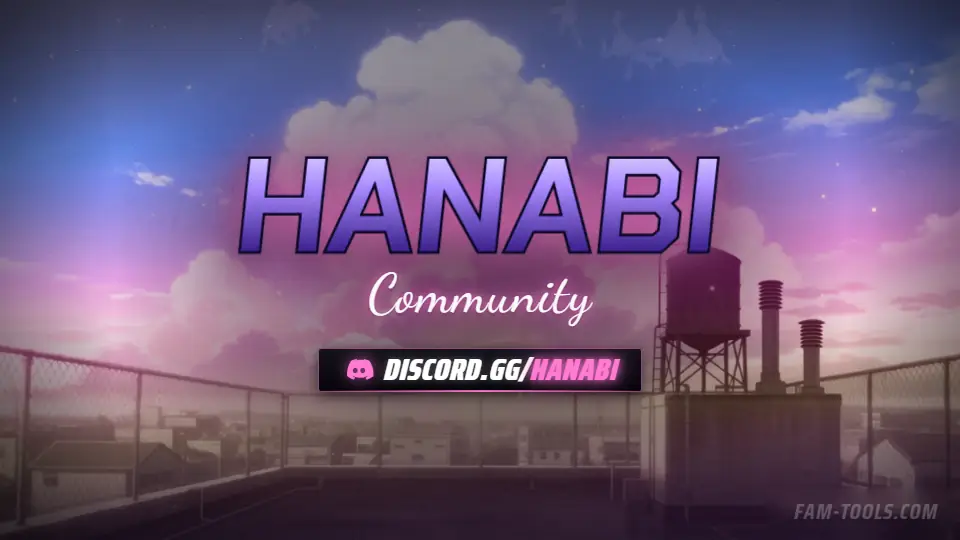
Anime Rooftop Anime1920×1080 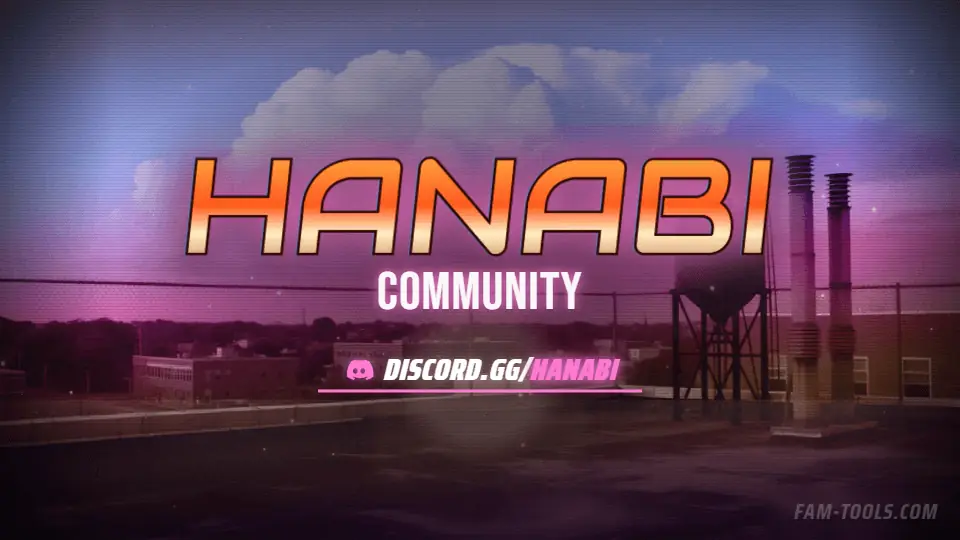
Anime Rooftop Grunge1920×1080 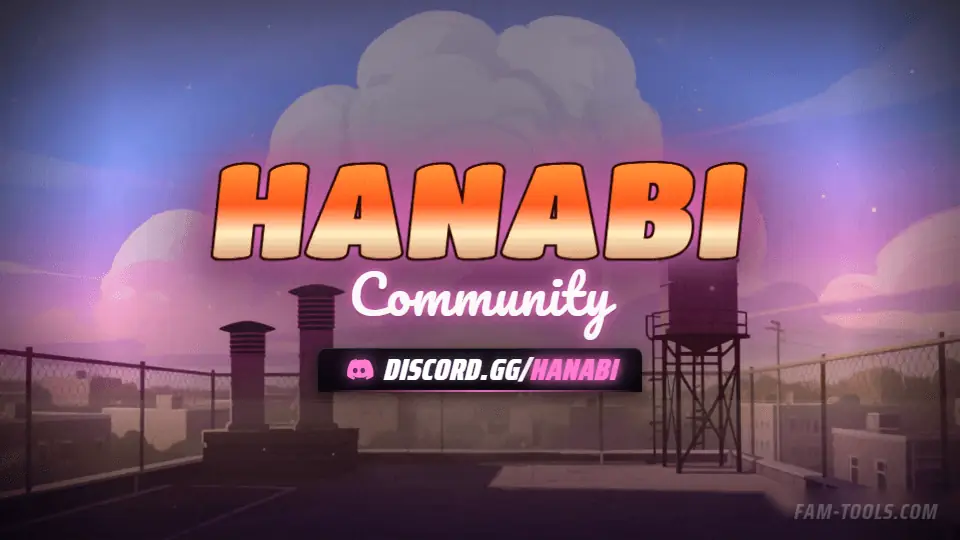
Anime Rooftop Painted1920×1080 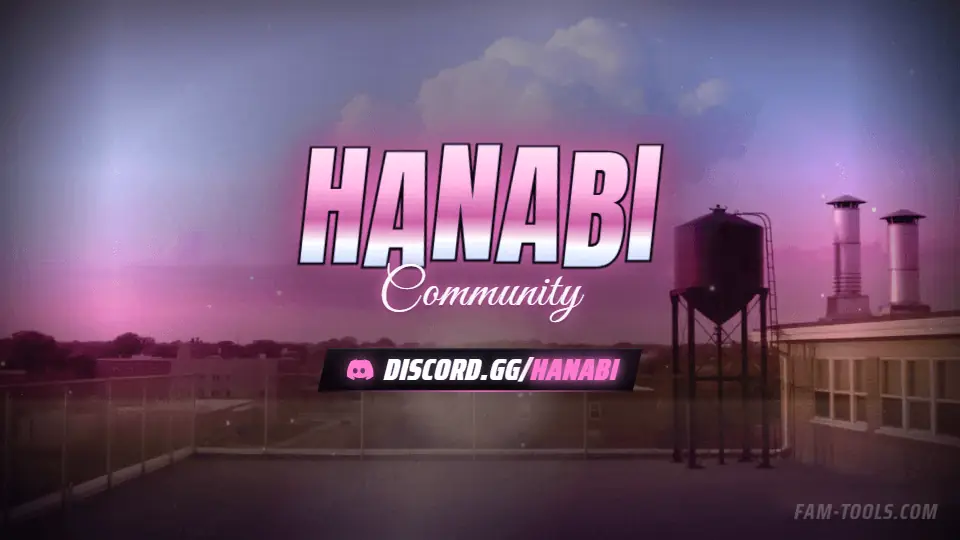
Anime Rooftop Photoreal1920×1080
What goes wrong
The four failures that cost people the most time on this slot.
- Leaving the default Twitch offline card up, which says nothing
- Uploading a GIF and expecting it to move in the player
- Putting the schedule in text so small it cannot be read in an embed
- Using a screenshot of gameplay with no branding on it
Questions about this size
3 answers.
What size is a Twitch offline screen?
1920x1080, uploaded as the Video Player Banner under Creator Dashboard, Settings, Channel. Twitch accepts JPG, PNG and GIF up to 10MB.
Does the Twitch offline screen animate?
No. Twitch renders it as a still in the player. The MP4 in the pack is for OBS scenes like starting-soon and be-right-back.
What should be on it?
The server or channel name, the invite or schedule, and a scene that matches the rest of your branding. It is the only thing selling the channel while you are offline.
Formats that go with it
The other slots on the same journey.
Twitch panel, 320x100
320 by 100 pixels, sitting under the stream, clicked by the people who already decided they like you.
Discord invite splash, 1920x1080
This is the only Discord graphic a non-member sees, and it is the last thing between an invite link and a join.
YouTube channel art, 2560x1440
YouTube crops channel art four ways. Only the centre 1546x423 survives all of them.
Pick the artwork, not the size. 124 designs in the catalogue carry a preview of this exact format.
FAM Tools is an independent studio. We are not affiliated with, endorsed or sponsored by Take-Two Interactive, Rockstar Games, Cfx.re or the FiveM project, and we neither own nor license any Grand Theft Auto asset. Every graphic shown on this page was drawn and rendered here. Platform names are used only to describe which slot a file is sized for.