WEB STORE · store_banner
Store banner, 1920x500
A store page that looks nothing like the server it belongs to makes a paying player hesitate at exactly the wrong moment.
- 1920×500
- target size
- 3840×1000
- still rendered at
- Still only
- animated
- 5
- designs with this render
Tebex and most self-hosted FiveM store themes want a wide header image somewhere around 1920x500. It sits above the package list and is the first thing a player sees after clicking a link in your Discord. Its only job is to confirm that this is the right server's store.
That makes it a different problem from a server banner. A store theme is going to draw its own store name, a currency selector and a navigation row on top of the header, usually centred or left-aligned in the middle band. So the 1920x500 in a pack deliberately keeps that band quiet and pushes the visual weight to the left and right thirds, with the lockup set low enough to sit under a theme title rather than behind it.
It ships as a still only. No store theme animates its header, and a multi-megabyte animation in that slot would add load time to every store visit for no gain. The still renders at 3840x1000 and is delivered at 1920x500, so it stays sharp on high-density displays without being larger than it needs to be.
If your theme wants a different ratio, this is the format to crop from rather than the connecting banner, because it already has clear space in the middle and the composition survives losing height from the top or bottom.
Where it goes
Tebex store appearance settings, or your own shop theme's header slot
- Target size1920×500
- Still render3840×1000
- Motionstill only
- Transparencyopaque
- PlatformWeb store
Limits to respect
- 1920x500 covers Tebex defaults and most custom themes
- Still only; store themes do not animate headers
- Rendered at 3840x1000 for a clean downscale
This format across 5 designs
Every example below is the same slot, laid out at 1920×500 by a different design.
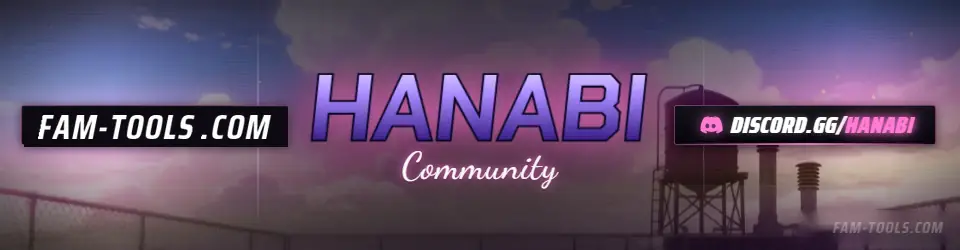
Anime Rooftop Anime1920×500 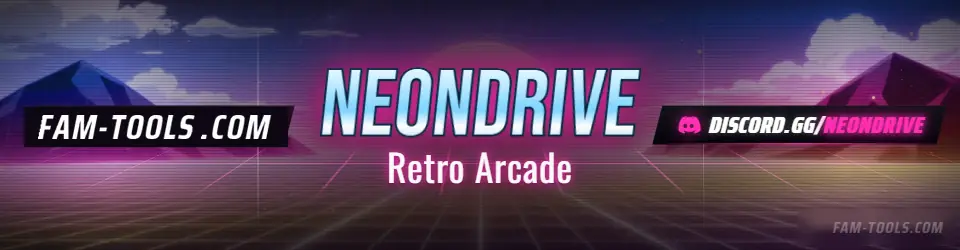
Arcade Grid Anime1920×500 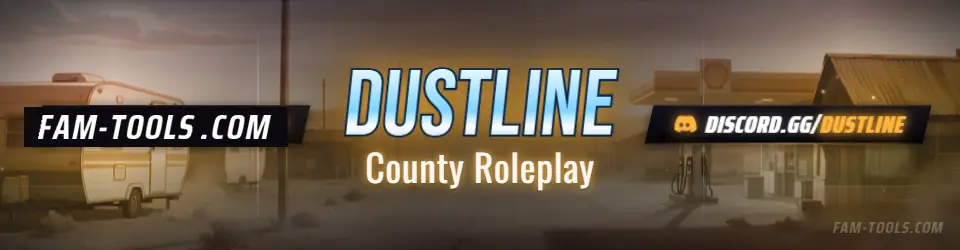
Desert Trailer Anime1920×500 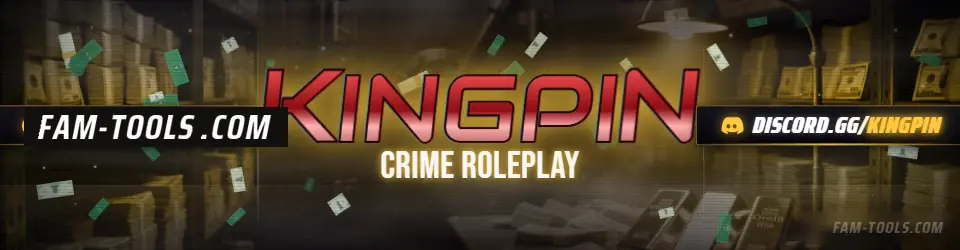
Money Vault Grunge1920×500
What goes wrong
The four failures that cost people the most time on this slot.
- Using a 1920x320 connecting banner, which the theme crops awkwardly
- Putting the lockup where the theme draws its store title
- Animating a store header and adding a megabyte to every page view
- Using branding that does not match the server, which reads as a scam page
Questions about this size
3 answers.
What size is a Tebex store banner?
1920x500 works for the Tebex default themes and most custom FiveM shop fronts. Keep the centre band clear for the theme's own store title and navigation.
Should a store header be animated?
No. Store themes show a still, and an animated header costs every visitor load time. The format ships as a high-resolution still only.
Can I crop it to a different ratio?
Yes, and it is the right format to crop from, because the composition already keeps the middle clear and survives losing height from the top or bottom.
Formats that go with it
The other slots on the same journey.
Discord invite splash, 1920x1080
This is the only Discord graphic a non-member sees, and it is the last thing between an invite link and a join.
YouTube thumbnail, 1280x720
A thumbnail competes in a grid. Consistency across a series is worth more than detail in any one of them.
FiveM connecting banner, 1920x320
This is the one graphic every single player who joins your server sees, full width, while they have nothing else to look at.
Pick the artwork, not the size. 5 designs in the catalogue carry a preview of this exact format.
FAM Tools is an independent studio. We are not affiliated with, endorsed or sponsored by Take-Two Interactive, Rockstar Games, Cfx.re or the FiveM project, and we neither own nor license any Grand Theft Auto asset. Every graphic shown on this page was drawn and rendered here. Platform names are used only to describe which slot a file is sized for.