MK II camo liveries: components, colours and retextures
Each MK II weapon has eleven camo components named COMPONENT_<WEAPON>_MK2_CAMO (Digital), _CAMO_02 … _CAMO_10, and _CAMO_IND_01 (Patriotic). Give one with GiveWeaponComponentToPed, then colour it with SetPedWeaponLiveryColor(ped, weapon, component, tint). Camos are separate component models with their own textures, which is what a custom livery retextures.
MK II weapons have a feature normal weapons lack: camo liveries, applied as components and recoloured with their own tint. They are a cheap way to give players cosmetic variety — and a common thing to get wrong in scripts, because the camo is a component while its colour is a separate native call.
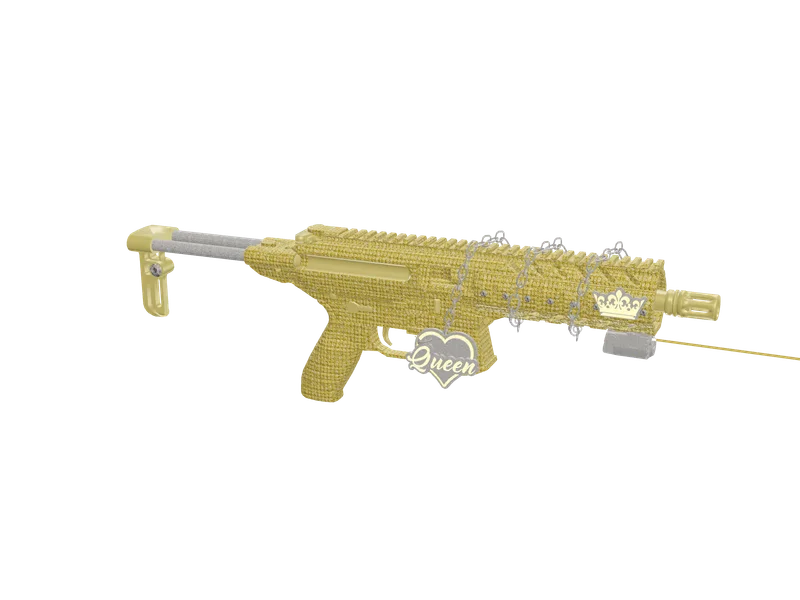
#The camo list
| Suffix | Name |
|---|---|
_CAMO | Digital |
_CAMO_02 | Brushstroke |
_CAMO_03 | Woodland |
_CAMO_04 | Skull |
_CAMO_05 | Sessanta Nove |
_CAMO_06 | Perseus |
_CAMO_07 | Leopard |
_CAMO_08 | Zebra |
_CAMO_09 | Geometric |
_CAMO_10 | Boom! |
_CAMO_IND_01 | Patriotic |
Prefix with the weapon: COMPONENT_PISTOL_MK2_CAMO_07, COMPONENT_CARBINERIFLE_MK2_CAMO_IND_01…
Some MK II weapons also have slide or secondary camo components for a second part of the gun (for example the pistol and SNS pistol MK II slides). Check the full component list in weapon components.
#Applying a camo and its colour
local ped = PlayerPedId()
local weapon = `WEAPON_PISTOL_MK2`
local camo = `COMPONENT_PISTOL_MK2_CAMO_07` -- Leopard

GiveWeaponToPed(ped, weapon, 60, false, true)
GiveWeaponComponentToPed(ped, weapon, camo)
SetPedWeaponLiveryColor(ped, weapon, camo, 3)  -- camo colour
SetPedWeaponTintIndex(ped, weapon, 15)                -- body tint
MK II weapons have 32 tints (0–31) for the body; the camo colour uses its own palette index. Tint indexes and names are in the weapon tints list.
#Custom camo liveries
Each camo is its own component model with its own texture dictionary. A custom livery replaces those textures while keeping names and sizes, then streams the result. That way the camo still works as a selectable component, and the gun body is untouched.
- Find the camo component’s model and texture dictionary in CodeWalker.
- Export the textures, paint your design on the same UV layout.
- Re-import with identical texture names and compression — see editing YTDs.
- Stream the edited
.ytdin a resource.
Questions
How many camos do MK II weapons have?
How do I change the colour of an MK II camo?
SetPedWeaponLiveryColor(ped, weaponHash, camoComponentHash, colorIndex) after giving the camo component.What is the component name of the Patriotic camo?
COMPONENT_<WEAPON>_MK2_CAMO_IND_01, for example COMPONENT_PISTOL_MK2_CAMO_IND_01.Can I make my own camo?
Ready to pick a map?
Twelve themes on three base map styles, $8 each, instant download.
Relevant to what you just read
The tool for this
Put your own artwork on 538 weapon models From $5, built in the browser, exported as a drop-in resource.
Look it up while you work
The reference tables this guide leans on, free and without an account.
- The 100 blip colour indexesEvery index SetBlipColour accepts, with the hex value the radar actually draws.
- All 921 vehicle spawn namesEvery vanilla model with a picture, its display name, its class and the hash CreateVehicle takes.
- All 860 ped model namesEvery model GetHashKey resolves, with its hash and how many clothing components and props it carries.