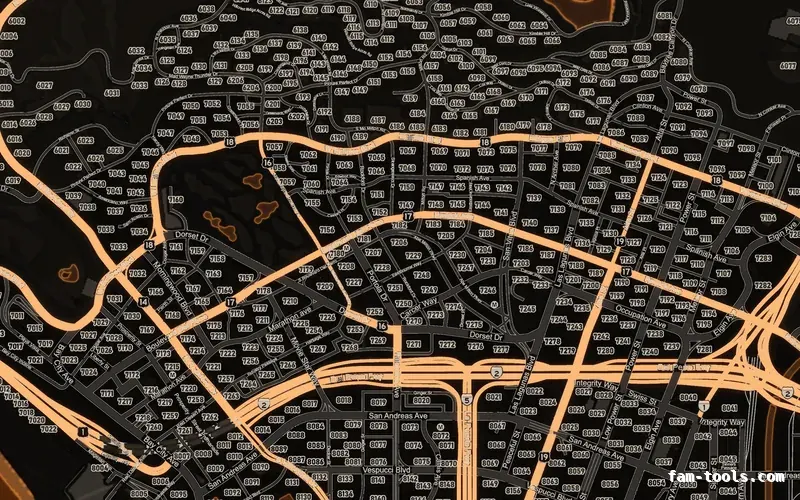
Minimaps
Minimaps for FiveM
Twelve colour palettes across three base map styles, each one a drop-in resource. Add your logo and your district labels in the editor.
From $8.0036 finished mapsBrowse the minimaps
FAM-261023-261025-UL4B9this weekendTick it in your cart Halloween Edition36 maps, limited runlimited runShop the drop FREE TOOL · CMapData
Place props by clicking the real GTA 5 map or by pasting a list of coordinates, and get the CMapData XML that CodeWalker imports into a working .ymap. Rotation is typed in degrees the way you read it in game and written as the inverted quaternion a CEntityDef actually stores. The streaming and entity extents are calculated from what you placed, because getting those wrong is the reason most hand-written ymaps never stream in.
The field names, the enum values and the defaults come from CodeWalker's own source: the CMapData and CEntityDef structures, its flag list, and the values it gives a newly created entity. Nothing is uploaded — the XML is built in your browser.
Loading the map…
Click to place the model above. The arrow on each marker is its heading.
stored rotation = 0, 0, -0.984808, 0.173648
A detail model with no LOD parent. This is what a stand-alone prop placement is, and what CodeWalker gives a new entity.
flags 32
The entities box is every placement grown by its own bounds radius. The streaming box is that same box grown again by each entity's lodDist, which is the rule CodeWalker applies when it recalculates extents. Because this page does not have your .ytyp, the bounds radius is a figure you set per entity rather than the archetype's real bounding sphere — open the file in CodeWalker once and let it recalculate for the exact values.
One per line. A line can be a model name with x, y and z; add a fourth number and it is read as the heading; add six and they are read as rotation X, Y and Z. Lines with no model name use the model in the box at the top, so a bare list of coordinates out of a Lua table works as it stands.
Save this as <name>.ymap.xml, open it in CodeWalker, and use Tools, Import XML to write the binary .ymap. CodeWalker skips any element it does not find, so the empty arrays here are there to match what it writes itself rather than because the game needs them.
<?xml version="1.0" encoding="UTF-8"?>
<CMapData>
  <name>my_custom_map</name>
  <parent />
  <flags value="0" />
  <contentFlags value="1" />
  <streamingExtentsMin x="-6.4" y="-1135.4" z="-170.91" />
  <streamingExtentsMax x="396.8" y="-732.2" z="232.29" />
  <entitiesExtentsMin x="193.6" y="-935.4" z="29.09" />
  <entitiesExtentsMax x="196.8" y="-932.2" z="32.29" />
  <entities>
    <Item type="CEntityDef">
      <archetypeName>prop_bench_01a</archetypeName>
      <flags value="32" />
      <guid value="0" />
      <position x="195.2" y="-933.8" z="30.69" />
      <rotation x="0" y="0" z="-0.984808" w="0.173648" />
      <scaleXY value="1" />
      <scaleZ value="1" />
      <parentIndex value="-1" />
      <lodDist value="200" />
      <childLodDist value="0" />
      <lodLevel>LODTYPES_DEPTH_ORPHANHD</lodLevel>
      <numChildren value="0" />
      <priorityLevel>PRI_REQUIRED</priorityLevel>
      <extensions />
      <ambientOcclusionMultiplier value="255" />
      <artificialAmbientOcclusion value="255" />
      <tintValue value="0" />
    </Item>
  </entities>
  <containerLods />
  <boxOccluders />
  <occludeModels />
  <physicsDictionaries />
  <instancedData>
    <ImapLink />
    <PropInstanceList />
    <GrassInstanceList />
  </instancedData>
  <timeCycleModifiers />
  <carGenerators />
  <LODLightsSOA>
    <direction />
    <falloff />
    <falloffExponent />
    <timeAndStateFlags />
    <hash />
    <coneInnerAngle />
    <coneOuterAngleOrCapExt />
    <coronaIntensity />
  </LODLightsSOA>
  <DistantLODLightsSOA>
    <position />
    <RGBI />
    <numStreetLights value="0" />
    <category value="0" />
  </DistantLODLightsSOA>
  <block>
    <version value="0" />
    <flags value="0" />
    <name>my_custom_map</name>
    <exportedBy>fam-tools.com</exportedBy>
    <owner />
    <time />
  </block>
</CMapData>
A ymap has to sit in a resource the server starts. this_is_a_map tells the client to load the CMapData, and the DLC_ITYP_REQUEST line is only needed when your props come from a .ytyp of your own rather than from the base game.
fx_version 'cerulean'
game 'gta5'

name 'my_custom_map'
description 'Custom map placement built with the ymap builder at fam-tools.com'
version '1.0.0'

this_is_a_map 'yes'

files {
    'my_custom_map.ymap',
}

data_file 'DLC_ITYP_REQUEST' 'stream/props.ytyp'
HOW TO USE IT
Place your props, copy the XML, save it as <name>.ymap.xml, then open CodeWalker and use Tools, Import XML to write the binary file. Drop that .ymap into a resource with the manifest below and restart it. Open the same file in CodeWalker's project window once and let it recalculate the extents — it has your ytyp and therefore the real bounding spheres, which is the one number this page has to estimate.
A ymap is not a script: this_is_a_map tells the client to load it as map data. The DLC_ITYP_REQUEST line is only needed for your own models — base-game props already have archetypes in the game's own ytyps.
-- The whole resource, for a ymap full of base-game props.
-- Folder layout:
--
--   my_custom_map/
--     fxmanifest.lua
--     my_custom_map.ymap        <- written by CodeWalker from the XML
--
-- fxmanifest.lua:

fx_version 'cerulean'
game 'gta5'

name 'my_custom_map'
description 'Prop placement at Vespucci'
version '1.0.0'

this_is_a_map 'yes'

files {
    'my_custom_map.ymap',
}

-- Only when the props are your own models rather than base game:
--
-- files {
--     'my_custom_map.ymap',
--     'stream/props.ytyp',
-- }
--
-- data_file 'DLC_ITYP_REQUEST' 'stream/props.ytyp'Both boxes are in world units and both are axis-aligned. The tool above derives them from your placements using the same rule CodeWalker applies: the entity box is every position grown by the model's bounds, and the streaming box is that grown again by each entity's lodDist.
<!-- What makes or breaks the file. Two boxes, four vectors. -->

<!-- Where the objects are: every position grown by the model's
     own bounding sphere. -->
<entitiesExtentsMin x="183.6" y="-945.4" z="29.09" />
<entitiesExtentsMax x="206.8" y="-922.2" z="32.29" />

<!-- When the game starts caring: the box above, grown again by
     each entity's lodDist. A 200-unit lodDist on a prop at the
     edge pushes this out 200 units past it. -->
<streamingExtentsMin x="-16.4" y="-1145.4" z="-170.91" />
<streamingExtentsMax x="406.8" y="-722.2" z="232.29" />

<!-- Leave these at zero and the game looks for the ymap in a
     box around the world origin, out at sea. The file loads
     there and nowhere else, which is the single most common
reason a hand-written ymap "does nothing". -->A CEntityDef holds the inverse of the entity's orientation. CodeWalker inverts it on read and on write, so a quaternion copied from an in-game dump goes in mirrored unless you invert it — negate x, y and z, or equivalently flip the sign of w.
That is a static entity drawn to 200 units, with LODTYPES_DEPTH_ORPHANHD, PRI_REQUIRED and parentIndex -1. It is what CodeWalker gives a new entity, and it is right for a prop you are simply dropping in.
Everything in a ymap loads together, so a file spanning the whole map keeps every prop in it resident. Split placements into files by neighbourhood and the streaming boxes do the work for you.
archetypeName is the model name — lowercase letters, digits and underscores, with no .ydr on the end. The engine only ever compares its hash, so a typo fails silently rather than erroring.
QUESTIONS
MORE
Object models with the hash beside each one, which is where an archetypeName comes from.
Interactive mapA coordinate under every click, with a height sample and a copyable pin list.
Zone creatorDraw a zone around what you just placed and export it for ox_lib, PolyZone, ox_target or qb-target.
fxmanifest generatorThe whole manifest, including the data_file entries a custom ytyp needs.
ALSO FREE
Picked because they touch the same files, natives or part of the game.
FROM THE SHOP
The free tools and the paid work come out of the same place. These are the lines closest to what this page is about.
Grand opening: 25% off every product with FAM-261023-261025-UL4B9, until 25 October. It is applied at checkout.
Twelve colour palettes across three base map styles, each one a drop-in resource. Add your logo and your district labels in the editor.
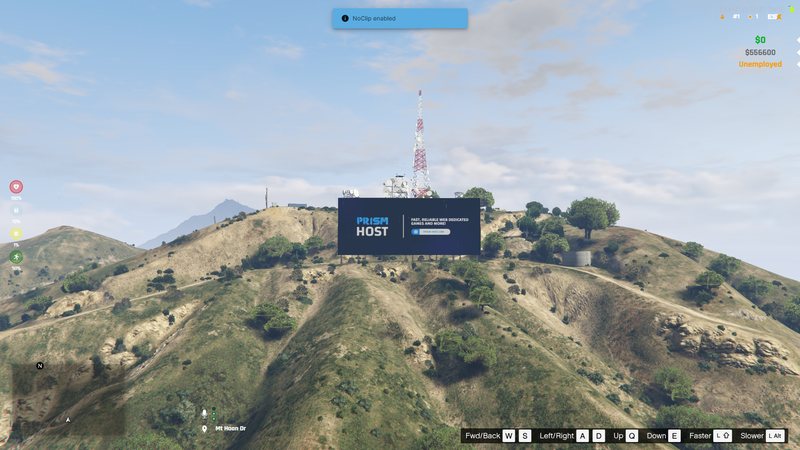
Your server name standing on the hillside in real 3D geometry. It ships as a pure map resource with no script, so there is nothing to break.