Attachment positions on add-on weapons
Components attach to named bones in the weapon model (WAPScop for scopes, WAPSupp for suppressors, WAPFlshLasr for flashlights, WAPClip for magazines, WAPGrip for grips); weapons.meta lists which components may attach to which bone under AttachPoints. If a component floats, move the bone in Blender with Sollumz to the mount point and re-export. Flashlight beam brightness and angles are component settings; SetFlashLightKeepOnWhileMoving(true) keeps the beam on outside aiming.
An add-on rifle whose scope floats above the rail, a suppressor sticking out of the stock, a flashlight shining sideways — attachment problems come from where the weapon’s attachment bones are, not from the attachment models. Fix the bones and every attachment lines up.
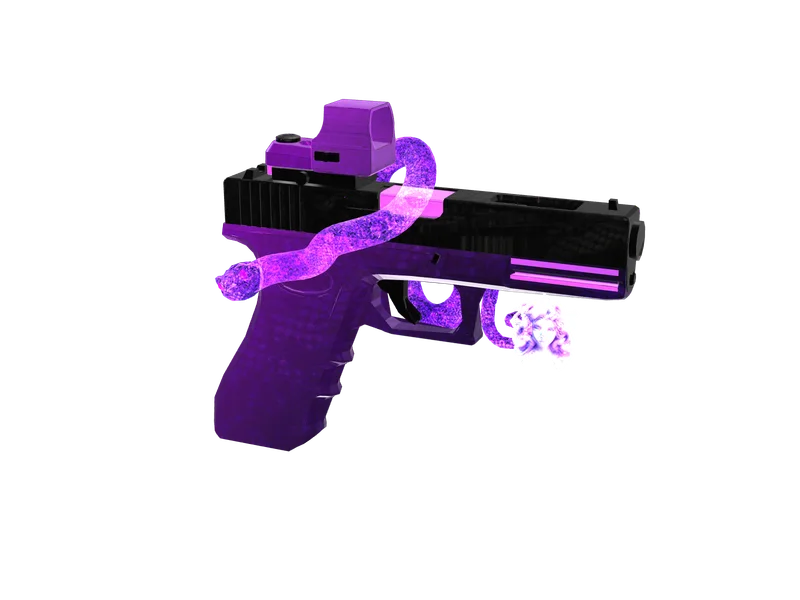
#Attachment bones
| Bone | Used by |
|---|---|
WAPScop | Scopes and sights |
WAPSupp | Suppressors and muzzle devices |
WAPFlshLasr | Flashlights and lasers |
WAPClip | Magazines |
WAPGrip | Foregrips |
<AttachPoints>
  <Item>
    <AttachBone>WAPScop</AttachBone>
    <Components>
      <Item>
        <Name>COMPONENT_AT_SCOPE_MEDIUM</Name>
        <Default value="false" />
      </Item>
    </Components>
  </Item>
</AttachPoints>#Moving a bone
- Import the weapon
.ydrin Blender with Sollumz. - Select the armature and move the bone (e.g.
WAPScop) onto the rail where the scope should sit. - Keep the bone’s orientation — the component’s forward axis follows it.
- Export, convert and test each attachment in third and first person.
Export workflow: Blender and Sollumz. Component names and compatibility: components and attachments.
#Scope alignment in first person
If the reticle does not line up with the scope when aiming in first person, the scope bone is off-axis or the weapon’s first-person offsets in weapons.meta (the FirstPerson… fields) do not suit the model. Adjust the bone first, then the offsets — see weapons.meta explained and first-person aiming.
#Flashlights
- Beam direction follows the
WAPFlshLasrbone — rotate it if the light points sideways. - Beam intensity, range and cone are set on the flashlight component in its meta.
SetFlashLightKeepOnWhileMoving(true)(FiveM client native) keeps beams visible while moving, not only while aiming.
Questions
Why does my scope float above the weapon?
WAPScop bone is in the wrong place. Move it to the rail in Blender and re-export.Which bone do flashlights use?
WAPFlshLasr.Can I fix attachment positions in weapons.meta?
How do I keep the weapon flashlight on while walking?
SetFlashLightKeepOnWhileMoving(true) on the client.Ready to pick a map?
Twelve themes on three base map styles, $8 each, instant download.
Relevant to what you just read