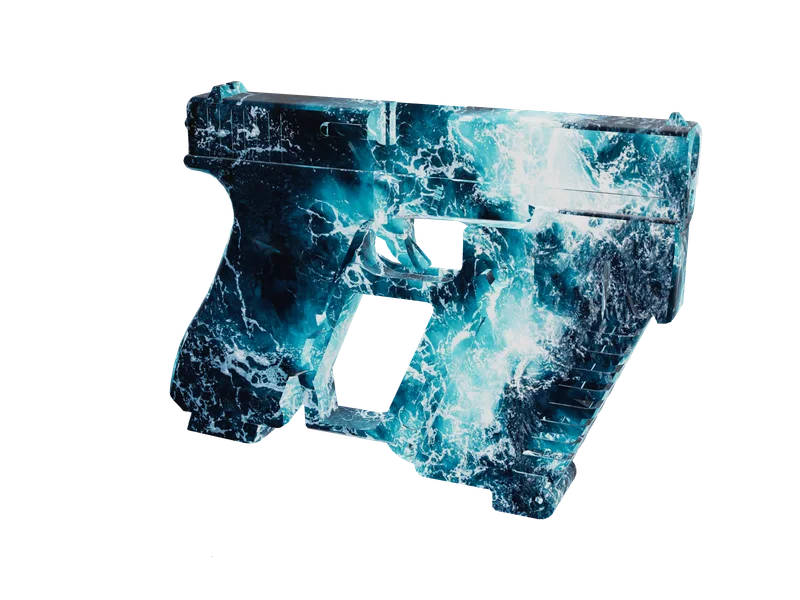
Weapon skins
Weapon skins for FiveM
Put your own artwork on any model in the library and export it as its own resource, inventory icons cut to match. The first one costs nothing.
Free538 weapon modelsOpen the weapon library
FAM-261023-261025-UL4B9this weekendTick it in your cart Halloween Edition36 maps, limited runlimited runShop the drop FREE TOOL · GetHashKey & spawn codes
All 1,901 spawnable models in one box. 921 vehicles, 860 peds and 120 weapons, with the spawn name, the hash in hex, unsigned and signed form, the category, and the right spawn call for whichever kind of thing you clicked. Type a name, a display name, a manufacturer, or paste a hash out of your console in any of its three forms.
Built on the lists this site already keeps — this site’s vehicle reference, this site’s ped reference and this site’s weapon stats reference — rather than a fourth copy of the same data. The three hash forms are computed in your browser by the same joaat implementation the the hash calculator uses, so this page sends names and nothing else: 43.7 KB of text for all 1,901 rows.
THREE KINDS, THREE CALLS
They all look like “models” in a list and they are not interchangeable in code. The difference is whether the game has to load anything first.
CreateVehicleVehicles921 rowsEvery spawnable vehicle model, with the display name and manufacturer the HUD shows so you can find a car by the name you saw rather than the name the game calls it.
CreatePedPeds860 rowsEvery working ped model, from the three protagonists to the orca. The same name goes to CreatePed for an NPC and SetPlayerModel for your own character.
GiveWeaponToPedWeapons120 rowsEvery weapon name GiveWeaponToPed accepts. A weapon is not a model you spawn into the world — it is a name you hand to a ped — which is why the snippet here looks nothing like the other two.
HOW TO USE IT
Click any row above and you get one of these with the name filled in. Here they are whole, with the parts that matter left in rather than trimmed down to one line.
Client-side. The IsModelInCdimage check is what turns 'CreateVehicle returned 0' into a line in your console that says which name was wrong.
local MODEL = 'adder'

RegisterCommand('adder', function()
    local hash = GetHashKey(MODEL)

    if not IsModelInCdimage(hash) or not IsModelAVehicle(hash) then
        print(('%s is not a vehicle this build knows about'):format(MODEL))
        return
    end

    RequestModel(hash)
    while not HasModelLoaded(hash) do
        Wait(0)
    end

    local ped = PlayerPedId()
    local pos = GetEntityCoords(ped)
    local veh = CreateVehicle(hash, pos.x, pos.y, pos.z, GetEntityHeading(ped), true, false)

    SetPedIntoVehicle(ped, veh, -1)
    SetVehicleNumberPlateText(veh, 'FAM 001')
    SetModelAsNoLongerNeeded(hash)
end, false)Client-side. The first argument of CreatePed is the ped type; 4 is a civilian male and is the value nearly every script uses regardless of the model.
local MODEL = 'a_m_y_hipster_01'

RegisterCommand('hipster', function()
    local hash = GetHashKey(MODEL)

    RequestModel(hash)
    while not HasModelLoaded(hash) do
        Wait(0)
    end

    local me = PlayerPedId()
    local pos = GetEntityCoords(me) + GetEntityForwardVector(me) * 2.0
    local ped = CreatePed(4, hash, pos.x, pos.y, pos.z, GetEntityHeading(me), false, true)

    SetModelAsNoLongerNeeded(hash)
    SetEntityAsMissionEntity(ped, true, true)
end, false)Client-side. This destroys the ped you were and builds a new one, so anything attached to the old ped is gone — call SetPedDefaultComponentVariation or your new character spawns undressed.
local MODEL = 'mp_m_freemode_01'

RegisterCommand('freemode', function()
    local hash = GetHashKey(MODEL)

    RequestModel(hash)
    while not HasModelLoaded(hash) do
        Wait(0)
    end

    SetPlayerModel(PlayerId(), hash)
    SetPedDefaultComponentVariation(PlayerPedId())
    SetModelAsNoLongerNeeded(hash)
end, false)Client-side. 250 is the ammo, false means not hidden, true equips it immediately. There is no model to request because a weapon is given rather than spawned.
local WEAPON = 'WEAPON_CARBINERIFLE'

RegisterCommand('carbine', function()
    local ped = PlayerPedId()
    local hash = GetHashKey(WEAPON)

    GiveWeaponToPed(ped, hash, 250, false, true)
    SetCurrentPedWeapon(ped, hash, true)
end, false)
Native signatures from the Cfx.re reference: CREATE_VEHICLE, CREATE_PED, SET_PLAYER_MODEL, GIVE_WEAPON_TO_PED and REQUEST_MODEL.
FOUR WAYS TO WRITE ONE MODEL
Every row on this page gives the same model four ways, and the search box accepts all of them. The Adder is the clearest example: one model, four strings that all mean it.
| What you are holding | What it is |
|---|---|
| adder | The spawn name. Case does not matter, because GetHashKey lowercases the string before it hashes it, so Adder and ADDER give the same number. |
| 0xB779A091 | The hash in hex, which is how every published dump writes it and how the game’s own files refer to a model. |
| 3078201489 | The same 32 bits read as an unsigned integer. This is what you pass to a native, and what GetHashKey hands back. |
| -1216765807 | The same 32 bits read as a signed integer, which is what a Lua print and most server console lines show you. This is why a hash in a log never seems to match the one in the dump. |
WHAT IS NOT IN HERE
This page is vehicles, peds and weapons. Object models — props — are left out on purpose: there are 21,631 of them, more than ten times everything on this page put together, and putting them in the same box would bury the model you were looking for under a hundred variations of a plant pot. They have a page of their own with its own search, and the model names behave exactly the same way.
The createable prop list with hashes, for CreateObject rather than CreateVehicle.
Hash calculatorGetHashKey as you type, both ways round — paste a negative number from a log and get the name back.
Weapon stats and componentsDamage, range, clip size, fire rate and the components each weapon actually accepts.
Relationship editorOnce you have spawned a ped, this is how you decide what it feels about everybody else.
QUESTIONS
adder which the compiler turns into the number before your script ever runs, or the number itself out of this page. The backtick form is the cheapest and the one to prefer in a loop; GetHashKey is the one to use when the name is in a variable.FROM THE SHOP
The free tools and the paid work come out of the same place. These are the lines closest to what this page is about.
Grand opening: 25% off every product with FAM-261023-261025-UL4B9, until 25 October. It is applied at checkout.
Put your own artwork on any model in the library and export it as its own resource, inventory icons cut to match. The first one costs nothing.
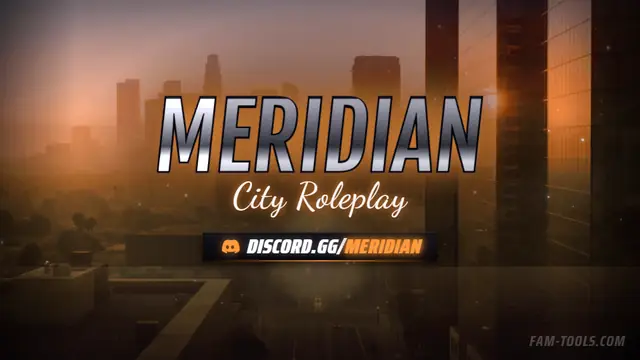
One design, cut to every slot your server shows up in: the server list strip, the Discord header, the stream art, each composed for its own crop.
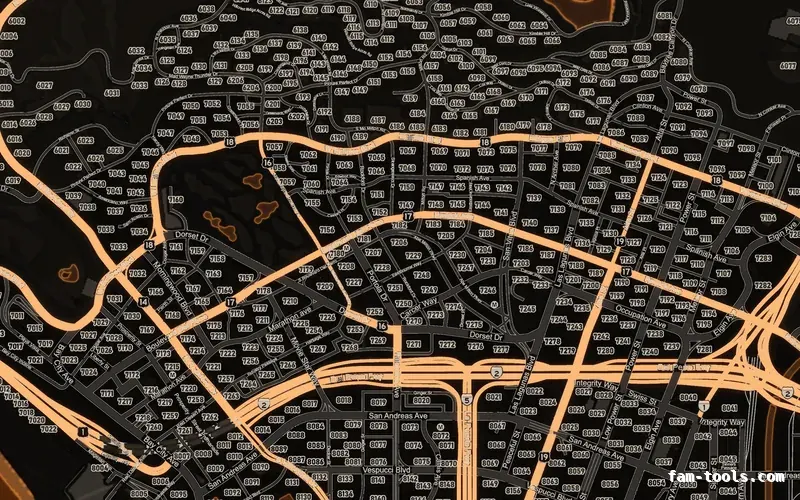
Twelve colour palettes across three base map styles, each one a drop-in resource. Add your logo and your district labels in the editor.