Preparing a logo PNG for a FiveM sign
Export a PNG with a real alpha channel, no background rectangle and no soft outer glow, around 1000 pixels on the long edge. Wide logos suit a hill sign best; the editor trims empty margins for you.
Uploading a logo to the banner creator turns it into real geometry: the outline is traced from the transparency and extruded, so holes in your logo are genuinely open and you can see the hillside through them. That only works if the file you upload has an outline to trace.
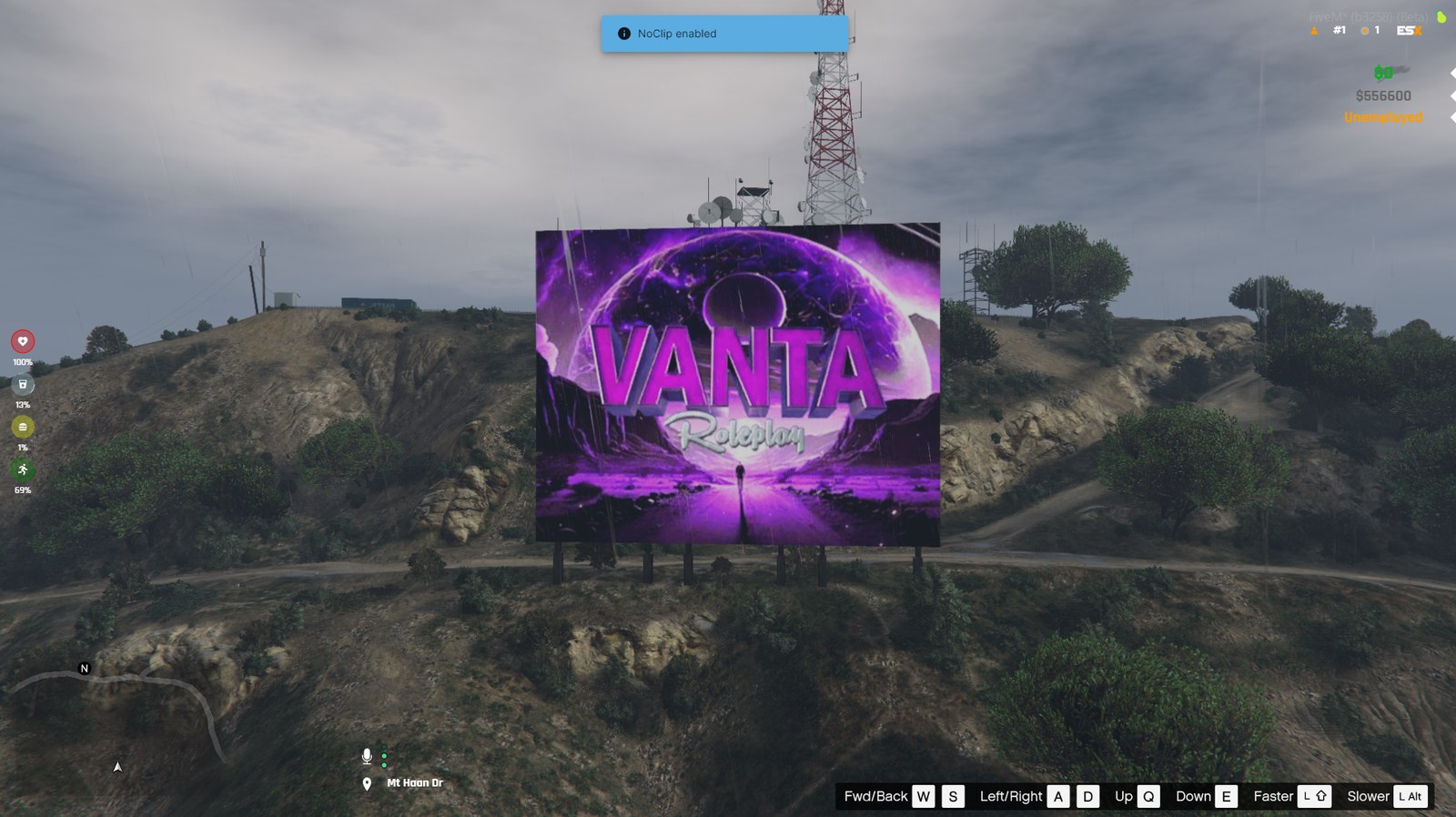
#Use a real alpha channel
The editor traces the transparency of your image to find the shape. If your logo sits on a white or black rectangle, the rectangle is the shape — you will get a slab with your logo printed on it rather than cut-out letters.
Export from your editor with the background layer hidden, as a 32-bit PNG. If you only have a JPEG, there is no alpha channel at all and no amount of processing invents one; redraw it or ask whoever made it for the source.
#Avoid soft edges
Drop shadows, outer glows and heavy feathering all blur the boundary between opaque and transparent. The tracer has to pick a threshold somewhere in that gradient, which gives you a slightly bloated, slightly wobbly outline.
Export a version with those effects turned off. The sign gets its own glow from the neon treatment anyway, and it will be a much cleaner one than a baked-in Photoshop glow seen from two kilometres away.
#Size and aspect
Anything above about 1000 pixels on the long edge is plenty — the board texture is rendered at 512 pixels tall, so a 4000 px export only makes the upload slower.
Aspect ratio matters more than resolution. A sign is a wide object: a 3:1 banner fills the ridge the way the stock letters do, while a square badge ends up as tall as it is wide and uses only a couple of support columns. If your logo is square, consider setting it beside your server name rather than using it alone.
The editor trims empty margins automatically, so you do not need to crop tightly before uploading. It also scales the result to fill the board, which is why a logo with a lot of built-in padding comes out smaller than you expected — crop the padding, not the logo.
| Logo shape | What it looks like on the hill |
|---|---|
| 3:1 or wider | Fills the ridge, reads from across the map — best case |
| 2:1 | Comfortable, a little shorter than the stock letters |
| 1:1 square | Tall and narrow; strong close up, harder to read at distance |
| Taller than wide | Works, but the frame has to grow upward — check it at street level |
#Fine detail and thin lines
Remember the sign is read from a long way off. Hairline strokes, one-pixel outlines and small text inside a logo all survive the trace but disappear at distance, and they add geometry for nothing.
If your logo has a detailed emblem and a wordmark, the wordmark is usually the part worth putting on the hill. The emblem reads better on a smaller surface — a billboard in town, or beside a spawn point.
#Colour
The logo keeps its own colours by default, and the neon treatment adds emission on top. A very dark logo gets most of its visibility from the glow rather than from the fill, which can look washed out at night and invisible at noon.
If your brand colour is dark, the usual answer is to let the editor recolour the logo with your palette for the sign and keep the dark version for everything else. It is the same logo, read at a distance it was never drawn for.
Questions
What file format should I upload for a FiveM logo sign?
How big should the logo file be?
My logo is square. Can I still use it?
Do transparent areas really show the hill through them?
Ready to pick a map?
Twelve themes on three base map styles, $8 each, instant download.
Relevant to what you just read
Look it up while you work
The reference tables this guide leans on, free and without an account.
- The 100 blip colour indexesEvery index SetBlipColour accepts, with the hex value the radar actually draws.