GTA 5 map coordinates for FiveM: vector3, heading and ground Z
GTA V uses a right-handed world where X runs west–east, Y runs south–north and Z is height, all in metres. A position is stored as vector3(x, y, z) and a position plus facing as vector4(x, y, z, heading), where heading is 0–360 degrees with 0 facing north. Get your own position with GetEntityCoords(PlayerPedId()) and your facing with GetEntityHeading.
A GTA 5 map coordinate is three numbers and a heading: X across the map, Y up it, Z for height, and the direction the entity faces. Every job marker, garage, shop and spawn point on a FiveM server is written that way, so once you can read them, placing a new location takes seconds instead of trial and error. This guide explains the coordinate system, the Lua types FiveM gives you for it, and the quickest ways to capture a position in game.
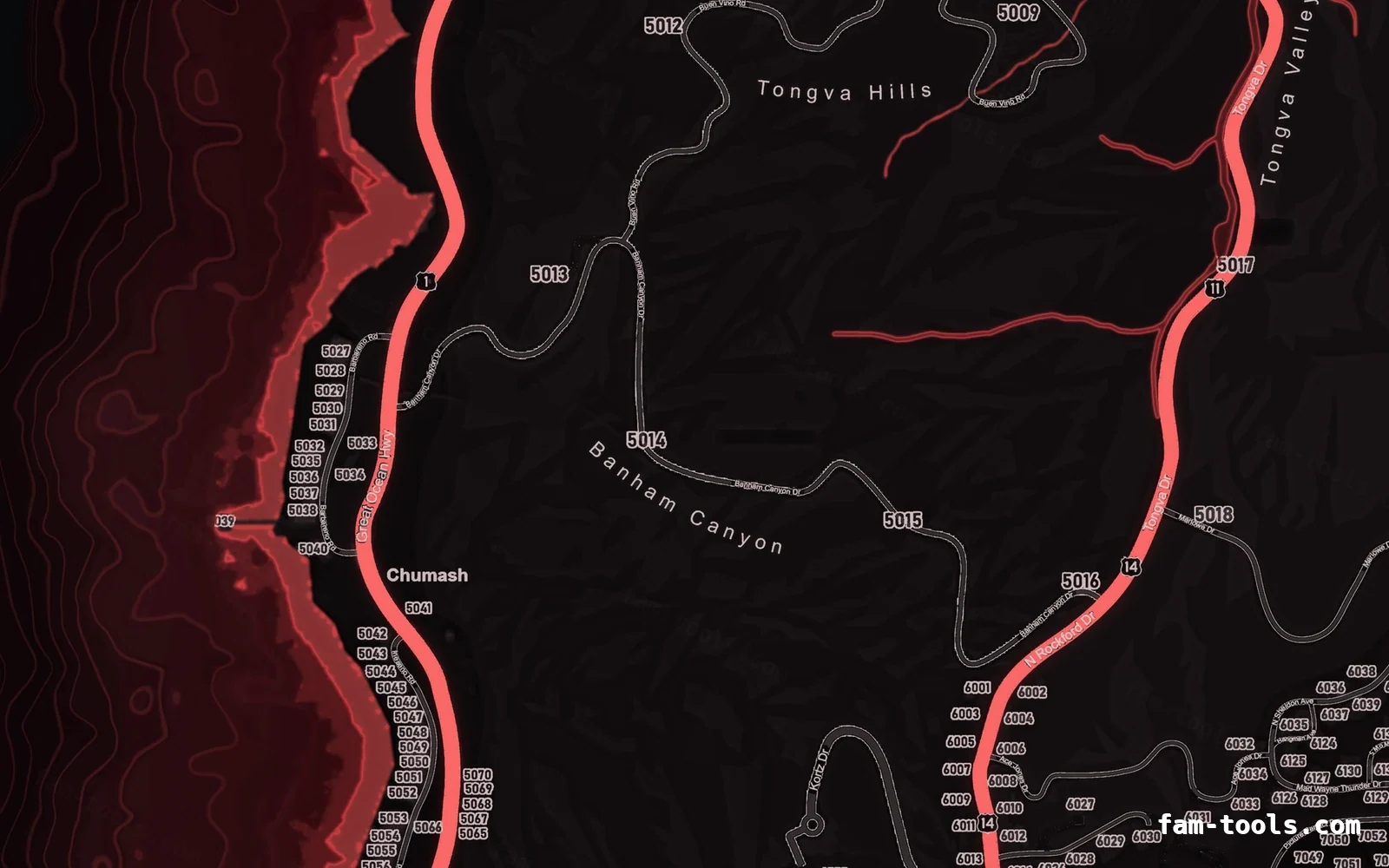
#The three axes
The GTA V map is one continuous world measured in metres from an origin near the middle of Los Santos. The map is taller than it is wide, which is why the minimap textures are arranged in a tall grid — see the minimap technical specification.
| Axis | Direction | Rough range on the playable map |
|---|---|---|
| X | West (−) to East (+) | about −3,700 to +4,300 |
| Y | South (−) to North (+) | about −4,000 to +8,000 |
| Z | Down (−) to Up (+) | sea level ≈ 0; Mount Chiliad peak ≈ 800 |
#Heading: which way something faces
Heading is a rotation around the vertical axis in degrees, from 0 to 360. GTA V measures it counter-clockwise from north, which surprises people used to compass bearings:
| Heading | Faces |
|---|---|
| 0 (or 360) | North |
| 90 | West |
| 180 | South |
| 270 | East |
That is why a car spawned with heading 90 points left on the map. Headings matter for vehicle spawns, ped placement and doors, and they are the fourth number in most config entries.
#vector3, vector4 and distance in Lua
CfxLua has built-in vector types. They are faster and easier to read than tables of numbers, and they support arithmetic.
local cityHall = vector3(-544.9, -204.5, 38.2)
local garage   = vector4(215.8, -810.1, 30.7, 157.0) -- x, y, z, heading

-- Access components
print(garage.x, garage.y, garage.z, garage.w)
print(garage.xyz) -- the position part as a vector3

-- Distance between two points
local pos = GetEntityCoords(PlayerPedId())
local dist = #(pos - cityHall)
if dist < 3.0 then
    print('near city hall')
end#Getting your current coordinates
The fastest way to collect positions for configs is a small command that prints and copies them.
RegisterCommand('coords', function()
    local ped = PlayerPedId()
    local c = GetEntityCoords(ped)
    local h = GetEntityHeading(ped)
    local line = ('vector4(%.2f, %.2f, %.2f, %.2f)'):format(c.x, c.y, c.z, h)
    print(line)                          -- shows in the F8 console
    TriggerEvent('chat:addMessage', { args = { 'coords', line } })
end, false)- Stand exactly where the marker or spawn should be, facing the right way.
- Type
/coordsand copy the line from the F8 console. - Paste it into the script’s config.
- For a vehicle, sit in it and read the vehicle’s coords instead:
GetEntityCoords(GetVehiclePedIsIn(ped, false)).
Admin menus such as vMenu and txAdmin’s in-game menu can also show coordinates, and txAdmin can teleport you to a waypoint or to typed coordinates.
#Finding the ground height
A Z value taken on a slope or from a map website is often slightly wrong, so things spawn in the ground or float. Ask the game for the ground height at an X/Y:
local function groundZ(x, y)
    for height = 1000.0, 0.0, -25.0 do
        RequestCollisionAtCoord(x, y, height)
        Wait(0)
        local found, z = GetGroundZFor_3dCoord(x, y, height, false)
        if found then return z end
    end
    return nil
end
Collision only exists where the world has streamed in, which is why the function requests collision at each height it tries. For spawns, add half a metre to the ground Z and let the ped settle.
#Approximate coordinates of well-known places
Handy for testing teleports and sanity-checking configs. These are rounded and approximate — capture exact positions in game for anything you place.
| Place | X | Y | Z |
|---|---|---|---|
| Legion Square | 195 | -935 | 30 |
| Los Santos International Airport | -1035 | -2735 | 14 |
| Pillbox Hill Medical Center | 300 | -585 | 43 |
| Mission Row Police Station | 430 | -980 | 30 |
| Vinewood sign | 710 | 1200 | 345 |
| Sandy Shores | 1850 | 3700 | 34 |
| Paleto Bay | -150 | 6400 | 31 |
| Mount Chiliad summit | 500 | 5595 | 795 |
Rounded values for orientation only.
Zone and district names such as “Vinewood” or “Sandy Shores” can be read from coordinates with GetNameOfZone — see GTA V zone names.
Pick a coordinate on the map
The same map the shop renders, with the world grid laid over it. Click a spot to read its X and Y, set a heading, and copy the line you need. The transform was measured against 6,954 street lights and traffic lights whose positions come out of the game itself, so it lands within about a metre and a half.
Nothing picked yet. Click a spot on the map and the X, Y and an estimated ground Z appear here, with the lines you paste into a script. Hold Ctrl and scroll to zoom.
Questions
How do I get my coordinates in FiveM?
GetEntityCoords(PlayerPedId()) in a client script, or make a /coords command that prints them to the F8 console. Many admin menus can show them too.What is the difference between vector3 and vector4?
vector3 is a position (x, y, z). vector4 adds a fourth value, usually the heading, so it describes where something is and which way it faces.Which way is heading 0 in GTA V?
Why does my NPC or car spawn under the ground?
GetGroundZFor_3dCoord plus a small offset.How do I measure the distance between two points?
#(pointA - pointB). It returns metres.Ready to pick a map?
Twelve themes on three base map styles, $8 each, instant download.
Relevant to what you just read
Look it up while you work
The reference tables this guide leans on, free and without an account.
- All 966 blip sprite idsThe number SetBlipSprite takes, with the texture name beside it. Searchable, and one click copies a value.
- All 921 vehicle spawn namesEvery vanilla model with a picture, its display name, its class and the hash CreateVehicle takes.
- The same tables as JSON and CSVFree downloads, CORS open, no account and no API key — ship the list inside your own resource instead of scraping a page.